Inefficient Manual Handling
Feedback was collected via paper forms and ad‑hoc messages, slowing down approvals and making tracking cumbersome.
01


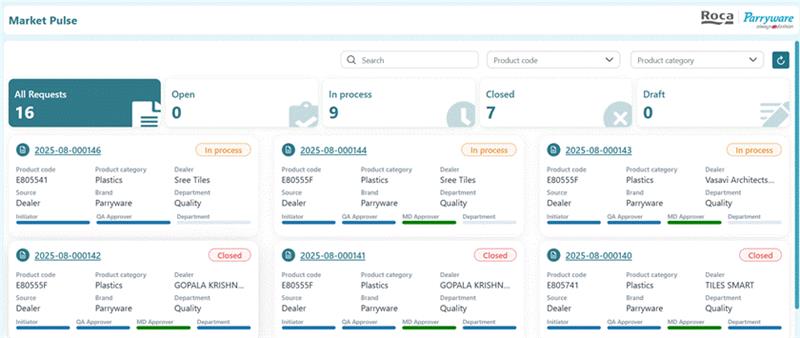
To overcome these challenges, the team built a Quality Apps System using SharePoint, SPFx and Power Automate. It provides a central place to capture and manage feedback from multiple channels while enforcing a structured, auditable process.<br>
<b>Digital Workflow Integration</b><br>
The manual request process was replaced by an automated flow that connects CRM data and SharePoint via Power Automate. Sales reps and field engineers can submit feedback through a digital form in the CRM; the data is pushed into the Quality App as a structured entry. Additional feedback from vendors or customer‑support calls can be entered manually through the same form. This integration eliminates paperwork and ensures submissions are complete and traceable.<br>
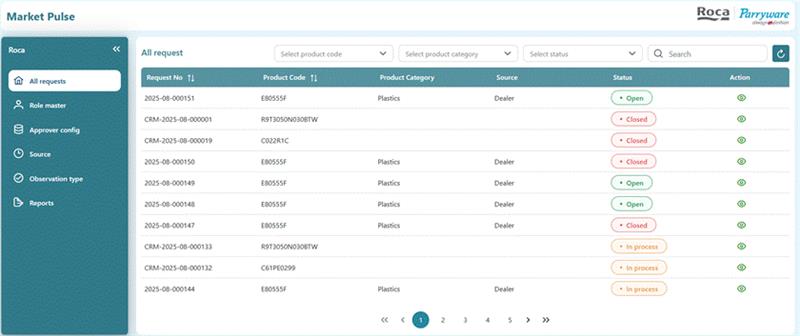
<b>Configurable feedback categories</b><br>
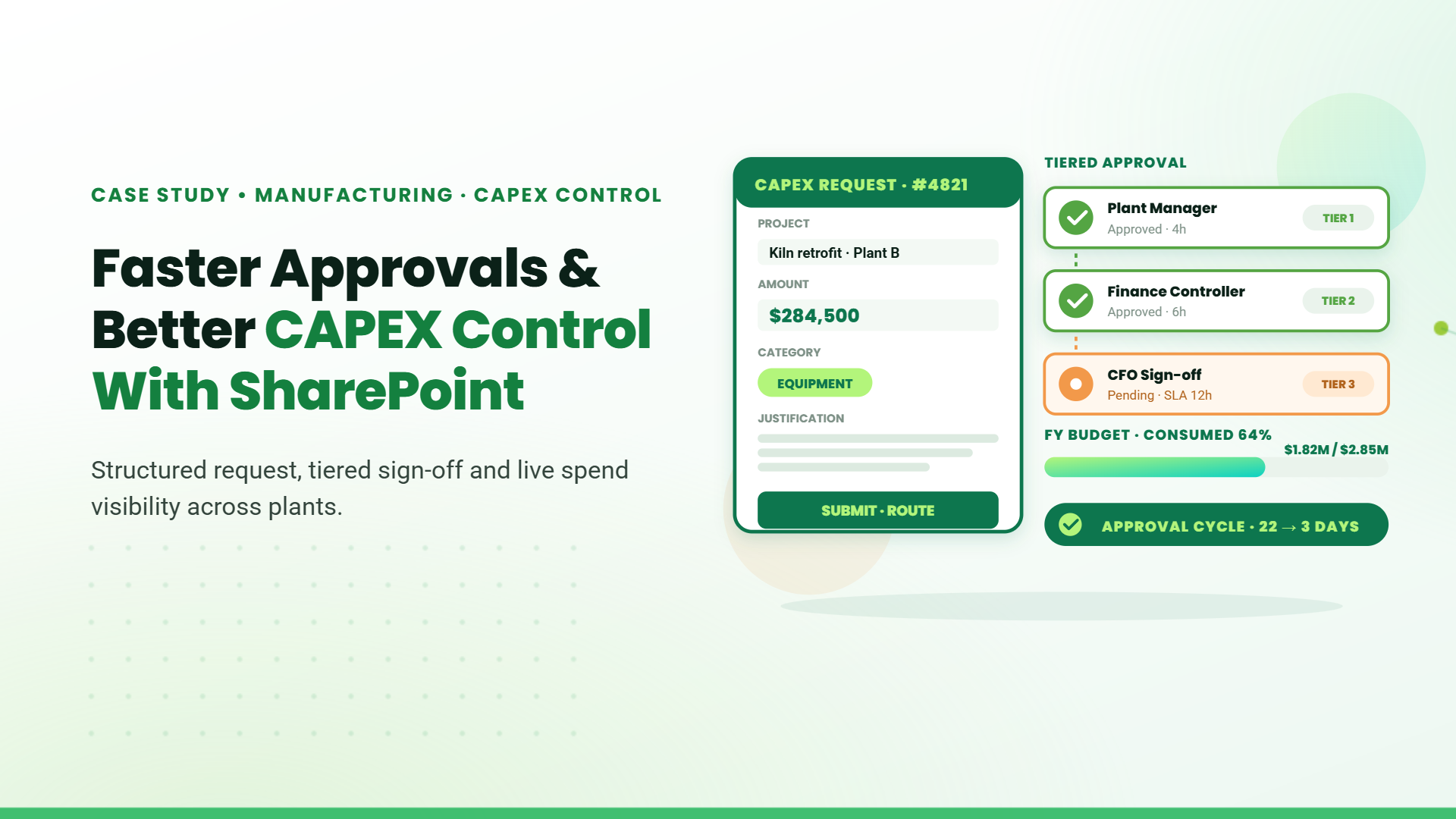
Initiators choose a category (design, material type, plastic/ceramic, durability, damage, etc.) and a source (vendor, customer support, field sales). Required fields, validation rules and attachments ensure consistent data entry. Role‑based access prevents users from skipping mandatory steps. <br>
<b>Streamlined multi‑tier approvals</b><br>
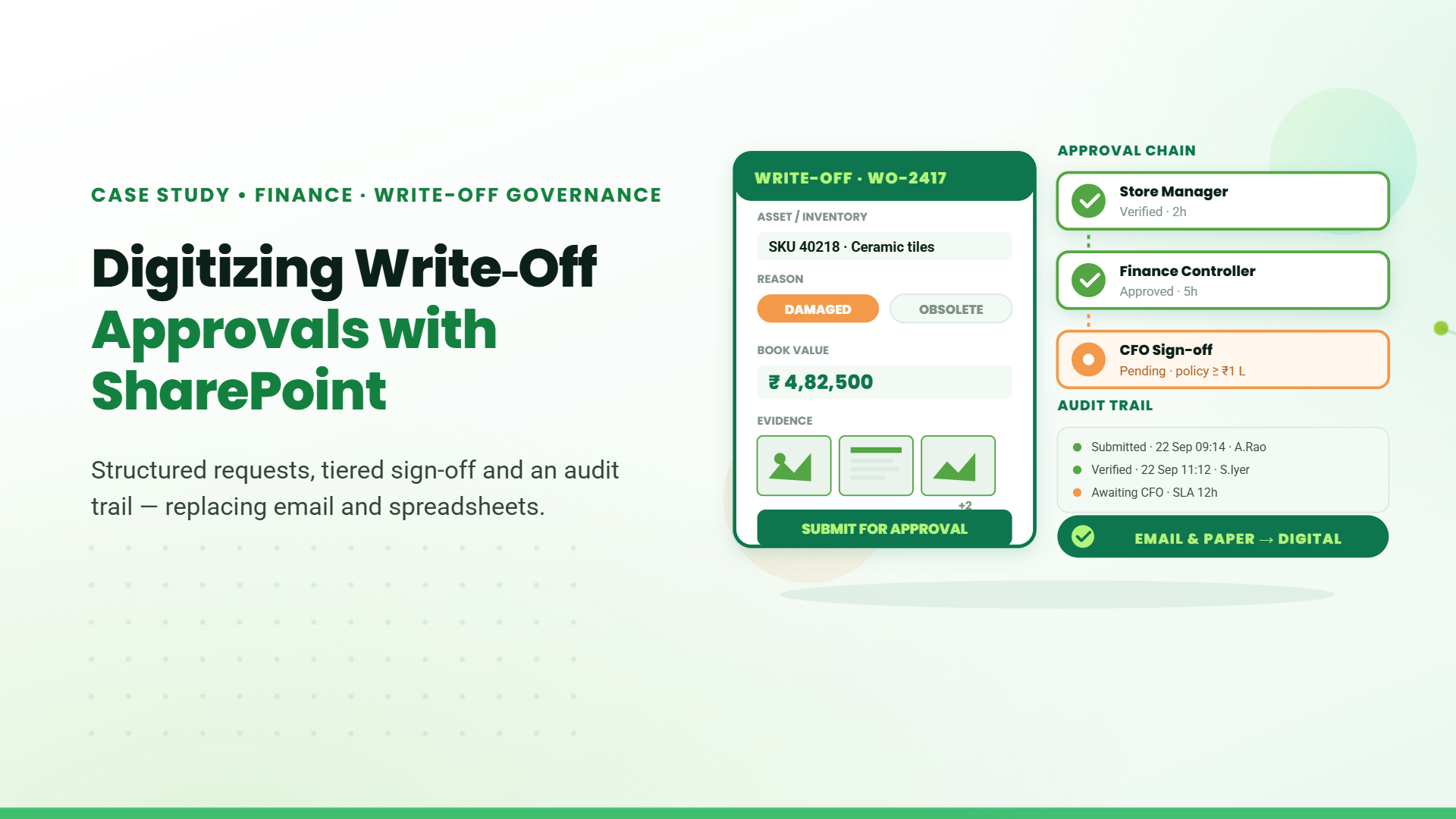
A role‑based workflow guides each request through the right approvers. Feedback goes first to the Quality Reviewer, who verifies details and assigns it to the appropriate team (design, material, production). If the issue requires investment, a Managing Director (MD) approval step is included. Automated emails and in‑app notifications keep stakeholders informed. <br>
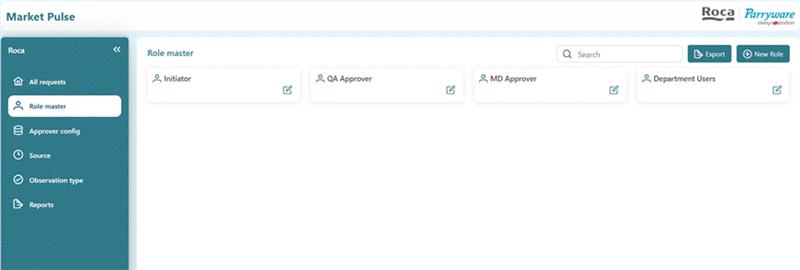
<b>Collaborative and auditable lifecycle</b><br>
Chat and comment features allow QA and department users to discuss issues and share files directly within the case. Every action - submission, approval, rework or closure - is timestamped and logged, ensuring transparency and traceability. QA staff can also initiate requests when they discover quality issues internally. <br>
<b>Rework and closure</b><br>
If additional work is needed, the Quality Reviewer can send the case back to the department with notes. Once the department completes the changes and re‑submits, QA verifies it and either closes the feedback or routes it for MD approval. This loop continues until the request is resolved. <br>
<br>
<b>Implementation highlights</b><br>
<b>Timeline:</b> ~2 months from requirements gathering to deployment.<br>
<b>Data volume: </b>~5 000 feedback records were processed in the first 5 months.<br>
<b>Technology stack:</b> SharePoint Online, SPFx components for custom forms and dashboards, Power Automate for workflow automation, and integration with the existing CRM.


Jaya Sankar - Head Digital Transformation and Information Technology
Roca