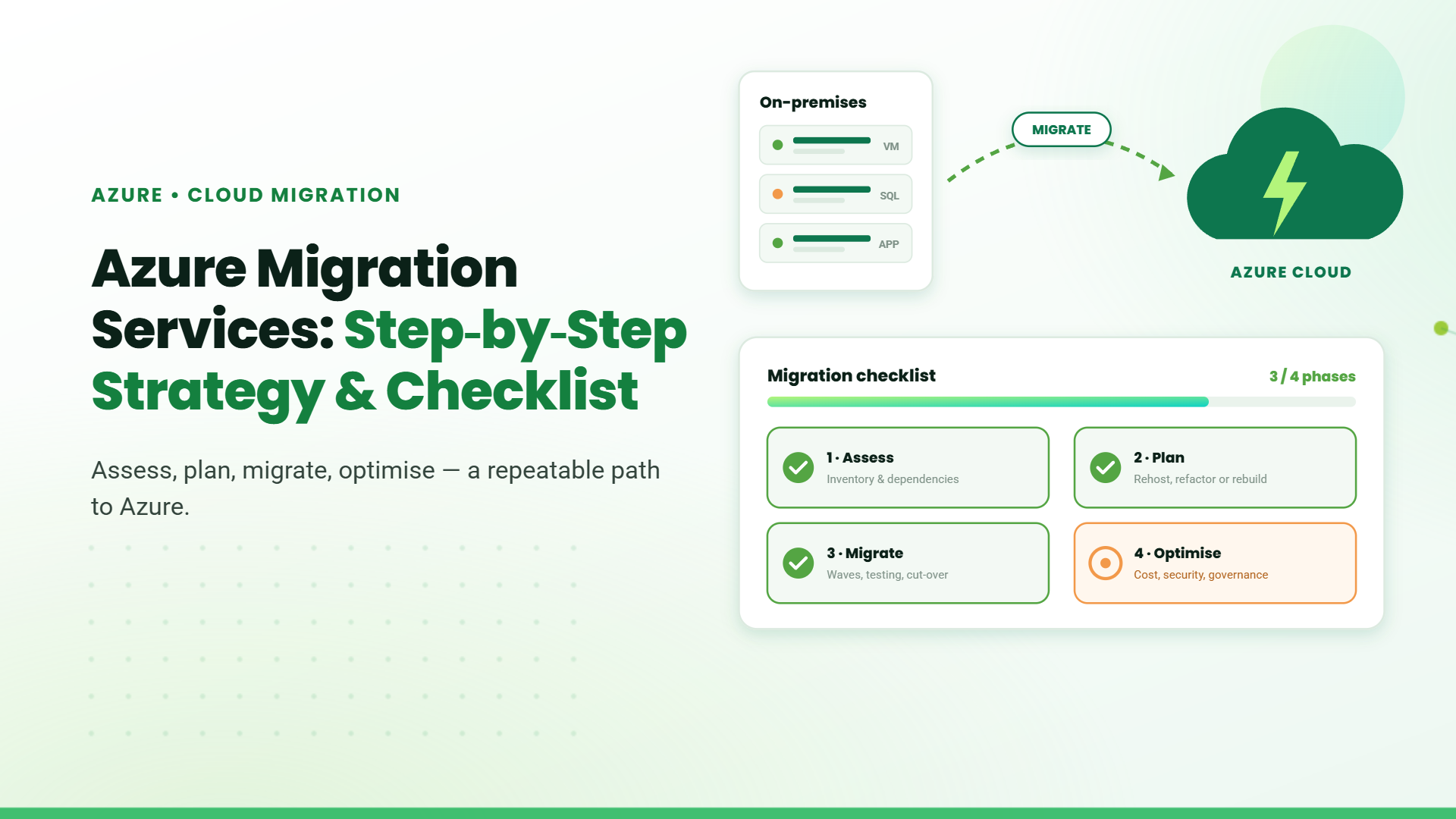
Moving to Microsoft Azure is one of the most consequential infrastructure decisions an enterprise can make. A structured approach to Azure Migration Services reduces uncertainty, keeps costs predictable, and ensures that every workload lands in the right place without disrupting operations.
This guide walks through the full migration process, from initial assessment to post-migration optimization, with a checklist enterprises can use to stay on track at every stage.
Why Move to Microsoft Azure?
Before planning the migration, it helps to understand what Azure can offer your business. The benefits of moving to Microsoft Azure include:
- Scalable infrastructure – Scale resources up or down based on business demand without investing in additional hardware.
- Lower infrastructure costs – Reduce reliance on aging on-premises infrastructure and avoid expensive hardware refreshes.
- Access to AI and automation – Use Azure’s AI, automation, and analytics capabilities without building everything in-house.
- Faster modernization – Modernize infrastructure more efficiently, especially when data center contracts are expiring.
- Stronger security and compliance – Access built-in security and compliance capabilities to better protect business data.
- Faster development – Give teams access to cloud services that can accelerate application development and deployment.
Common Challenges in Azure Cloud Migration
Understanding the risks upfront helps organizations plan their migration more effectively. The most common challenges enterprises face include:
- Limited visibility – Gaps in workload information can lead to unexpected issues
- Unpredictable costs – Incorrect resource estimates can push budgets over the limit
- Skill gaps – Limited cloud expertise can slow down migration
- Security risks – Poor access management can create compliance concerns
- Operational disruption – Inadequate testing can affect business continuity
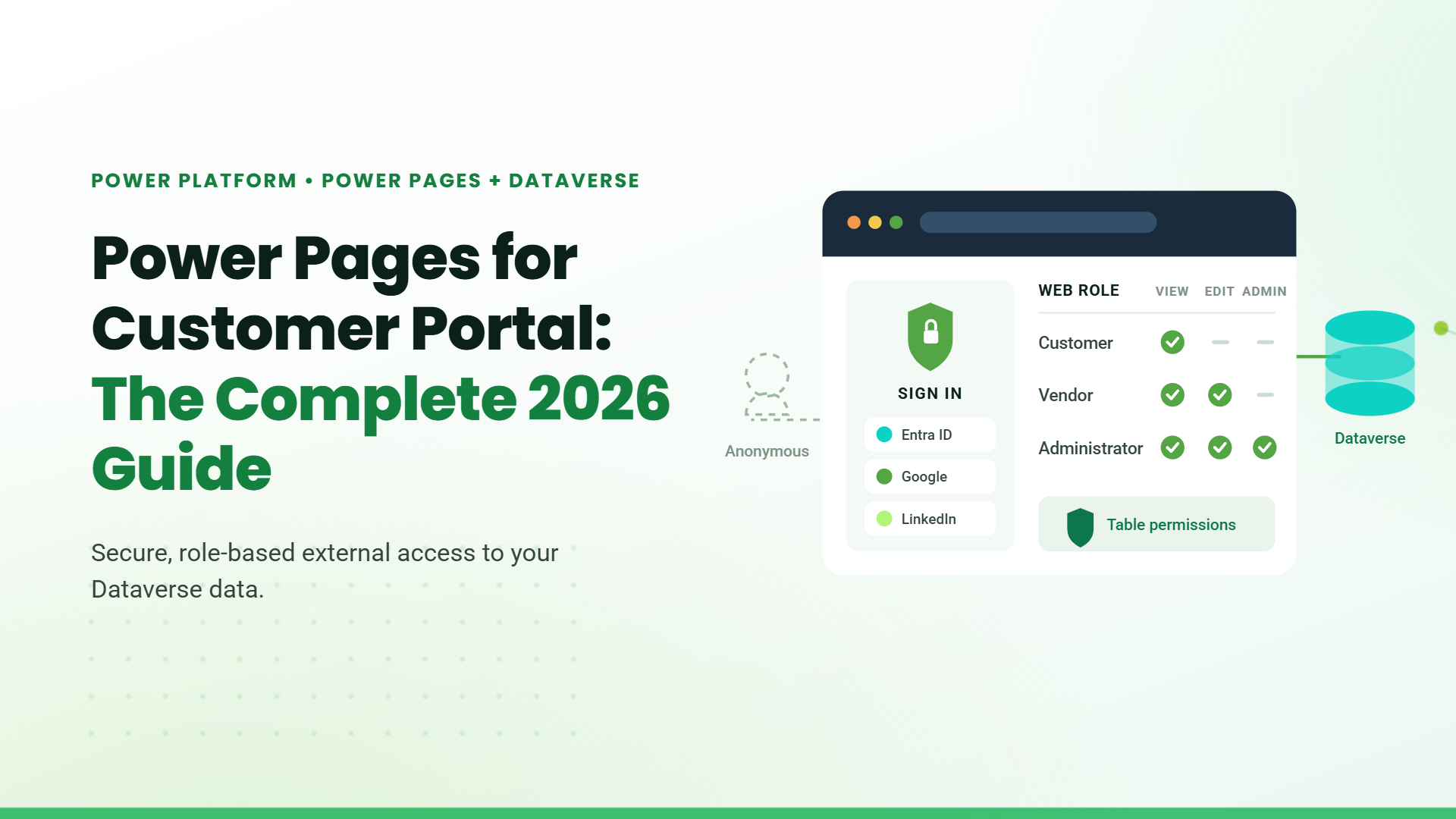
- Vendors can access only their own documents
- Customers can track their service requests
- Administrators can manage the entire portal
Azure Migration Strategy: Choosing Your Approach
Not every workload needs the same migration approach. The right option depends on the application, business requirements, and level of change needed.
| Migration Approach | What It Means & When to Use It | Complexity |
|---|---|---|
| Rehost (Lift and Shift) | Move applications to Azure with minimal changes. Best when the application is already suitable for the cloud. | Low |
| Refactor | Make small improvements while moving the existing application to Azure. Best when you want better performance without major changes. | Medium |
| Rearchitect | Make larger changes to how an application works to improve scalability, reliability, or performance. | High |
| Rebuild | Build the application again using modern Azure capabilities. Best when the existing application no longer meets business needs. | Very High |
| Replace | Replace an existing application with a ready-made cloud solution when a suitable option is available. | Low to Medium |
| Retire | Remove applications that are no longer needed or provide little business value. | None |
| Retain | Keep applications where they are when business, technical, or compliance requirements make migration unsuitable. | None |
Choosing the right migration approach helps organizations control costs, reduce disruption, and create a cloud environment that supports long-term business needs.
Step-by-Step Azure Migration Checklist
Key Takeaways
- Assess your current environment to understand workload readiness and migration requirements.
- Map application and system dependencies before deciding the migration sequence.
- Select Azure migration tools based on the workloads and requirements involved.
- Migrate in planned phases to reduce disruption and address issues early.
- Test migrated workloads for performance, security, access, and data integrity.
- Continuously monitor and optimize costs, resources, security, and performance.
Step 1: Assess and Discover Your Current Environment
Start by creating a complete overview of your applications, databases, servers, and other infrastructure. Azure Migrate can help assess your environment and identify which workloads are ready to move, need changes, or require further review.
Review current performance, resource usage, security requirements, and compliance needs. This gives you a clear starting point for planning the migration and estimating the resources required in Azure.
Step 2: Map Dependencies and Sequence Workloads
Identify how your applications, databases, and systems depend on each other before deciding what to migrate first. This helps determine the right order for moving workloads and reduces the risk of disruption.
Start with less critical environments such as development and testing. Once these migrations are stable, move toward business-critical workloads in planned migration waves.
Step 3: Select the Right Azure Migration Tools
Azure provides tools to support different stages of the migration process:
| Tool | Purpose |
|---|---|
| Azure Migrate | Assess workloads and plan the migration |
| Azure Site Recovery | Support workload migration and business continuity |
| Azure Database Migration Service | Move databases to Azure |
| Azure Cost Management | Monitor and manage cloud spending |
| Azure Monitor | Track performance and identify issues |
| Microsoft Defender for Cloud | Monitor security and compliance |
Using the right tools helps reduce manual work, improve visibility, and keep the migration organized.
Step 4: Execute the Migration in Phases
Begin with less critical workloads to validate the migration process and identify issues early. Once these are stable, move business-critical workloads according to the planned migration schedule.
A phased approach helps reduce disruption and gives teams an opportunity to address issues before moving additional workloads.
Step 5: Test and Validate Post-Migration
After migration, test each workload to confirm that applications are functioning properly, performance meets expectations, and security requirements are maintained.
Validate access, data integrity, application performance, and user experience before considering the migration complete.
Step 6: Optimize and Govern Continuously
Migration does not end when workloads move to Azure. Review resource usage, cloud spending, security, and performance regularly to identify areas for improvement.
Continue optimizing the environment as business needs change, ensuring Azure resources remain efficient, secure, and aligned with organizational growth.
Who Should Choose Azure Migration?
Azure migration can be a good fit for organizations that:
- Have aging on-premises infrastructure or expiring data center contracts
- Need to scale resources quickly without investing in additional hardware
- Operate across multiple regions and need consistent compliance controls
- Want access to AI, automation, and analytics capabilities without building them in-house
- Need stronger data security and compliance for regulated operations
If several of these apply, the case for Azure is strong. If only one or two apply, a cloud migration risk assessment with a Microsoft partner will clarify whether the timing and scope are right.
Choosing the Right Cloud Migration Partner
The partner you work with on your Azure Migration Services shapes the outcome as much as the tools you use. Look for a partner who:
- Track record – Azure migrations delivered at scale in your industry
- Compliance – Sector-specific regulatory requirements understood
- Execution – Technical delivery plus change management covered
- Post-migration – Managed services so optimization continues after go-live
- Approach – Proven Azure tools and processes used throughout the migration
- Transparency – Clear cost estimates and timelines upfront
Table of Contents
Talk to our Microsoft Expert Consultant
Conclusion
A successful Azure migration starts with a clear strategy aligned to business goals, a realistic assessment of current workloads, and a phased execution plan that keeps operations running throughout. The checklist above gives enterprises a structured path from discovery to post-migration optimization. The biggest risk is not moving to Azure; it is moving without a plan.
Share this article

About the Author
Chandru is a technology professional experienced in business automation, Microsoft solutions, and digital transformation. Through practical insights, [he/she/they] helps businesses understand emerging technologies and achieve meaningful outcomes.
Frequently Asked Questions
Azure Migration Services help organizations plan and move applications, data, and infrastructure to Azure. They cover migration planning, workload assessment, execution, testing, and support after the migration.
Best practices include assessing your current environment, planning the migration carefully, testing before moving critical workloads, prioritizing security, migrating in phases, and monitoring costs and performance after migration.
Azure migration makes sense if you want to scale operations, improve resilience, reduce IT operational costs, and access advanced cloud capabilities. Azure supports a wide range of workloads, meets global compliance standards, and offers flexible migration paths for different stages of growth.
Best practices include starting with a full workload assessment, mapping dependencies before sequencing migrations, testing in non-production environments first, prioritizing security and compliance from day one, migrating in stages to reduce risk, and continuously monitoring performance and costs after migration.
The most effective way is hands-on training supported by structured learning. Microsoft Learn provides free paths covering planning, assessment, and execution. Working with an experienced Microsoft Partner like TechnoRUCS also gives teams practical guidance grounded in real-world migration experience.
AI-driven cloud optimization helps identify performance issues, unnecessary spending, and resource inefficiencies. It enables teams to make timely improvements and keep their Azure environment efficient as business needs change.
For growing companies, Azure migration provides a scalable, cost-efficient path away from on-premises infrastructure. It enables businesses to expand into new markets, access AI and automation tools, and manage resources more effectively without the capital expenditure of refreshing hardware.
The timeline depends on the number of workloads, application complexity, and migration strategy. Smaller migrations may be completed within a few weeks, while large enterprise migrations typically take several months and are often executed in phases to reduce operational risk.
Azure migration costs vary based on infrastructure size, workload complexity, migration approach, licensing, and post-migration optimization requirements. Conducting an Azure assessment before migration helps estimate costs more accurately and identify opportunities to optimize cloud spending.
While organizations can migrate independently, working with an experienced Microsoft Partner helps reduce migration risks, improve planning, address security and compliance requirements, and optimize Azure resources after deployment.