System Modules and Platform Structure
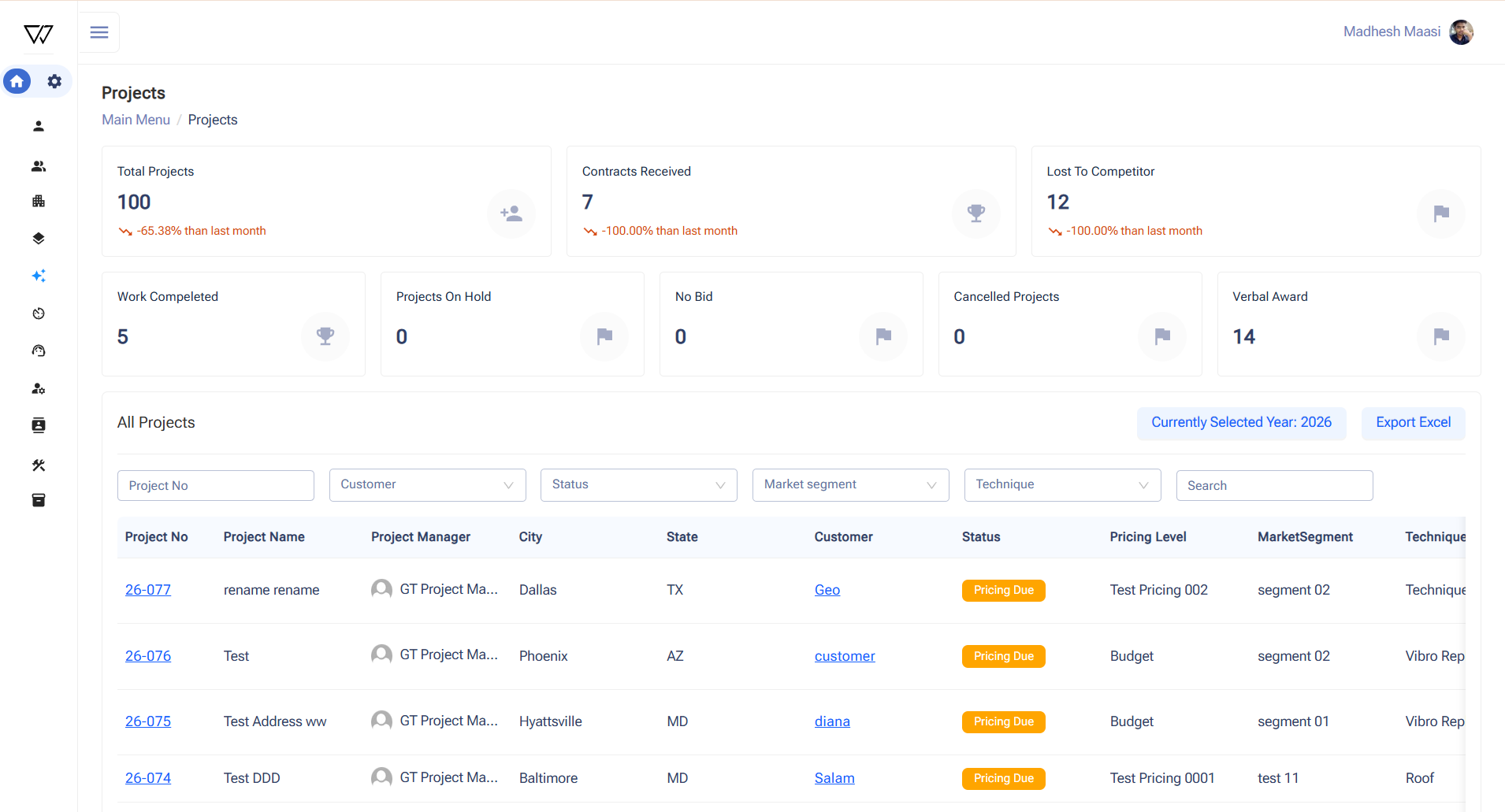
The application was designed as a centralized platform with integrated modules to manage business operations. Key modules include Settings, My Profile, Opportunities, Projects, Timesheets, Customers, Vendors, Contacts, Equipment, and Inventory. The Settings module manages configurations related to organization, projects, operations, and equipment. The My Profile module supports user management and secure access control. Opportunities act as the starting point of workflows and can be converted into projects. Supporting modules manage workforce tracking, stakeholders, operational assets, and inventory resources.
Operational and Workflow Automation
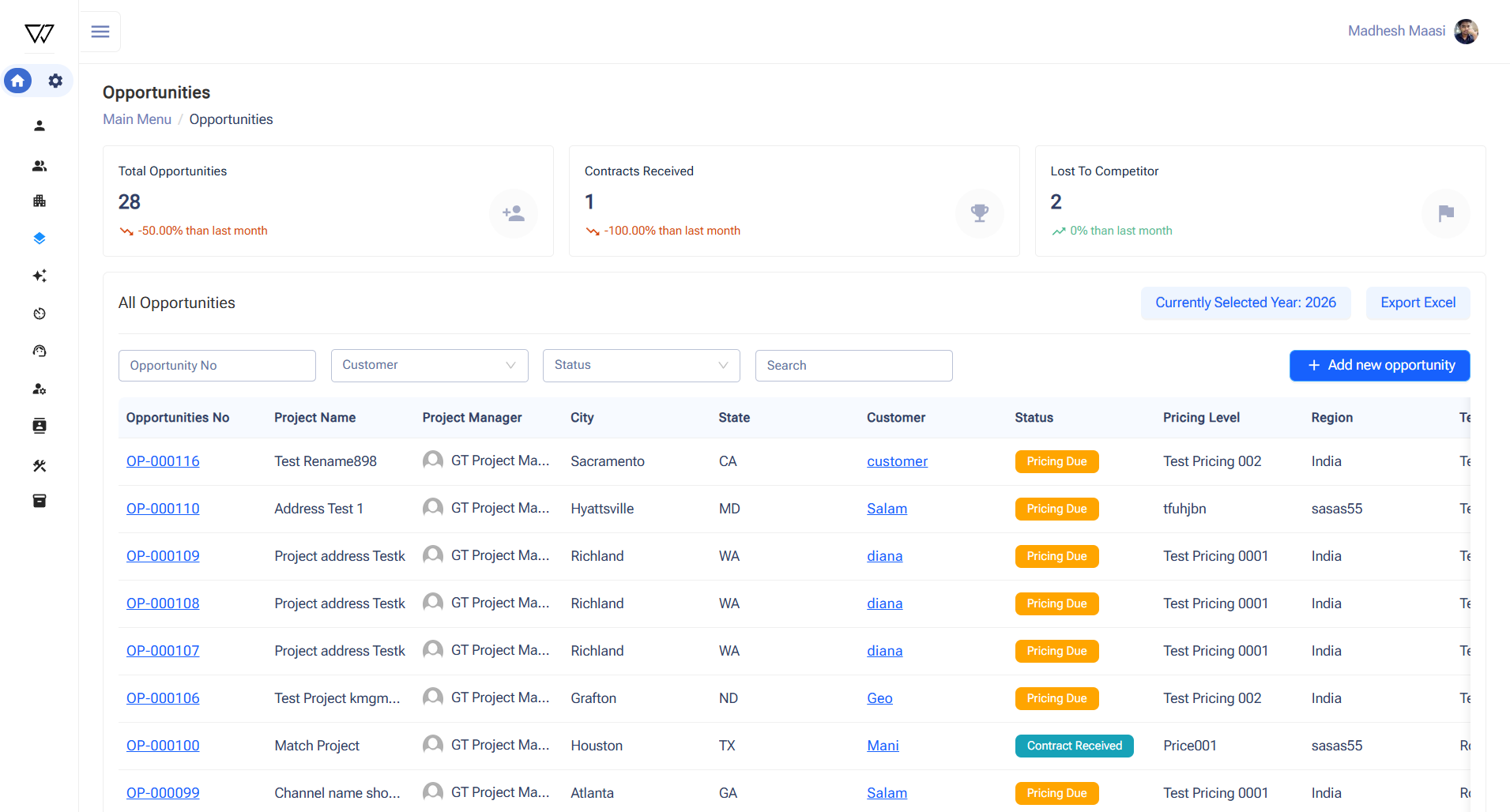
The Opportunity module captures potential business opportunities with dashboards showing total opportunities, contracts won, and lost to competitors, with Excel export capability. When an opportunity is created, Power Automate automatically generates a Microsoft Teams channel and document folders. Opportunities can be converted into projects within the Projects module, where dashboards and detailed records are maintained. Project pages include Production Shifts, Documents, Safety, Literature, and Project details. Production shift records can be exported as Excel or PDF reports. This ensures structured project lifecycle management.
Workforce and Stakeholder Management
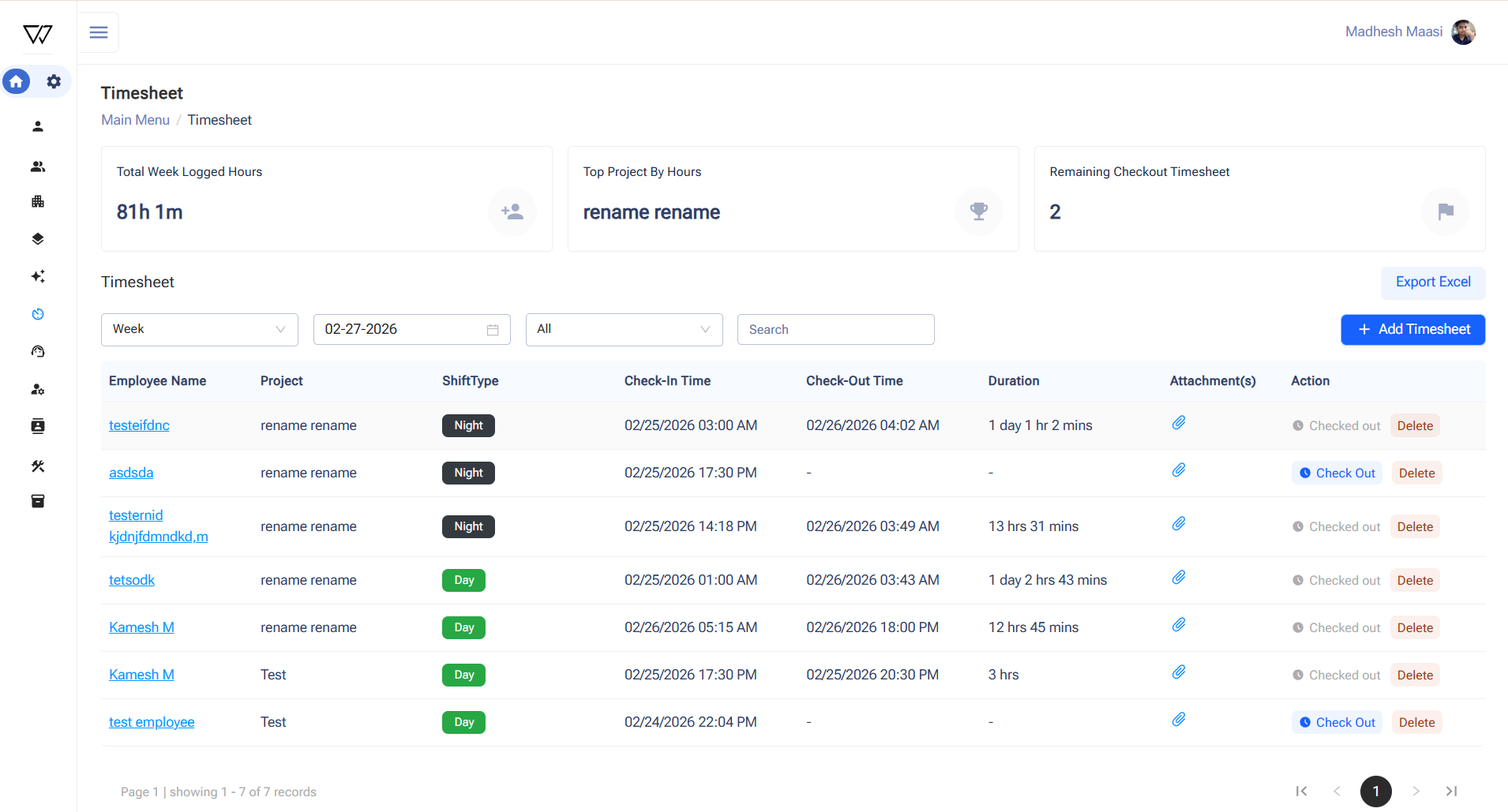
The Timesheet module digitizes workforce attendance by mapping timesheets to projects. Users perform check-in and check-out with verification questions and optional image uploads, while the system calculates working hours automatically. The Customer and Vendor modules store contact details, location information, and related documentation. Automated workflows create document folders and records in Microsoft Teams when new customers or vendors are added. The Contacts module centralizes customer and vendor contacts with dashboard visibility. These modules improve stakeholder management and operational coordination.
Equipment and Inventory Management
The Equipment module manages both owned and rented equipment assets with detailed records, images, and supporting documents. Equipment utilization is tracked through equipment logs linked to production shift check-in and check-out data. Dashboards provide visibility into equipment records and availability. The Inventory module manages materials by capturing item names and units of measurement. This replaces manual tracking previously maintained in spreadsheets. It improves visibility into equipment utilization and material resources across projects.