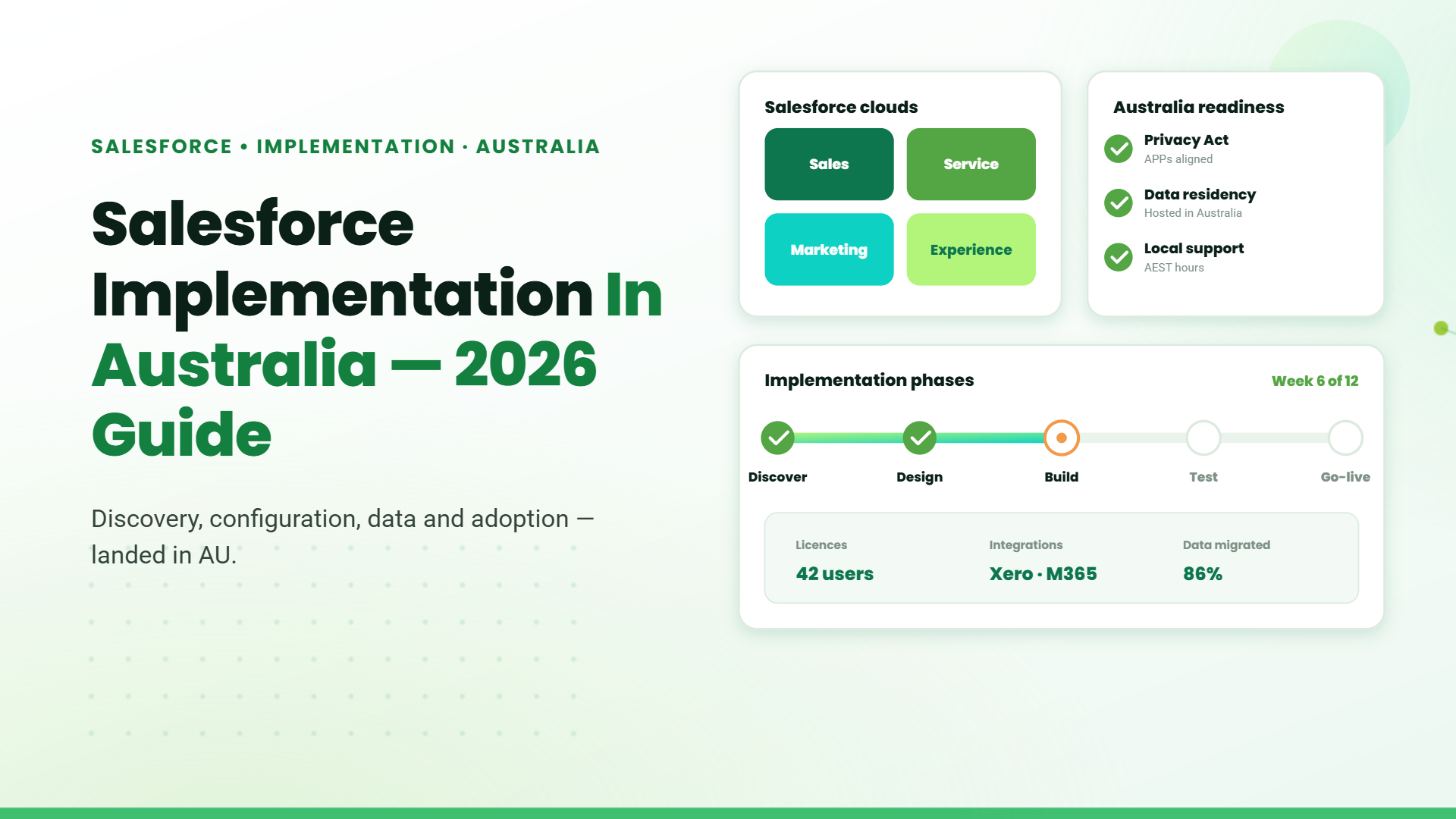
Salesforce is widely used by Australian businesses to manage customer relationships, sales, service, and business operations. Implementing it effectively requires more than deploying a CRM. Businesses need to align the platform with their processes, data, systems, and teams.
A successful implementation can improve customer visibility, streamline operations, and give teams a scalable platform for growth.
For businesses planning a Salesforce implementation in Australia, this guide covers the implementation process, costs, timelines, common challenges, and key considerations before starting the project.
Why Businesses Are Investing in Salesforce in 2026
As customer expectations continue to evolve, businesses need more than a contact database. They need a platform that connects sales, marketing, customer service, and business operations in one place.
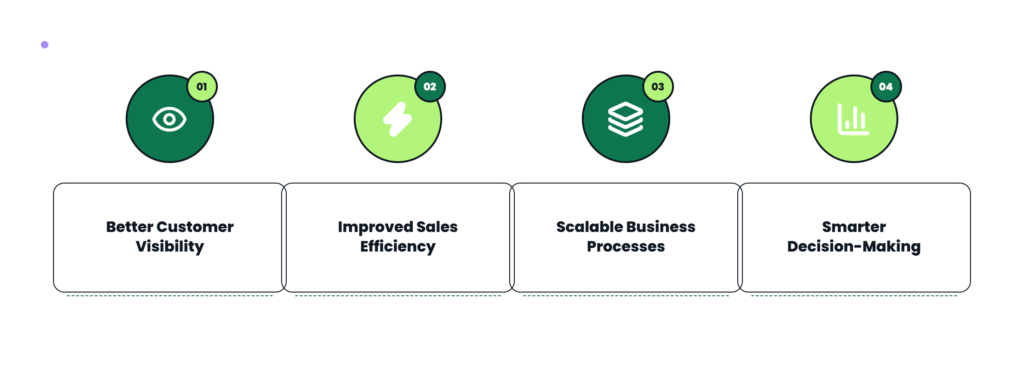
Some of the key reasons businesses choose Salesforce include:
What Does a Salesforce Implementation Include?
Every Salesforce implementation(https://wp.technorucs.com/salesforce-implementation-services/) differs depending on business requirements, but most projects include several core phases.
Discovery and Business Analysis
The implementation begins with understanding existing business processes, identifying pain points, and defining project objectives. This stage ensures Salesforce is configured to support the way your business operates rather than forcing users to adapt to generic processes.
Salesforce Configuration and Customization
Standard Salesforce features are configured to match your sales processes, customer lifecycle, user roles, and reporting requirements. Where required, custom objects, automation, validation rules, workflows, and dashboards can be added to support specific business processes.
CRM Migration to Salesforce
Customer records, leads, opportunities, contacts, accounts, and historical activities are migrated from existing CRM platforms or spreadsheets into Salesforce. Before migration begins, data is reviewed and cleaned to remove duplicates, outdated records, and incomplete information.
Integrations
Many organizations connect Salesforce with ERP systems, marketing platforms, accounting software, customer support tools, and productivity applications. These integrations allow information to flow between Salesforce and other business systems.
User Training and Go-Live
Once configuration, migration, and testing are complete, users receive training before the system goes live. Early user adoption plays an important role in helping teams adapt to the new system and use Salesforce effectively.
Business Requirements
Organizations with straightforward sales processes typically require less configuration than businesses with multiple departments, approval workflows, or complex customer journeys.
Data Migration
The quality and volume of existing CRM data can significantly affect implementation timelines. Cleaning and validating data before migration often reduces issues after go-live.
Customization Requirements
Standard Salesforce configuration can be completed relatively quickly, while custom development, automation, and integrations extend the implementation schedule.
System Integrations
Connecting Salesforce with ERP systems, accounting platforms, marketing software, or other business applications requires additional planning and testing.
In general, a basic implementation can be completed within a few weeks, while larger enterprise deployments may take several months depending on project scope.
Common Salesforce Implementation Challenges
Every CRM implementation comes with its own challenges. Planning for them early helps reduce project risks and improves user adoption.
Unclear Business Requirements
Implementing Salesforce without clearly defined objectives can lead to unnecessary customizations and inefficient workflows. Taking time to document business processes before implementation creates a stronger foundation.
Poor Data Quality
Migrating duplicate, incomplete, or outdated customer records can affect reporting accuracy and user confidence. Cleaning data before migration helps improve the quality of your CRM from day one.
Low User Adoption
Even a well-configured CRM delivers limited value if employees don’t use it consistently. User training, communication, and ongoing support encourage successful adoption.
Over-Customization
While Salesforce offers extensive customization capabilities, excessive customization can increase implementation complexity and make future upgrades more difficult. Wherever possible, businesses should leverage standard functionality before introducing custom development.
Integration Complexity
Connecting Salesforce with existing business systems often requires additional planning and testing to ensure data flows accurately across applications.
Choosing the Right Salesforce Deployment Approach
Not every implementation follows the same strategy. The right approach depends on business objectives, existing systems, and the level of customization required.
| Implementation Approach | Best For | Considerations |
|---|---|---|
| Standard Implementation | Businesses with straightforward CRM requirements | Faster deployment using standard Salesforce capabilities |
| Phased Implementation | Growing businesses introducing Salesforce across departments | Lower adoption risk through gradual rollout |
| Customized Implementation | Businesses with complex workflows and integrations | Longer implementation but greater alignment with business processes |
Choosing the appropriate implementation approach early helps establish realistic timelines, budgets, and project expectations.
How to Choose a Certified Salesforce Implementation Partner
A successful Salesforce implementation depends as much on planning as it does on the technology being used. Working with a certified Salesforce implementation partner can help identify potential risks, recommend the right implementation strategy, and minimize challenges throughout the project.
When evaluating a Salesforce implementation partner, consider the following:
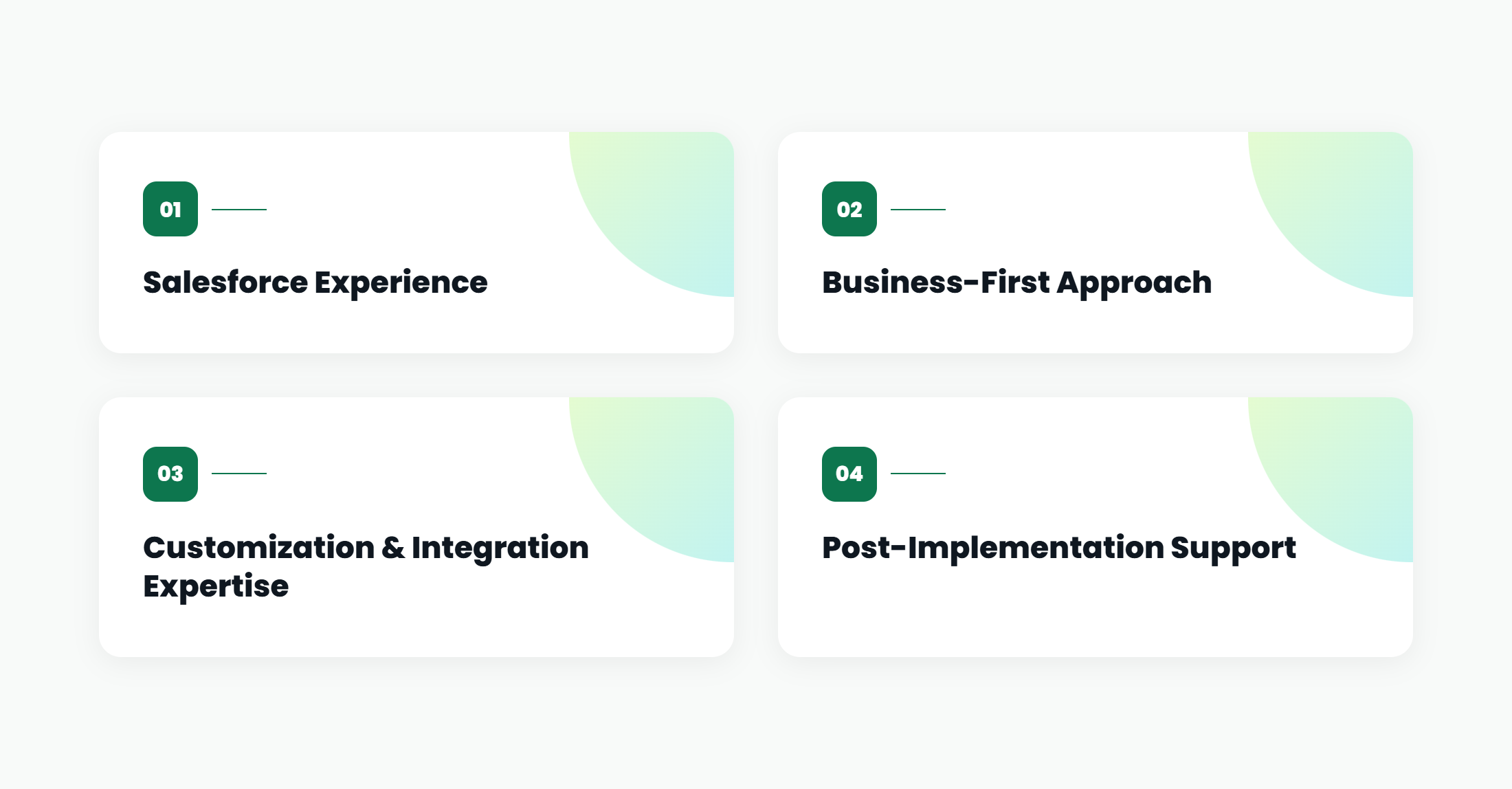
Salesforce Experience
Look for a partner with experience implementing Salesforce for businesses(https://wp.technorucs.com/salesforce-consulting-services-new/) similar to yours. Industry knowledge and familiarity with your business processes can help reduce implementation time and improve outcomes.
Business-First Approach
A successful implementation focuses on improving business processes, not just configuring software. Your partner should take the time to understand your workflows before recommending a solution.
Customization and Integration Expertise
If your business requires custom workflows or integrations with ERP, accounting, marketing, or customer service platforms, ensure your implementation partner has experience delivering similar projects.
Post-Implementation Support
Implementation is only the beginning. Ongoing support helps optimize the platform, resolve user issues, and introduce new capabilities as your business evolves.
Table of Contents
- 1. Introduction
- 2. Why Businesses Are Investing in Salesforce in 2026
- 3. What Does a Salesforce Implementation Include?
- 4. Common Salesforce Implementation Challenges
- 5. Choosing the Right Salesforce Deployment Approach
- 6. How to Choose a Certified Salesforce Implementation Partner
- 7. Conclusion
- 8. FAQs
Talk to our Microsoft Expert Consultant
Conclusion
A successful Salesforce implementation starts with understanding your business processes and aligning the platform with your operational goals. Careful planning, quality data migration, user adoption, and the right implementation strategy all contribute to long-term success.
For businesses considering Salesforce implementation in Australia, choosing the right approach and implementation partner can make the transition smoother and help maximize the value of Salesforce over time.
Share this article

About the Author
Hi, I’m Mohan, and I lead Salesforce and SAP at TechnoRUCS. I love helping teams connect their systems so their everyday work feels simpler, faster, and a lot less frustrating.
Frequently Asked Questions
Salesforce CRM setup for business involves configuring users, sales processes, customer records, workflows, dashboards, and permissions to align Salesforce with the organization’s operational needs.
CRM migration to Salesforce involves moving customer records, leads, contacts, opportunities, and other business data into Salesforce while cleaning and validating the data before migration.
A Salesforce implementation for small business typically focuses on essential CRM needs such as lead management, customer tracking, sales workflows, and reporting, with the flexibility to add more capabilities as the business grows.
The Salesforce onboarding process typically includes business analysis, CRM configuration, data migration, user setup, testing, training, and go-live support to ensure a successful implementation.
Yes. Salesforce integrates with ERP systems, accounting software, marketing platforms, customer service applications, and many third-party business tools.
Accurate data migration ensures customer records, opportunities, contacts, and historical information are available within Salesforce, helping teams work with reliable business data from the start.
Salesforce should be customized only where it supports genuine business requirements. Using standard functionality wherever possible helps simplify maintenance and future platform updates.