If you have ever wished you could fix a broken workflow or launch a simple app without waiting for the IT team to do it, low code development is likely what you are
Every organization eventually reaches a point where its existing infrastructure can no longer keep up with growing data volumes, rising maintenance costs, and increasing demands for speed and flexibility. Cloud platforms such as AWS, Microsoft Azure, and Google Cloud provide scalable infrastructure, but migration is not as simple as flipping a switch.
Each workload behaves differently, and every organization operates under unique constraints. Understanding the different types of cloud migration is the first step toward a successful transition.
Types of Cloud Migration
Data Center Migration
Application Migration
Database Migration
Successful migration requires validating schema compatibility, preserving data integrity, and optimizing query performance, particularly in heterogeneous scenarios such as Oracle to PostgreSQL. Careful planning is essential to minimize downtime during cutover, and automated replication tools are commonly used to streamline data transfer and synchronization across environments.
Cloud-to-Cloud Migration
Hybrid Cloud Migration
Hybrid cloud migration creates an architecture where certain workloads remain on-premises while others operate in public or private cloud environments. It is common in regulated industries where data residency, latency, or legacy system constraints prevent full cloud adoption. This model allows gradual modernization while maintaining control over critical systems.
Multi-Cloud Migration
Cloud Repatriation
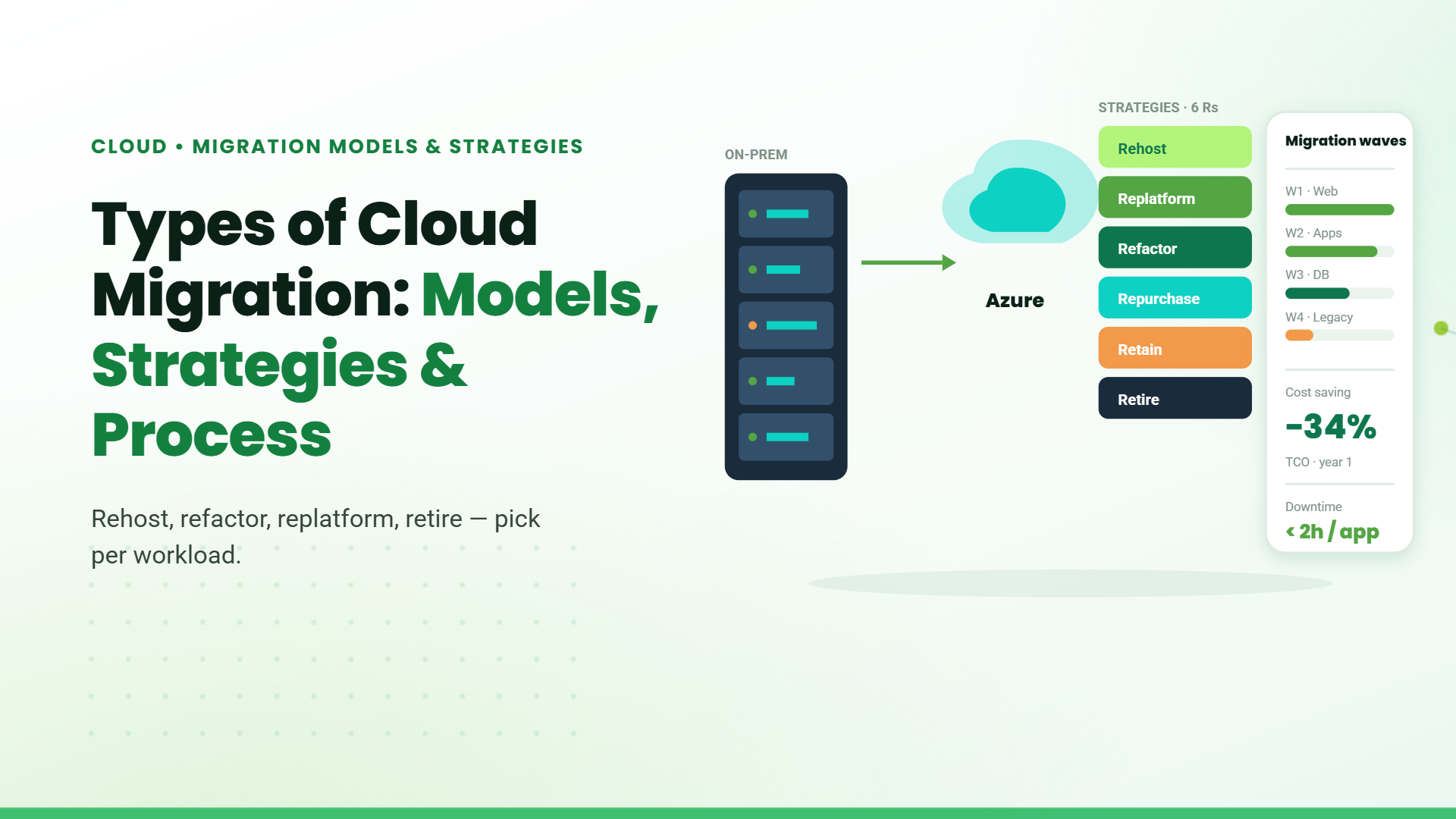
Cloud Migration Strategies: The 7Rs
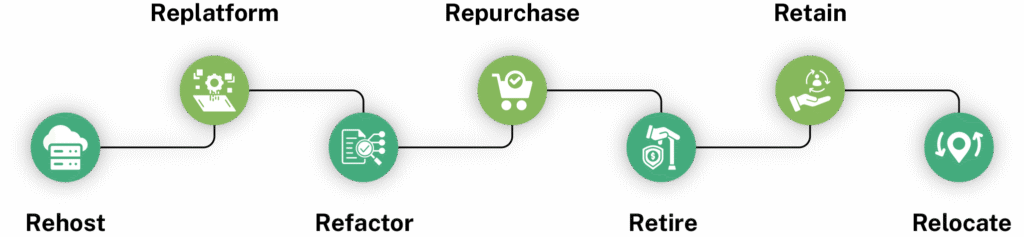
- Rehost: Migration of applications to the cloud without architectural changes, primarily for speed and minimal disruption.
- Replatform: Cloud replatforming: adds limited optimizations, such as shifting to managed database services, without altering the core architecture.
- efactor: Cloud refactoring: redesigns applications to leverage cloud-native capabilities like microservices, containers, or serverless execution.
- Retire: Decommissions underutilized systems identified during portfolio assessment. Retain: Keeps certain workloads in their existing environment due to compliance, cost, or strategic considerations.
- Relocate: Transfers virtualized environments to cloud infrastructure without modifying the operating system or application layer.
Migration to Major Cloud Platforms
Migrating to AWS
Migrating to Microsoft Azure
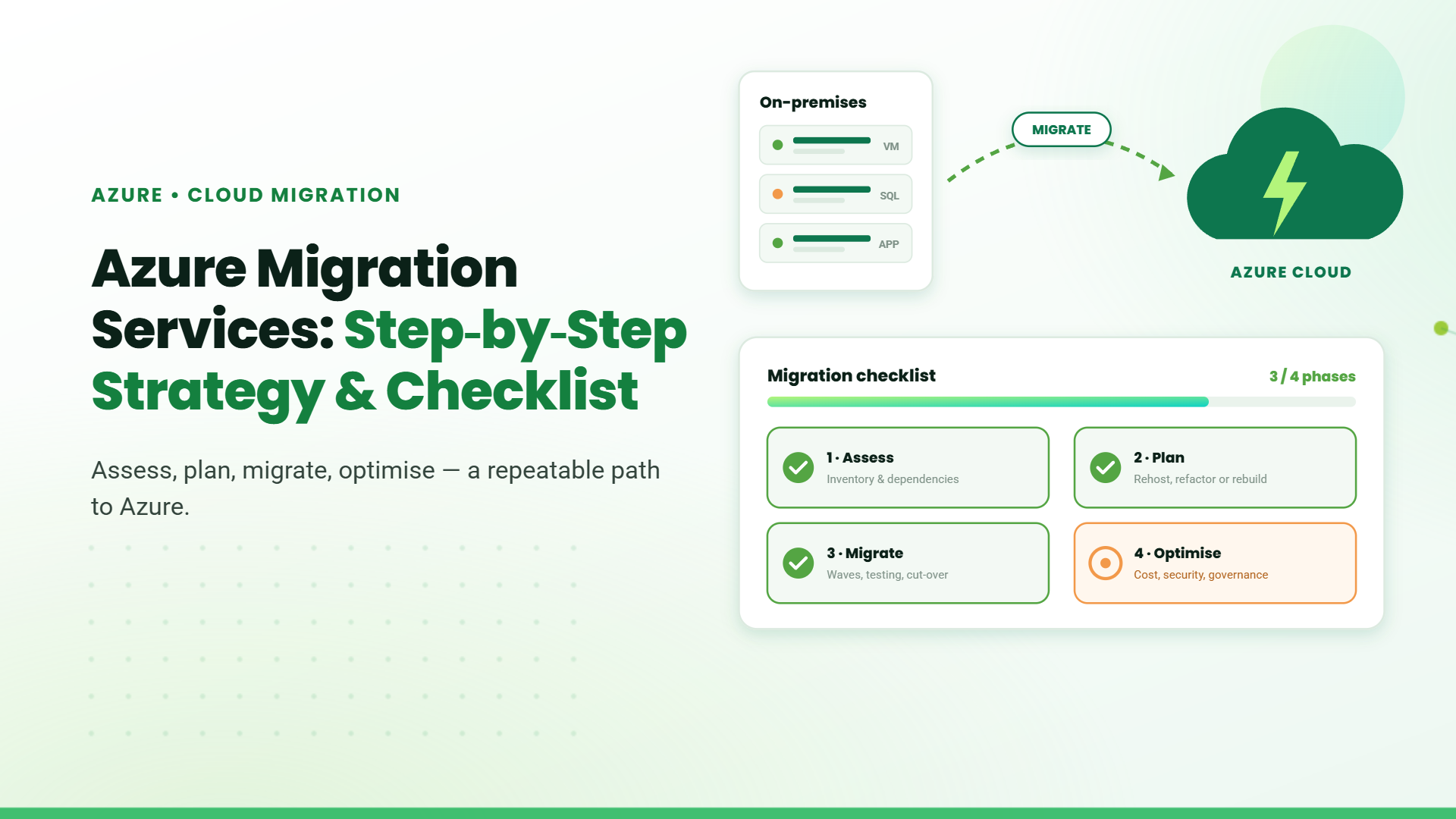
Microsoft Azure suits organizations running Windows Server, SQL Server, Active Directory, and Microsoft 365. Its hybrid capabilities through Azure Arc and ExpressRoute support blended environments, while Azure Database Migration Services help organizations plan and execute database transitions. Migration tools, including Azure Migrate and Database Migration Service, assist with workload assessment, dependency discovery, and structured transitions to Microsoft Azure.
Migrating to Google Cloud Platform
How to Choose the Right Cloud Migration Type
Choosing between different types of cloud migration requires evaluating infrastructure scope, application complexity, compliance needs, and budget constraints
Application Complexity
Compliance Requirements
Budget and Timeline
Cloud Migration Process
- Step 1 – Assessment: Identify all applications, infrastructure components, and interdependencies to determine migration scope, prioritize workloads, and evaluate associated risks before execution.
- Step 2 – Architecture Design: Design the target cloud environment, including networking, identity management, security baselines, and workload placement, before moving any systems.
- Step 3 – Pilot Migration: Migrate a low-risk workload first to validate tooling, governance controls, and operational readiness before broader rollout.
- Step 4 – Phased Rollout: Execute migrations in structured waves, progressing from simpler systems to critical workloads with defined rollback plans.
- Step 5 – Optimization: Continuously rightsize resources, enforce governance policies, and monitor cost and performance after migration completion.
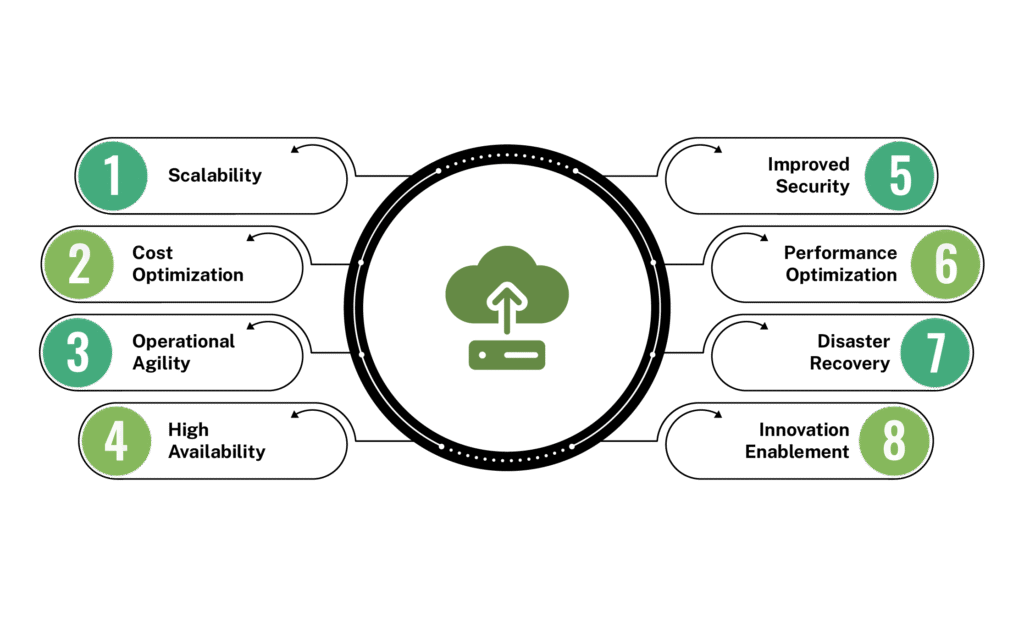
Benefits of Cloud Migration
Common Cloud Migration Challenges
- Downtime Risks: Poorly planned migrations can disrupt critical systems and impact business continuity. Structured cutover strategies must be defined before execution.
- Security and Compliance: Misconfigurations and inconsistent identity policies are leading causes of cloud risk. Governance must be enforced from day one.
- Cost Overruns: Unoptimized workloads and uncontrolled resource provisioning frequently inflate cloud expenses. Continuous cost monitoring is essential to maintain financial discipline.
- Operational Complexity: Cloud environments introduce new operational models and technical skill requirements. Standardized processes and automation must support long-term stability.
Table of Contents
- 1. Introduction
- 2. Types of Cloud Migration
- 3. Hybrid Cloud Migration
- 4.Cloud Migration Strategies: The 7Rs
- 5. Migration to Major Cloud Platforms
- 6. How to Choose the Right Cloud Migration Type
- 7. Cloud Migration Process
- 8. Benefits of Cloud Migration
- 9. Common Cloud Migration Challenges
- 10. Conclusion
- 11. FAQs
Talk to our Microsoft Expert Consultant
Conclusion
Share this article

About the Author
Frequently Asked Questions
An enterprise cloud migration plan should define workload prioritization, compliance requirements, risk mitigation, phased timelines, cost governance, and incorporate application modernization in the cloud, where legacy systems require refactoring or replatforming.
Organizations often combine different types of cloud migration within a single transformation program, migrating applications, databases, and infrastructure in phased or parallel approaches.