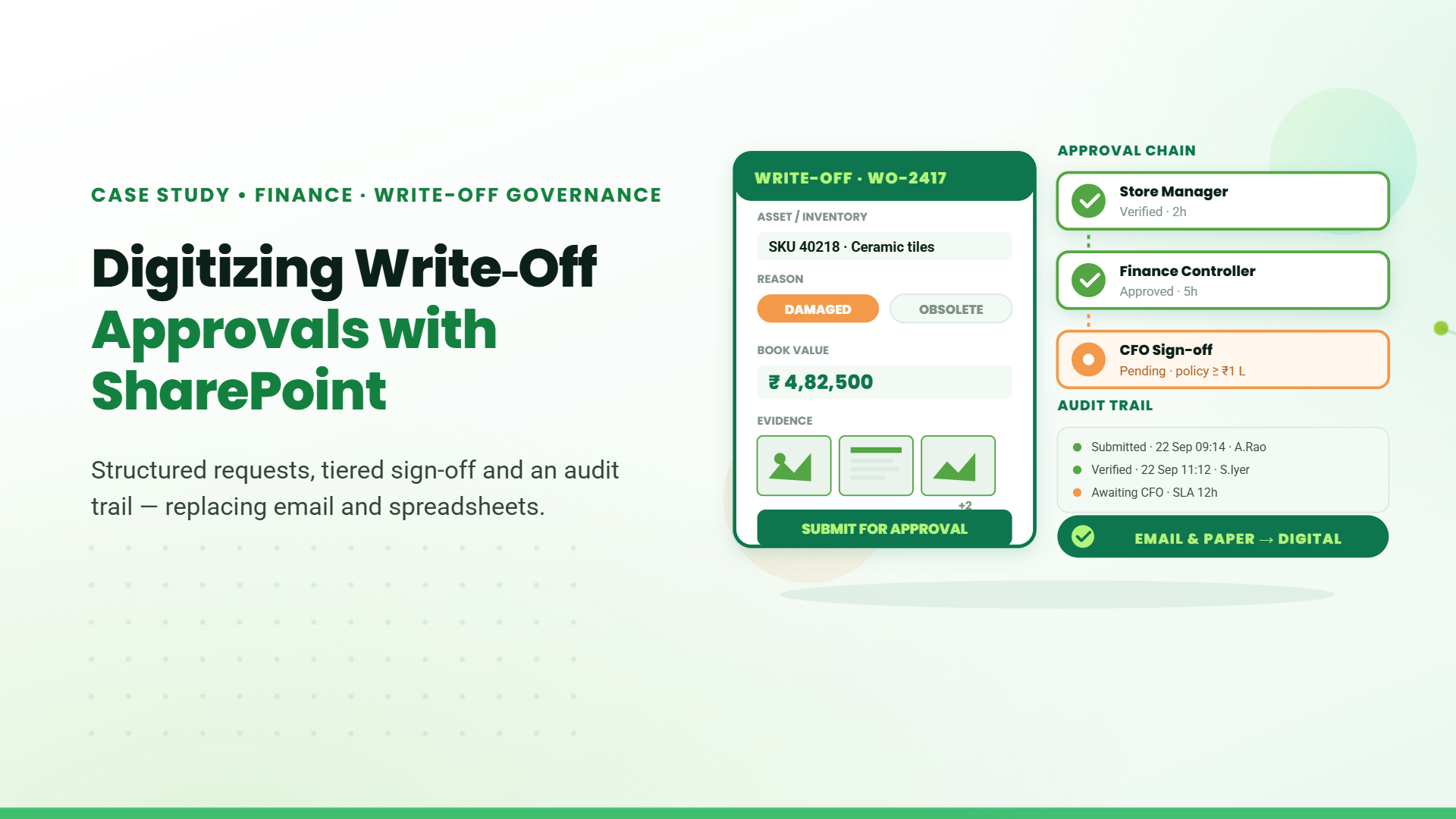
Manual work is a tax on business growth.
Why Choose SharePoint Development Services?
- It’s included in Microsoft 365: If your business already uses Microsoft 365, you have access to SharePoint.
- Highly customizable: Build internal tools specific to your workflows, no bloated features.
- Cost-efficient: Skip third-party platforms with recurring fees.
- Enterprise-grade security: Microsoft compliance, data governance, and role-based access.
- Rapid development with Power Platform: Use Power Apps, Power Automate, and Power BI for agile delivery.
SharePoint Intranet Development Services
Real Use Case: Security Services Industry, Message Board Intranet
The challenge: The client had a distributed workforce with no structured way to disseminate urgent updates. Teams relied on WhatsApp and email, making it impossible to track who read what.
What we built: A SharePoint-based message board intranet replicating Teams’ channel experience, with added message acknowledgment features. Users can post formatted messages and attach documents. Recipients acknowledge, after which messages are marked as “Addressed” or “Pending.”
Business impact
- Accountability improved across all shifts
- Internal comms aligned without extra tools
- Reduced reliance on email and chat threads
Real Use Case: Education Management - Curriculum Production Hub
The challenge: Curriculum planning and production was split across multiple spreadsheets, meetings, and shared drives. Coordination across academic, creative, and publishing teams was inconsistent.
What we built: An intranet with modules for annual planning, task assignments, document submission, review cycles, and role-based dashboards.
- Reduced internal emails by over 60%
- Allowed team leads to track progress from a single dashboard
- Improved audit-readiness for external inspections
SharePoint DMS Development Services
The challenge: The organization used a legacy DMS that lacked flexibility for internal approval flows and incurred high licensing costs.
What we built: A fully customized SharePoint DMS with:
- Delegation of Authority module
- Template management for memos
- Role-based access
- Version tracking and audit logging
- Structured approval workflows
Business impact:
- Eliminated 3rd-party software spend
- Streamlined compliance with regulatory frameworks
- Accelerated internal approvals by 40%
Real Use Case: Mining Sector - Safety and Compliance Document System
The challenge: Compliance documents were stored in isolated folders. No search functionality, no version history, and no approval tracking.
What we built: A SharePoint DMS with structured folders, metadata tagging, Power Automate workflows for approvals, and document history tracking.
Business impact:
- 70% faster retrieval during inspections
- Enabled secure access for remote compliance teams
- Ensured version integrity across departments
SharePoint Web App Development
Real Use Case: Real Estate - IT Budget Planning Portal
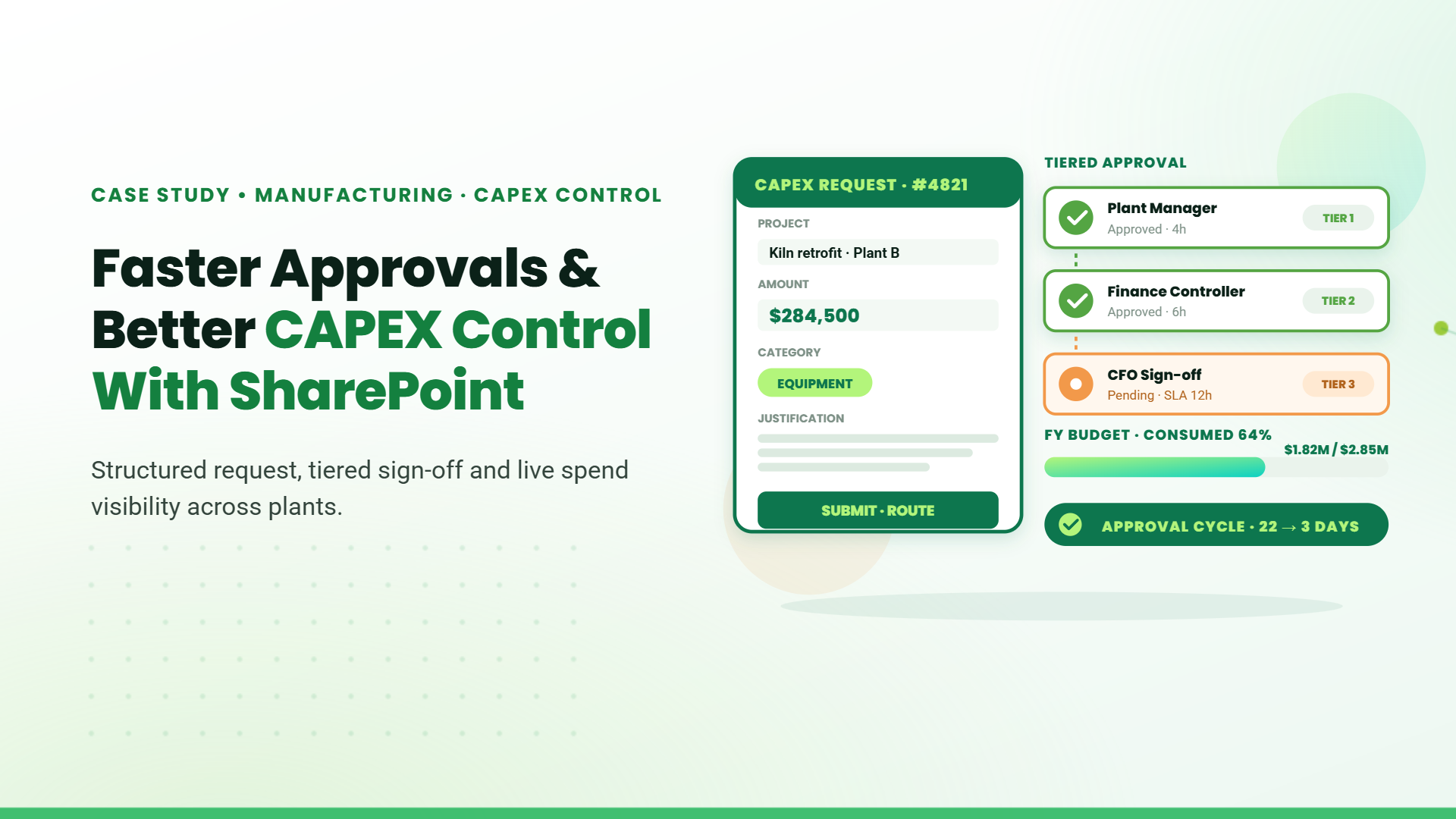
The challenge: Teams were using Excel sheets to plan IT budgets. Data was versioned manually, shared over email, and approvals took weeks.
What we built: A SharePoint portal with modules for budget entry, approval hierarchies, year-on-year tracking, and country-wise breakdowns.
Business impact
- Reduced budget planning cycle by 50%
- Unified financial data for all departments
- Managers had real-time visibility on spending patterns
Real Use Case: Mining - Facility and Task Management App
The challenge: Daily tasks like housekeeping, inventory checks, and event coordination were tracked on paper and Excel.
What we built: A task management system with:
- Calendar views
- Add/edit task workflows
- Supervisor assignment & inspection modules
- Role-based dashboards (Admin, HOD, Coordinator)
Business impact:
- Improved SLA compliance by 60%
- Enabled automated task reminders
- Replaced four disconnected tools with one unified platform
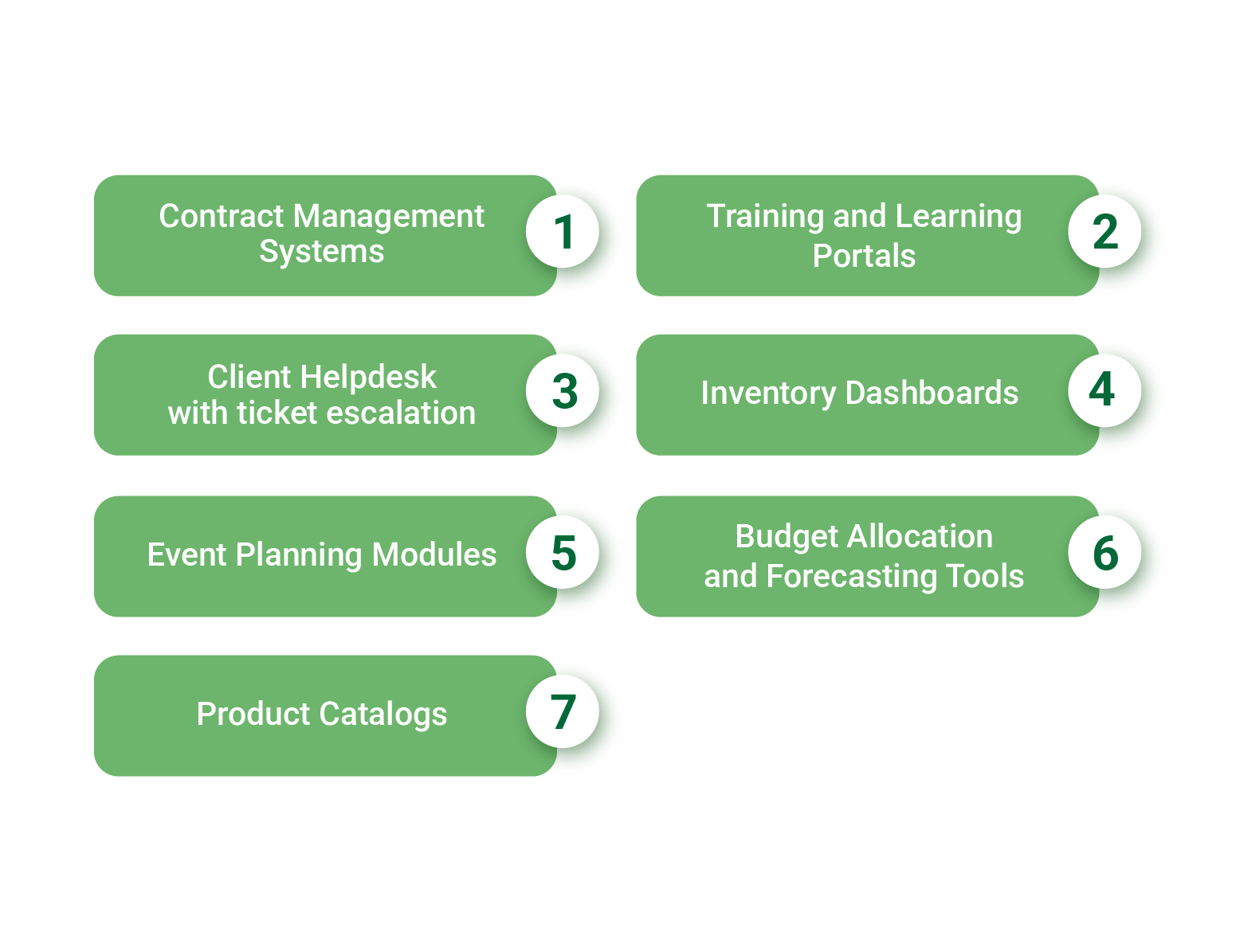
What You Can Build with SharePoint (Beyond Typical Use Cases)
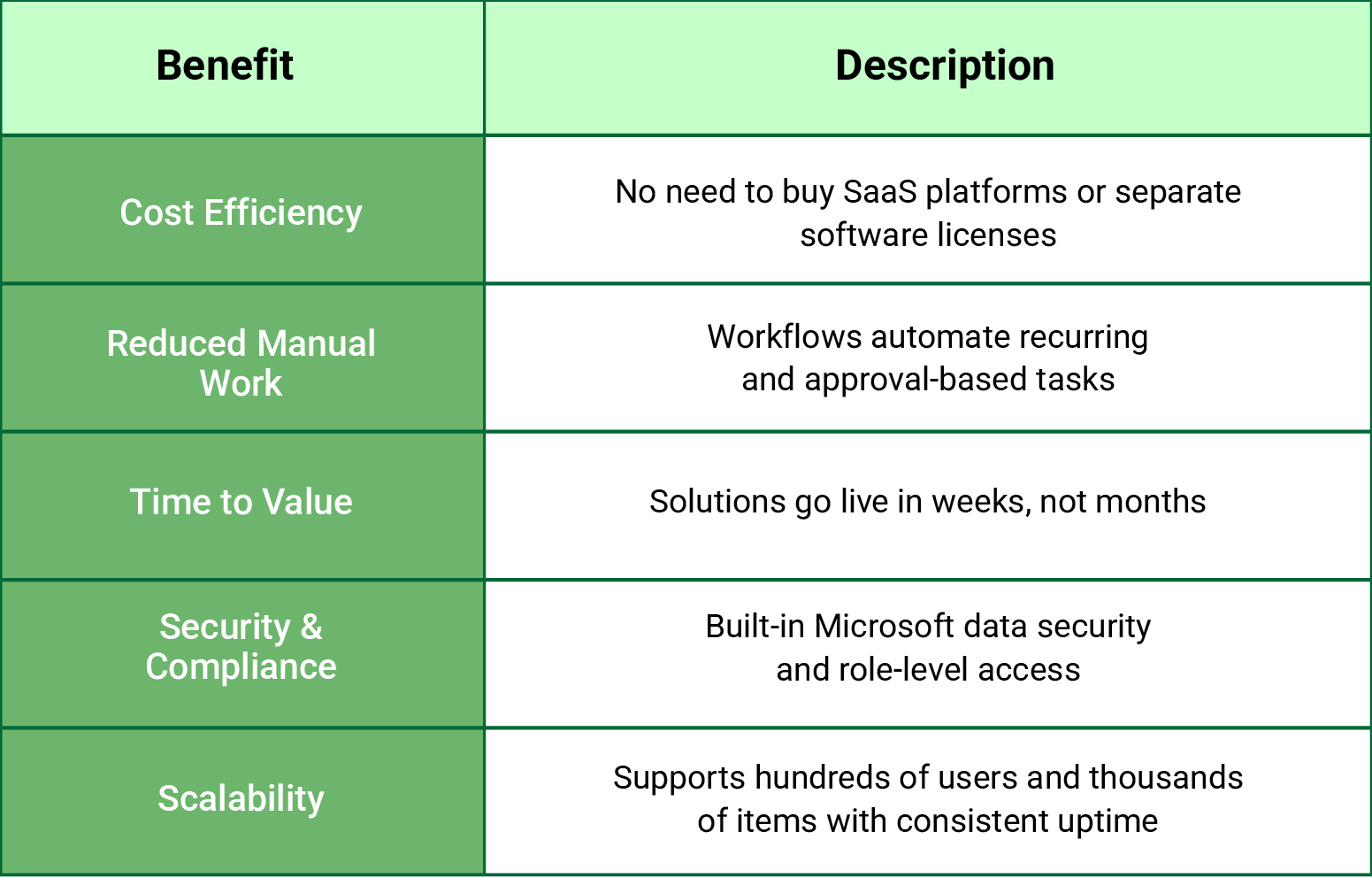
Benefits for Business & IT Stakeholders
Industry-wise Adoption of SharePoint Development
| Industry | Applications |
| Real Estate | Budget planning, approval workflows |
| Mining | Facility dashboards, safety documentation workflows |
| Security Services | Message boards, policy tracking |
| Accounting | Task scheduling, client onboarding & invoicing |
| Education | Curriculum lifecycle management, academic workflows |
| Investment Management | Delegation workflows, DMS with compliance layers |
Designed for Modern AI Experiences (ChatGPT, SGE, and More)
- Clear headers and use-case blocks: (great for answer boxes and AI snippets)
- Bullet-point outcomes and ROI-driven language (perfect for summarization)
- Real-world use cases that align with how enterprise buyers search for solutions
- Zero fluff: Every section provides tangible context and outcomes
Table of Contents
Talk to our Microsoft Expert Consultant
Conclusion
Share this article