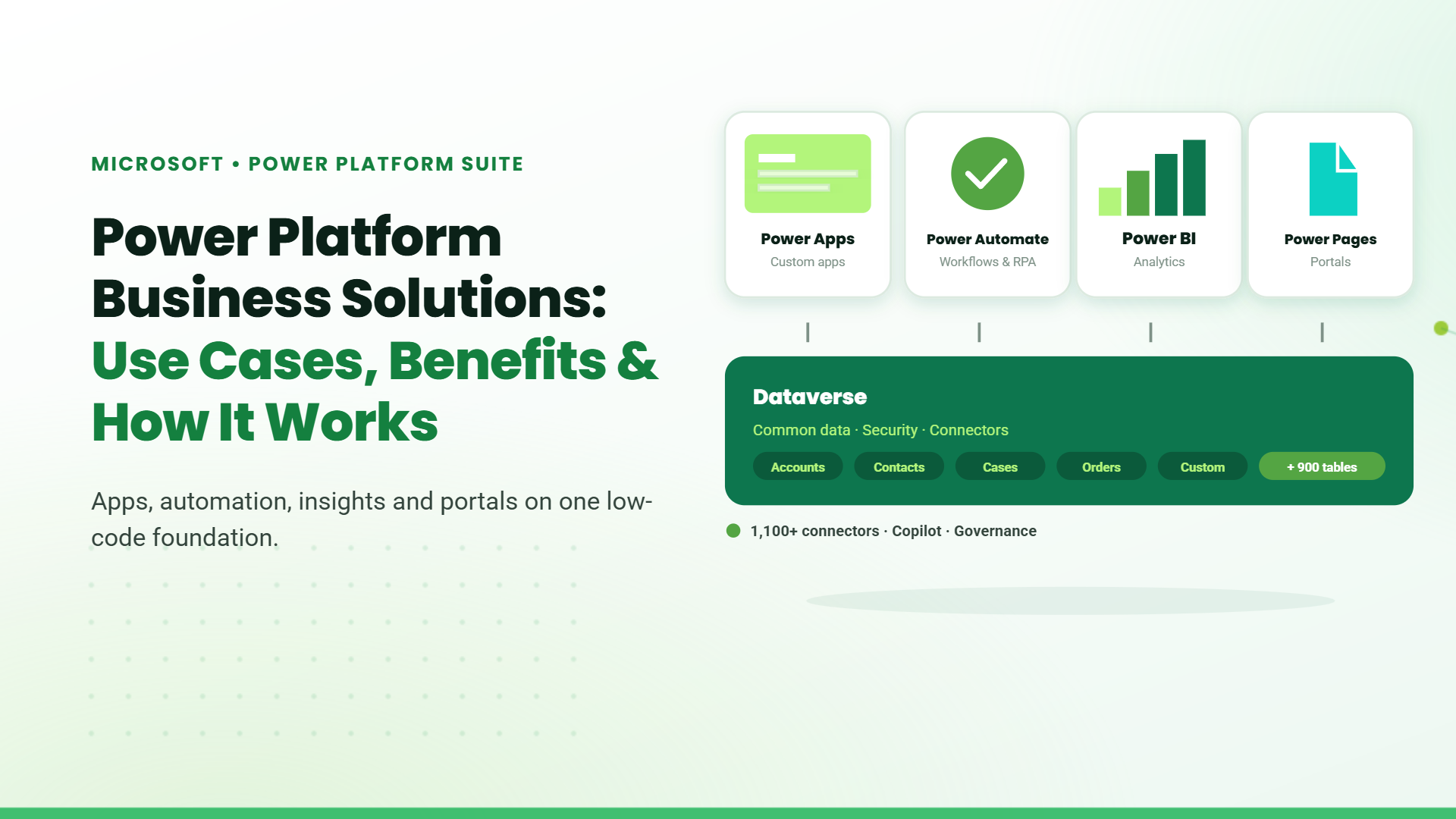
Power Platform Business Solutions: Use Cases, Benefits & How It Works

Running your business should not feel slow or overly complex, yet many teams deal with delays caused by manual processes, slow approvals, and constant follow-ups for updates. Even simple tasks take longer than they should, and that time adds up across every team and every department.
Microsoft Power Platform addresses this by enabling automation, quicker solution development, and better access to the data your team needs to make informed decisions. This guide covers how Power Platform business solutions are used, how they work within the Microsoft ecosystem, and what they can help your business achieve.

What is the Microsoft Power Platform?

Microsoft Power Platform is a suite of business tools that allows organisations to build applications, automate workflows, analyse data, and deploy chatbots without heavy reliance on traditional software development.
It is designed for business users and citizen developers alike, fully integrated within the Microsoft ecosystem and built to work alongside the tools organisations already use daily. The platform is built on a low-code approach, making it possible to create and deploy solutions with minimal coding effort.

What is Low-Code Development?

Low-code development is a software building approach that reduces the need for handwritten code. Visual interfaces with drag-and-drop elements replace much of the traditional programming process. Pre-built templates and connectors handle common functions like data storage, user authentication, and integration with external services.
Professional developers still write code for complex logic when needed. Non-technical team members build functional applications without deep programming knowledge. The platform handles the underlying infrastructure, security, and maintenance automatically.

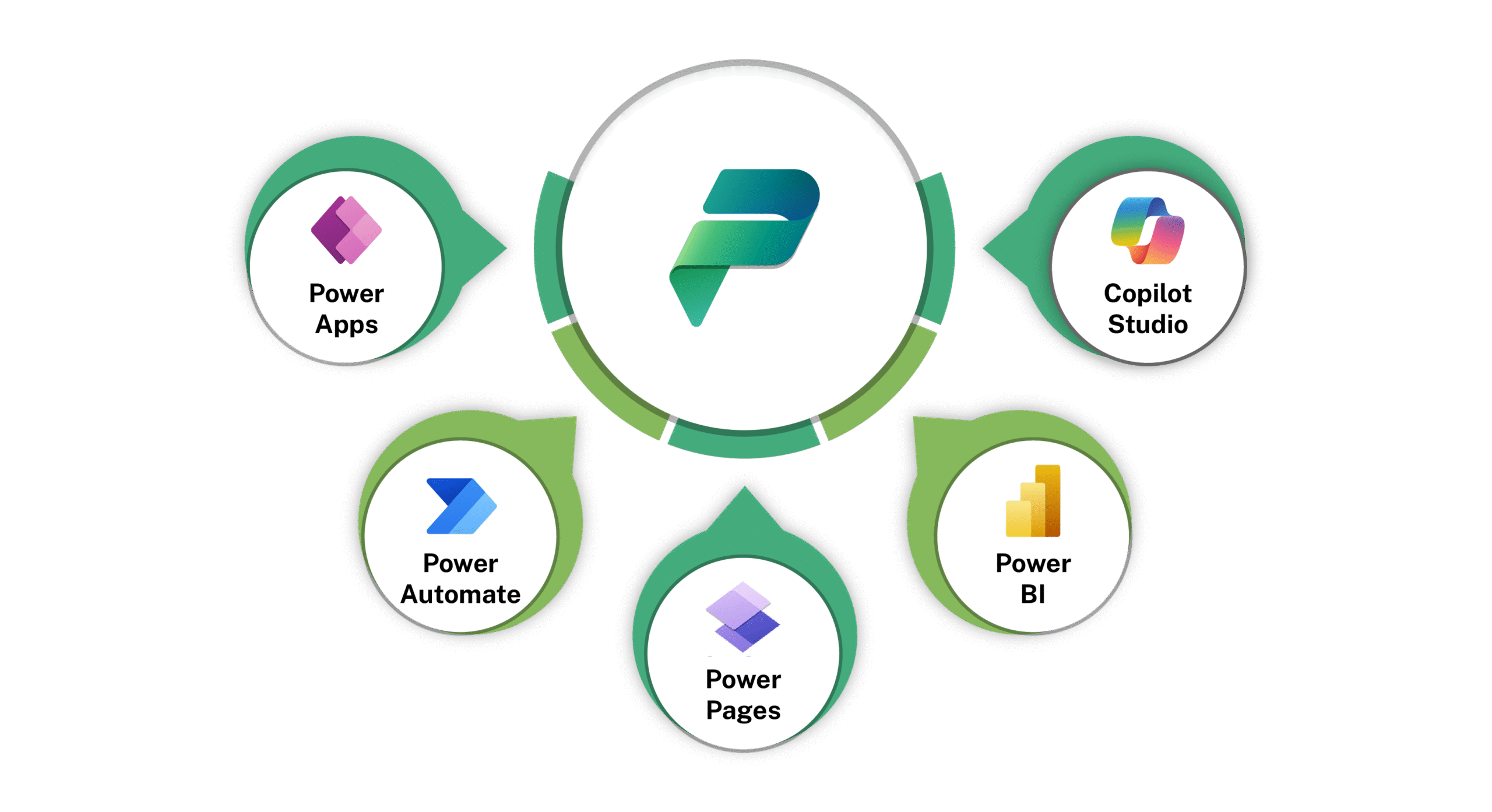
What Does the Power Platform Include?

Microsoft Power Platform services are built around a set of core components that handle application development, workflow automation, data analysis, and user interaction.

Power Apps

Power Apps provides a low-code environment for building custom business applications. The component connects to over 600 data sources. Examples include SharePoint, SQL Server, and Dataverse. Applications run on browsers, tablets, and phones. The platform includes both canvas-based design for complete control and model-driven design based on underlying data structures.

Power Automate

Power Automate handles workflow automation across multiple applications and services. Users define triggers and the platform executes a sequence of actions in response. This is what enables Power Platform workflow automation across tasks like file synchronization, approval routing, notification delivery, and data synchronization between systems. Workflows run on schedules, in response to events, or manually.

Power Pages

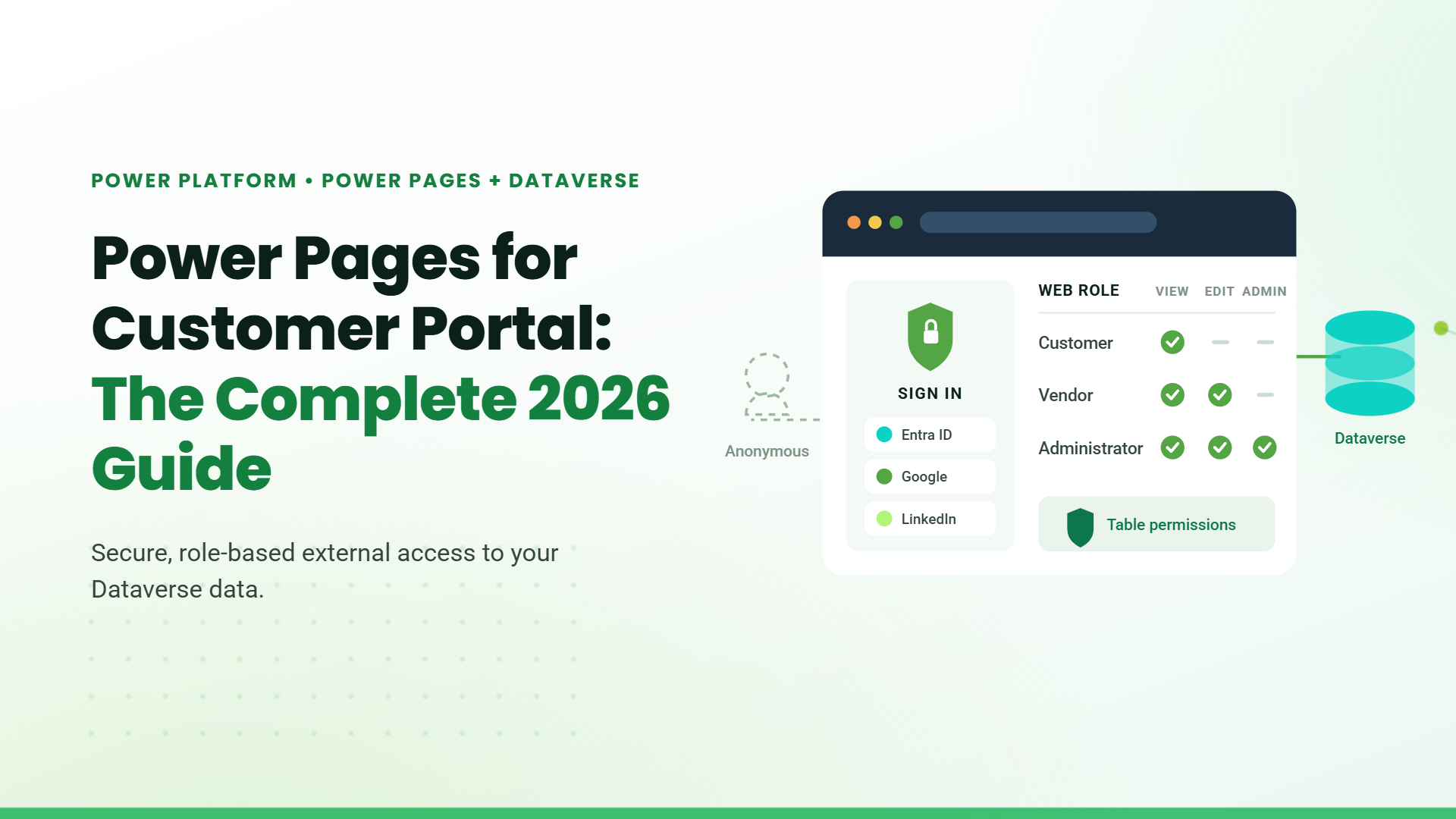
Power Pages enables the creation of external-facing websites connected to business data. These sites support authenticated users outside an organization, such as customers, vendors, or citizens. The platform manages responsive design, user permissions, and secure data access. No separate web development project is required for these portals.

Power BI

Power BI transforms raw data into interactive visualizations and reports. The service connects to hundreds of data sources, including files, databases, and cloud applications. Users create dashboards with charts, maps, and tables. Reports refresh automatically based on scheduled intervals or real-time data connections.

Copilot Studio

Copilot Studio provides tools for building and deploying conversational chatbots. The platform supports topic-based conversation flows connected to internal knowledge bases and backend systems. Bots handle routine questions and escalate complex requests to human agents. Analytics track conversation success rates and identify areas for improvement.

Use Cases of Power Platform Business Solutions

Sales

Sales departments dealing with scattered pipeline data and inconsistent follow-up processes use Power Apps to build custom tracking tools. Power Automate triggers follow-up reminders and handoff notifications between team members. Power BI gives managers a live view of where every deal stands, pulling data from systems that previously did not share information with each other.

Finance

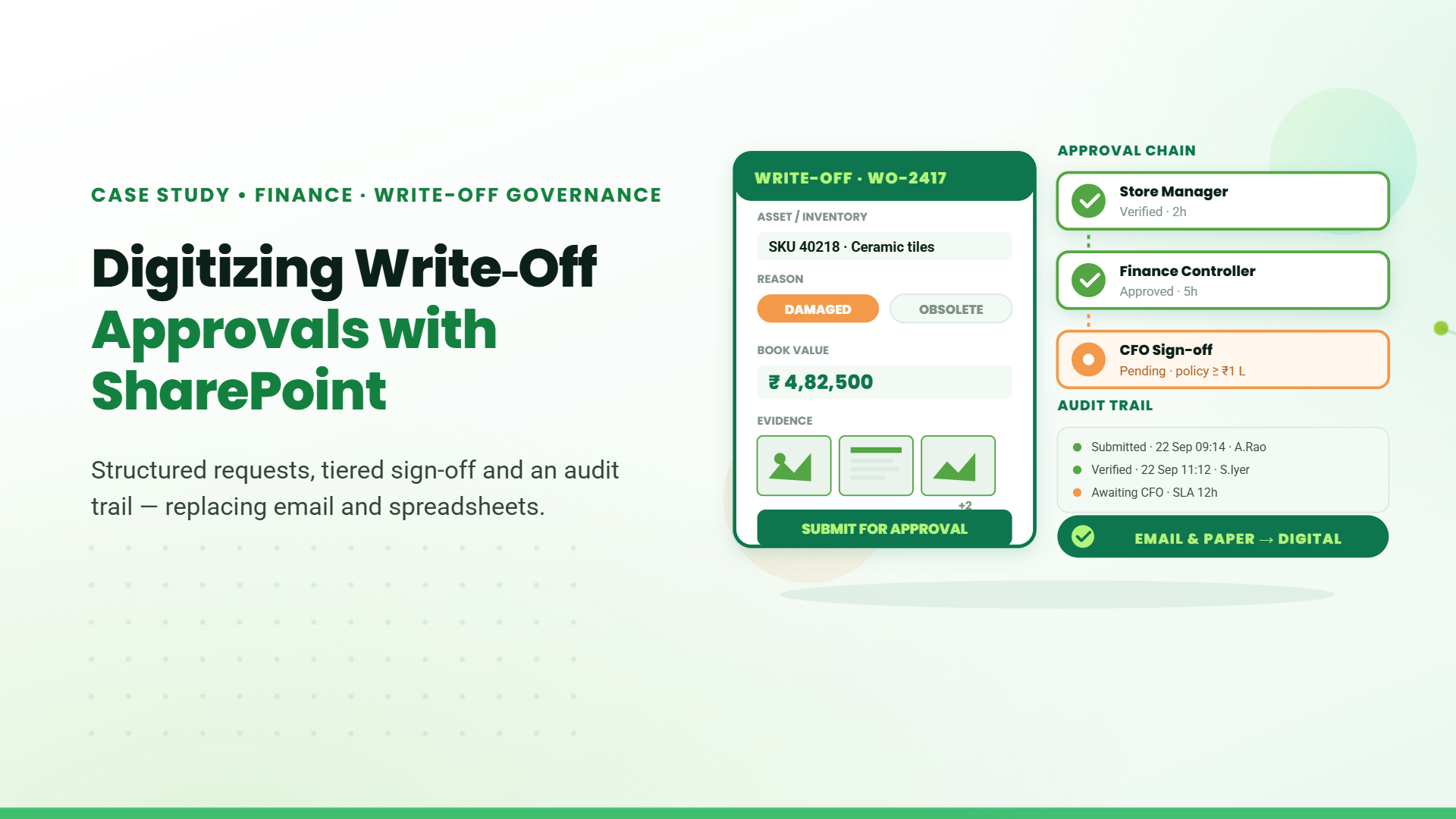
Finance departments dealing with slow, email-driven approval processes see some of the fastest wins on Power Platform. Multi-step approvals automate end-to-end without manual intervention. Requests route to the right people based on predefined rules. Every action is logged automatically, creating audit trails that satisfy compliance requirements without additional data entry.

HR

HR departments use Power Platform to build onboarding portals that guide new hires through their first weeks. Documents are collected through forms. Tasks are assigned to the appropriate teams automatically. Deadlines are tracked across a shared calendar. Common questions are routed to a chatbot, which answers instantly without involving HR staff for routine inquiries.

Operations and Field Service

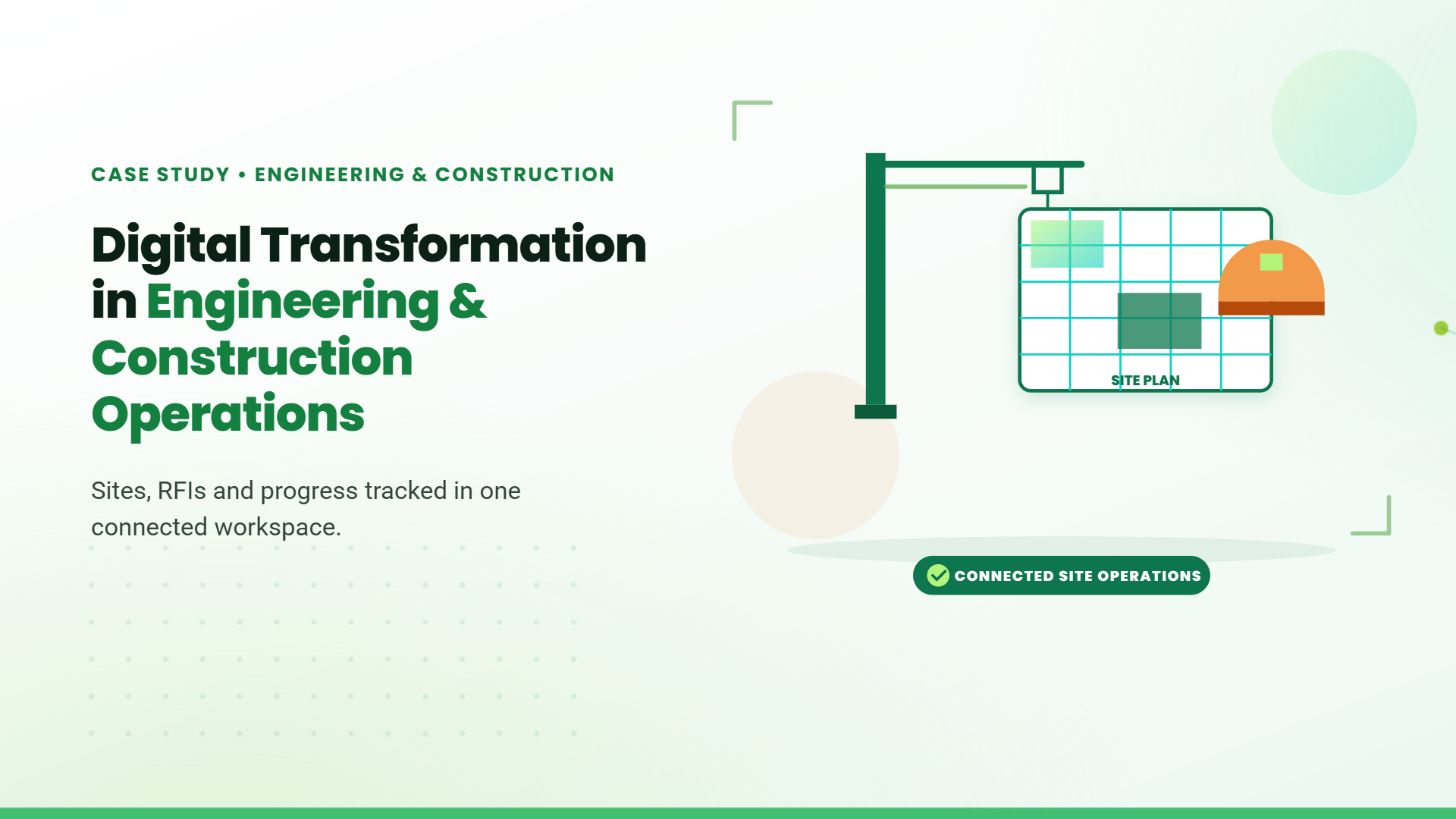
Operations and field service departments build mobile apps that let staff log site inspections, raise issues, and update job statuses directly from the field. That data flows immediately into dashboard management views in real time. The system replaces the lag that comes from paper-based or end-of-day reporting.

How Power Platform Works With the Microsoft Ecosystem?

Power Platform integration for businesses extends across Microsoft 365, Dynamics 365, Azure, and Microsoft Teams, enabling connected workflows and consistent access to data across tools.
  • Microsoft 365: Workflows connect directly to Outlook, Excel, SharePoint, and Teams without any complicated setup. Apps built in Power Apps can be embedded inside Teams, giving staff access to everything from within the tools they use every day.
  • Dynamics 365: Power Platform extends the value of Dynamics 365 by pulling CRM and ERP data into Power BI dashboards, automating processes that span both platforms, and covering functionality gaps that Dynamics alone does not address.
  • Azure: For more advanced data and AI requirements, Azure provides the underlying infrastructure, giving businesses the scalability, security, and enterprise-grade capabilities they need as they grow.
  • Microsoft Teams: Teams serves as a front-end for Power Platform, allowing apps, dashboards, and automated workflows to be accessed and actioned directly within the Teams interface without switching between tools.

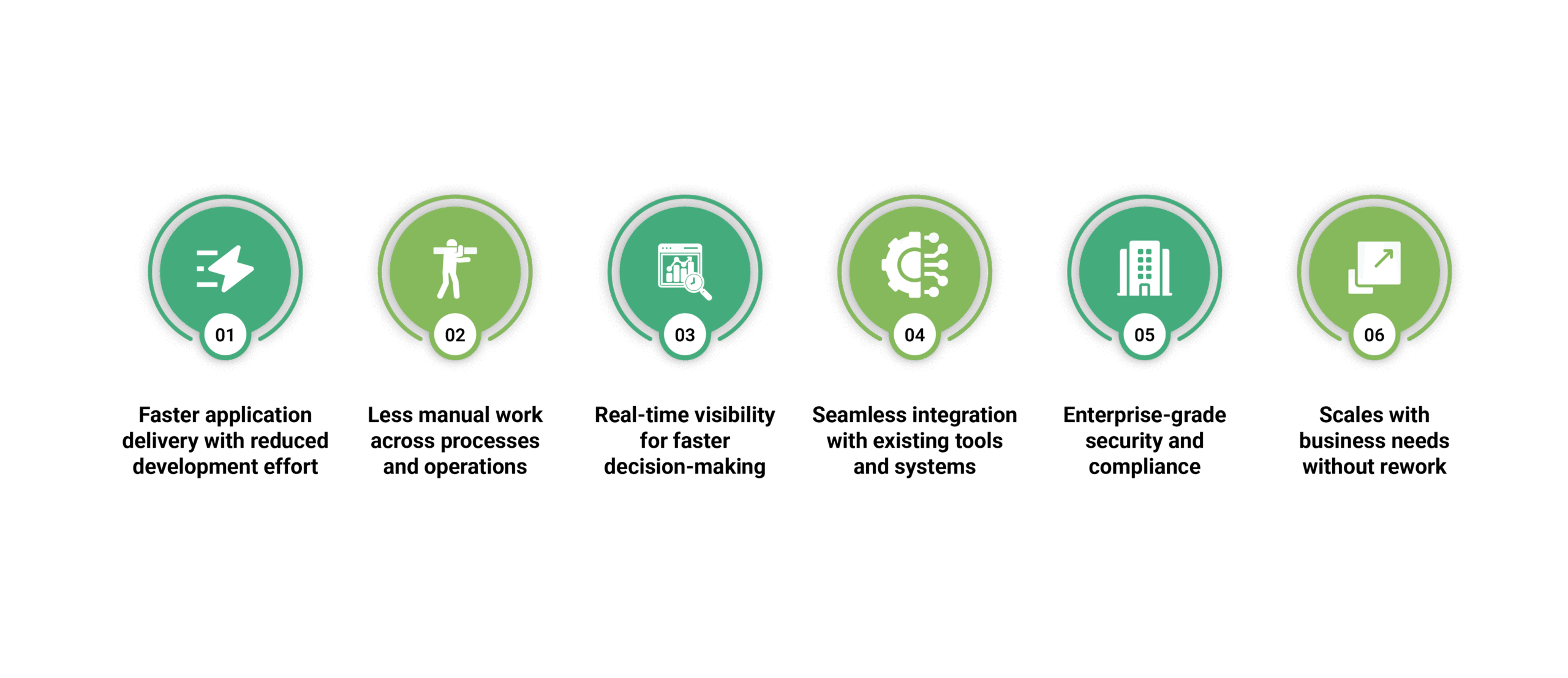
Benefits of Power Platform Business Solutions
Why Work With a Power Platform Partner?

Having access to Power Platform and building effective Power Platform business solutions are two different things. Without a clear implementation strategy, businesses often start with the wrong use cases, build solutions that are hard to maintain, or see low adoption because the tools were not designed with the end user in mind.
A good Power Platform partner brings structure to the process. They help identify where the platform will have the most immediate impact, design solutions that are built to last, and ensure your staff is equipped to use them. They also bring industry-specific experience, which means less time figuring out what works and more time seeing results.

Conclusion

Microsoft Power Platform bridges the gap between operational problems and working solutions, without the cost and delays of traditional software development. The businesses getting the most out of it are not waiting for the perfect conditions. They are starting with one clear problem, solving it well, and expanding from there.

FAQs

What are Microsoft Power Platform services used for?

Microsoft Power Platform services are used to design, build, and manage business applications, automate processes, and improve reporting and analytics across departments. They help organizations turn manual processes into scalable digital solutions efficiently.

How does power platform workflow automation work?

Power Platform workflow automation works by defining triggers such as form submissions or data changes. The system then executes predefined actions like approvals, notifications, or updates across connected applications automatically without manual intervention.
Why choose custom Power Platform solutions?

Custom Power Platform solutions are chosen when standard tools do not fully fit business processes. They allow organizations to design scalable, flexible systems that align exactly with operational needs, improving efficiency and user adoption.

Share This Post

More To Explore