Custom software development is a powerful solution for businesses looking to optimize their operations, enhance efficiency, and gain a competitive edge. Unlike off-the-shelf software, custom solutions are designed to meet specific business needs, ensuring better performance and alignment with organizational goals. In this guide, we explore the benefits, processes, and best practices for developing custom software tailored to business success.
Understanding Custom Software Development
Custom software refers to applications built specifically to cater to the unique needs of a business. Unlike standard software solutions, which offer general functionalities, custom software is designed for personalized workflows, ensuring a more efficient and seamless business process. Key industries benefiting from custom software include healthcare, finance, logistics, and retail.
Key Benefits of Developing Custom Software
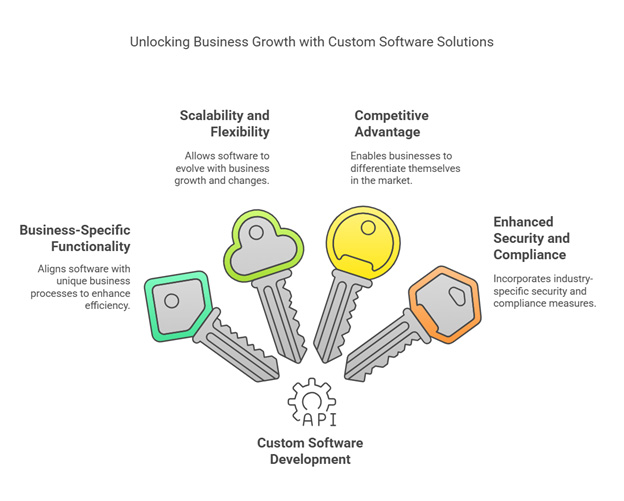
Business-Specific Functionality
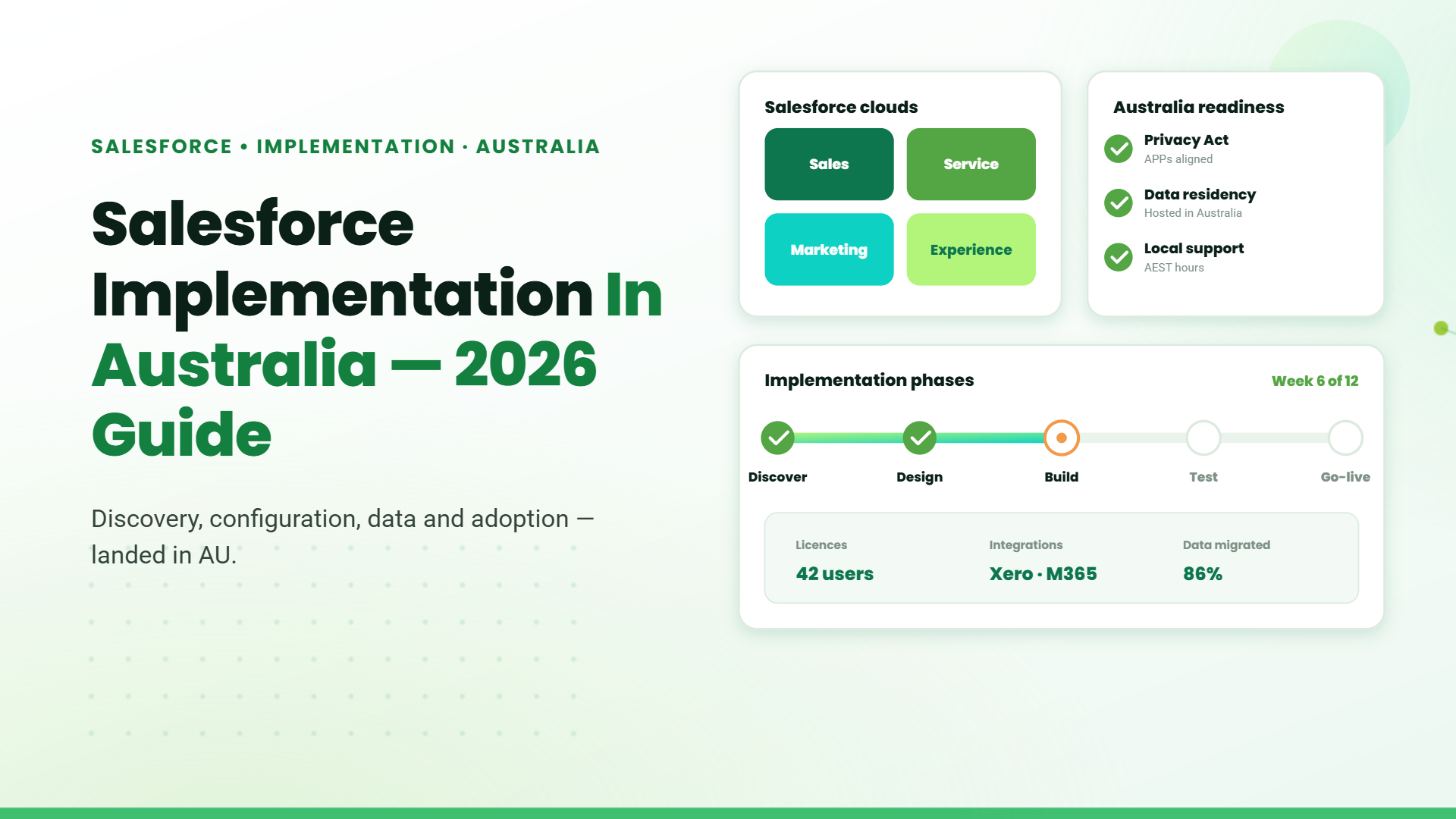
As customer expectations continue to evolve, businesses need more than a contact database. They need a platform that connects sales, marketing, customer service, and business operations in one place.
Scalability and Flexibility
Solutions can evolve alongside business growth, allowing for future modifications. Scalability ensures that the software solution grows with the company, providing long-term value and eliminating the need for frequent system repalcing.
Competitive Advantage
customized software enables businesses to differentiate themselves in the market. A solutions that address specific pain points, businesses can establish a competitive advantage that drives growth and success.
Enhanced Security and Compliance
Businesses can incorporate industry-specific security measures and regulatory compliance into their custom software, reducing the risk of data breaches and ensuring peace of mind.
Steps in Custom Software Development
Identifying Business Needs
Understanding business challenges and objectives is the foundation of custom software development. A detailed requirement analysis helps in defining core functionalities, ensuring alignment with long-term business goals. Collaborate with stakeholders to identify pain points and key performance indicators (KPIs) to measure success. This step lays the groundwork for a solution that drives efficiency and productivity.
Choosing the Right Technology Stack
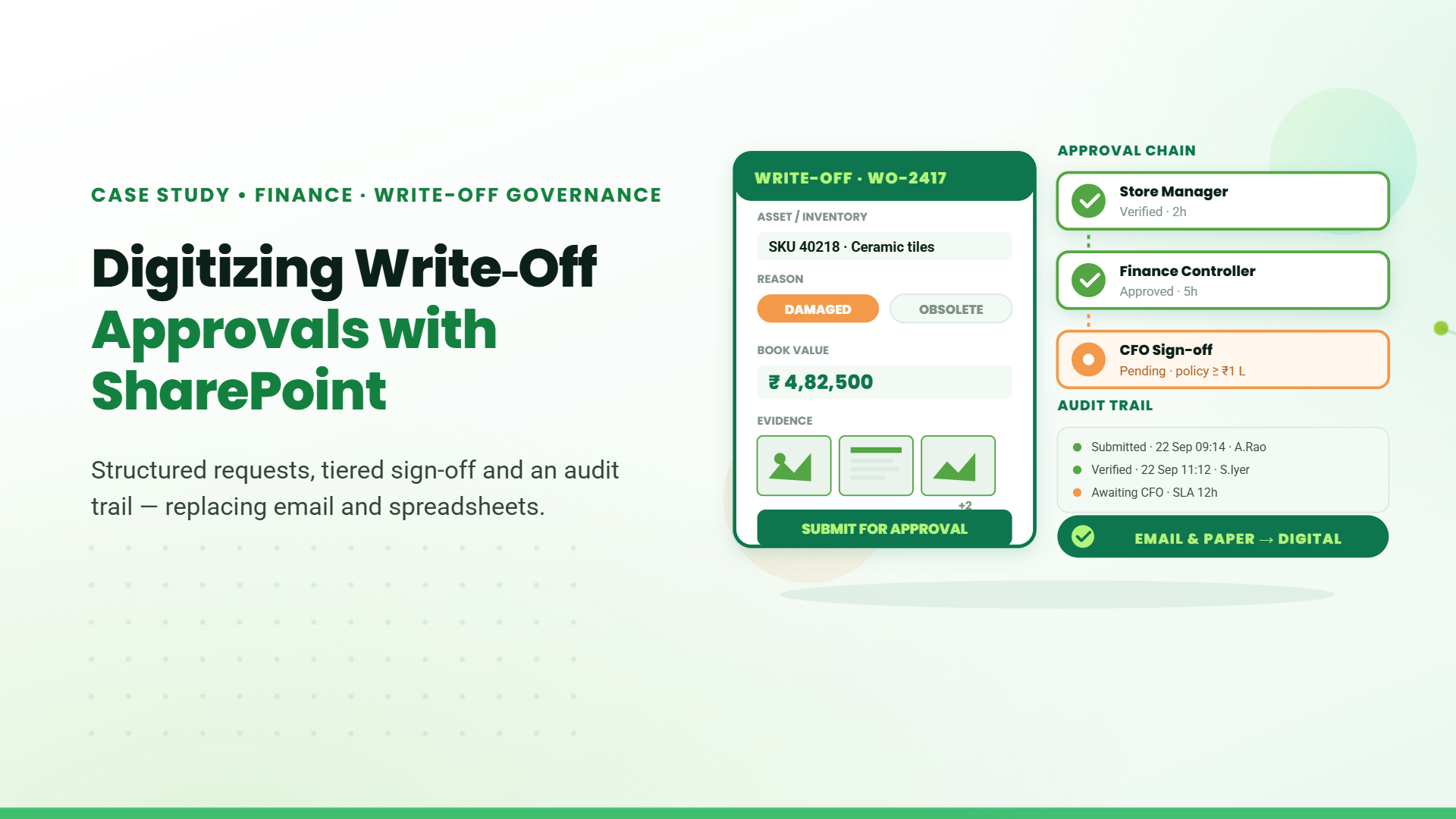
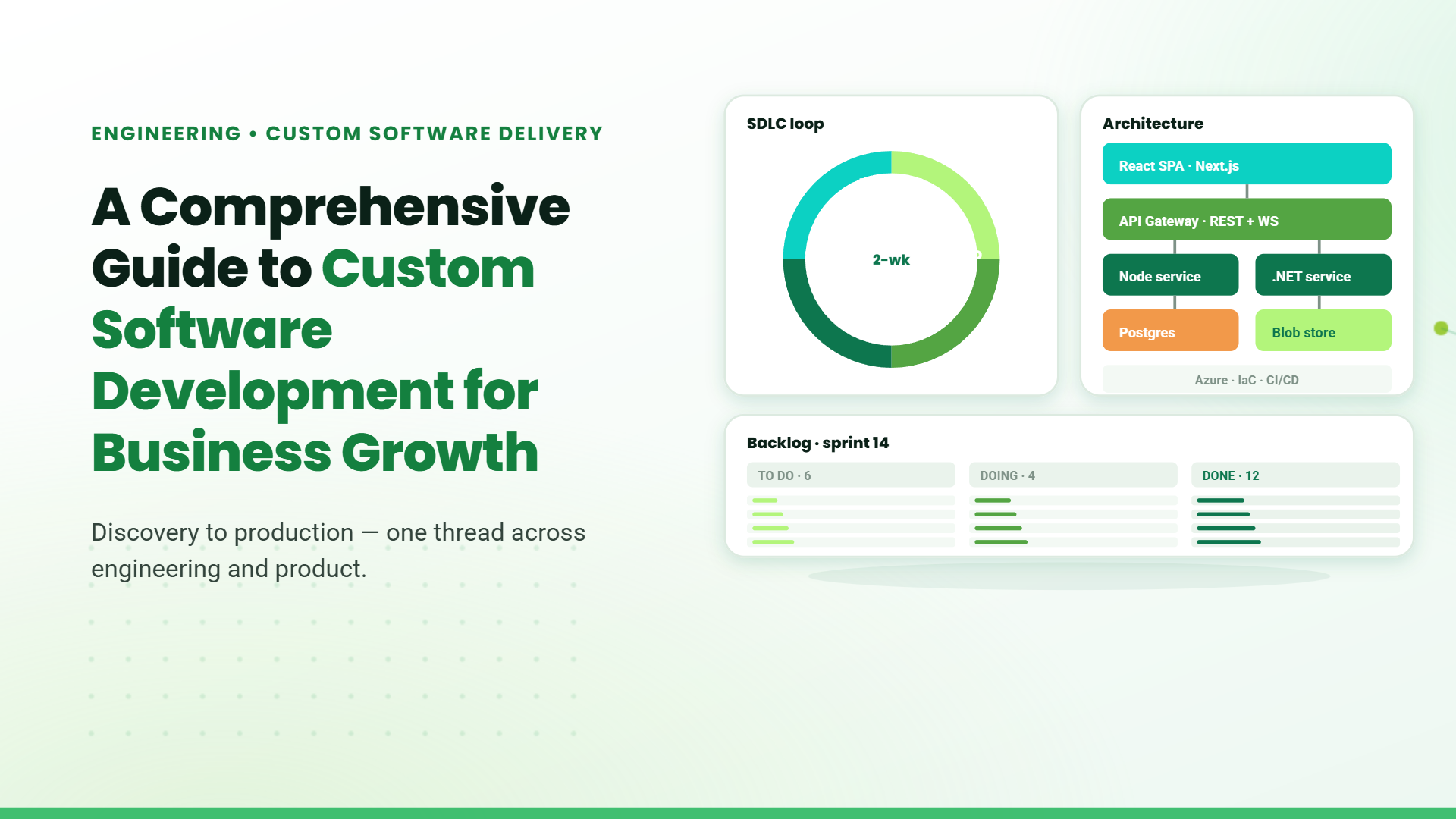
Selecting the appropriate technology stack is critical for the software’s performance, scalability, and security. Consider platforms such as Power Platform, SharePoint, and Full Stack technologies based on business requirements. Evaluate factors like cost, integration capabilities, and future scalability while ensuring compatibility with existing infrastructure. Leveraging cloud-based solutions and low-code platforms can accelerate development while reducing overhead costs.
Hiring a Development Team
Engaging experienced developers with domain expertise ensures high-quality software tailored to industry needs. A dedicated team comprising UI/UX designers, front-end and back-end developers, and quality assurance professionals guarantees a well-rounded development process. Choose a team that follows best coding practices and is adaptable to evolving requirements. Outsourcing vs. in-house development should be evaluated based on budget, timeline, and project complexity.
Implementing an Agile methodology fosters flexibility and continuous improvement. Agile frameworks such as Scrum and Kanban promote iterative development, allowing businesses to adapt quickly to changes. Regular sprint reviews, feedback loops, and incremental releases ensure that the software evolves with business needs while minimizing risks. This approach enhances collaboration between developers and stakeholders for a more refined end product.
Testing, Deployment, and Maintenance
Rigorous testing is crucial to identify and resolve bugs before deployment. Implement automated and manual testing strategies to validate functionality, performance, and security. Post-deployment, ensure regular maintenance, updates, and security patches to keep the software optimized. Cloud-based deployment options enable scalability and remote access, ensuring business continuity. Continuous monitoring and proactive troubleshooting enhance software reliability and user experience.
Using Power Platform for Business Applications
Microsoft’s Power Platform makes it easier than ever for businesses to build applications without extensive coding. This low-code platform helps organizations customize their operations, make smarter decisions, and boost productivity. Whether you need to manage customer relationships, automate tasks, or analyze business data, Power Platform has the tools to make it happen.
How Businesses Use Power Platform
Customer Relationship Management (CRM)
Easily track customer interactions, automate sales processes, and manage leads in a way that suits your business.
Employee Onboarding
Speed up the onboarding process with automated workflows for training, document submissions, and task assignments.
Inventory Management
Keep stock levels in check, track product movement, and automate purchase orders to avoid shortages or overstock.
Field Service Management
Help field technicians update work orders, manage service requests, and stay connected in real time.
The Power Platform Components
Power Apps: Easily Build Business Applications
Power Apps enables anyone—even those without technical expertise—to create apps tailored to their business needs. Whether it’s a simple form or a complex application, Power Apps makes it possible without heavy coding.
Power Automate: Simplifying Workflows
Power Automate helps businesses save time by automating repetitive tasks. Whether it’s sending approval requests, scheduling reminders, or syncing data between different apps, it takes the manual work out of the equation.
Power BI: Turning Data into Actionable Insights
Power BI transforms raw data into meaningful reports and dashboards. Businesses can track key metrics, analyze trends, and make informed decisions based on real-time data.
Power Pages: Low-Code Business Sites
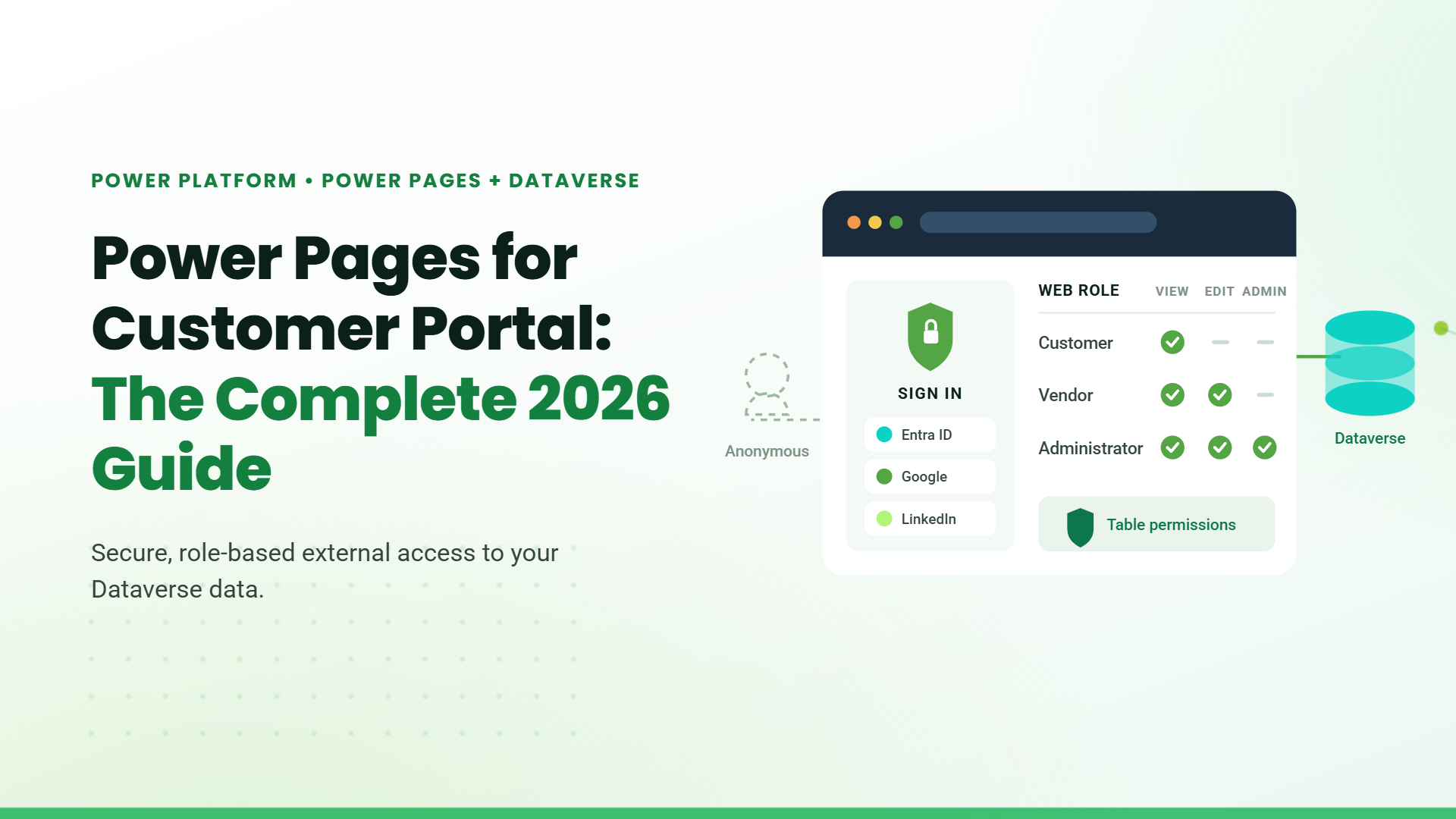
Power Pages is a secure, scalable platform for building modern business websites and customer portals. Leverage low-code tools, Dataverse integration, and pre-built templates to create data-first, responsive sites with Microsoft 365 and Dynamics 365 connectivity.
Copilot Studio: Custom AI Copilots
Copilot Studio lets you design and deploy AI-powered copilots using conversational AI, automation, and Microsoft 365 integrations. Enhance customer service, automate tasks, and deliver insights across chat, websites, or Teams—all without code.
Why Use SharePoint for Business Applications?
SharePoint is a powerful tool for managing documents, improving collaboration, and automating workflows. Businesses use SharePoint to:
Organize and Secure Data
Store and manage files in one place, ensuring version control and easy access.
Enhance Team Collaboration
Work together seamlessly with shared documents, real-time updates, and task management features.
Integrate with Microsoft 365
Connect SharePoint with Outlook, Teams, and other Microsoft apps for smoother operations.
Teamwork, Supercharged
Pair SharePoint with Power Platform to build apps, automate tasks, and visualize trends. Sync SQL databases so your docs and business data stay in perfect harmony. Collaboration meets backend systems—effortlessly.
Full Stack Development for Custom Solutions
Full-stack development involves using both front-end and back-end technologies to create end-to-end solutions. Benefits include:
Comprehensive Development Capabilities
Supports the creation of complex, fully functional applications tailored to business requirements.
Greater Control Over Software Architecture
Ensures seamless integration of different components and modules within the application.
Integration with Various Business Tools and APIs
Enables connectivity with third-party applications, enhancing the overall system functionality.
Common Pitfalls to Avoid in Custom Software Development
Ignoring User Requirements
Misalignment with actual business needs can lead to inefficiencies.
Poor Project Management
Lack of clear goals and coordination can cause delays and cost overruns.
Security Oversights
Inadequate data protection measures can result in vulnerabilities and compliance issues.
Neglecting Future Scalability
Failure to plan for growth may lead to expensive redevelopment and system limitations
Table of Contents
Talk to our Microsoft Expert Consultant
Conclusion
Developing custom software is a strategic investment that provides businesses with tailored solutions, improved efficiency, and long-term growth. By leveraging the right technologies and best practices, businesses can create scalable, secure, and future-ready applications. Whether using Power Platform, SharePoint, or full-stack development, a well-executed custom software strategy can drive business success.
Share this article

About the Author
Chandru is a technology professional experienced in business automation, Microsoft solutions, and digital transformation. Through practical insights, [he/she/they] helps businesses understand emerging technologies and achieve meaningful outcomes.