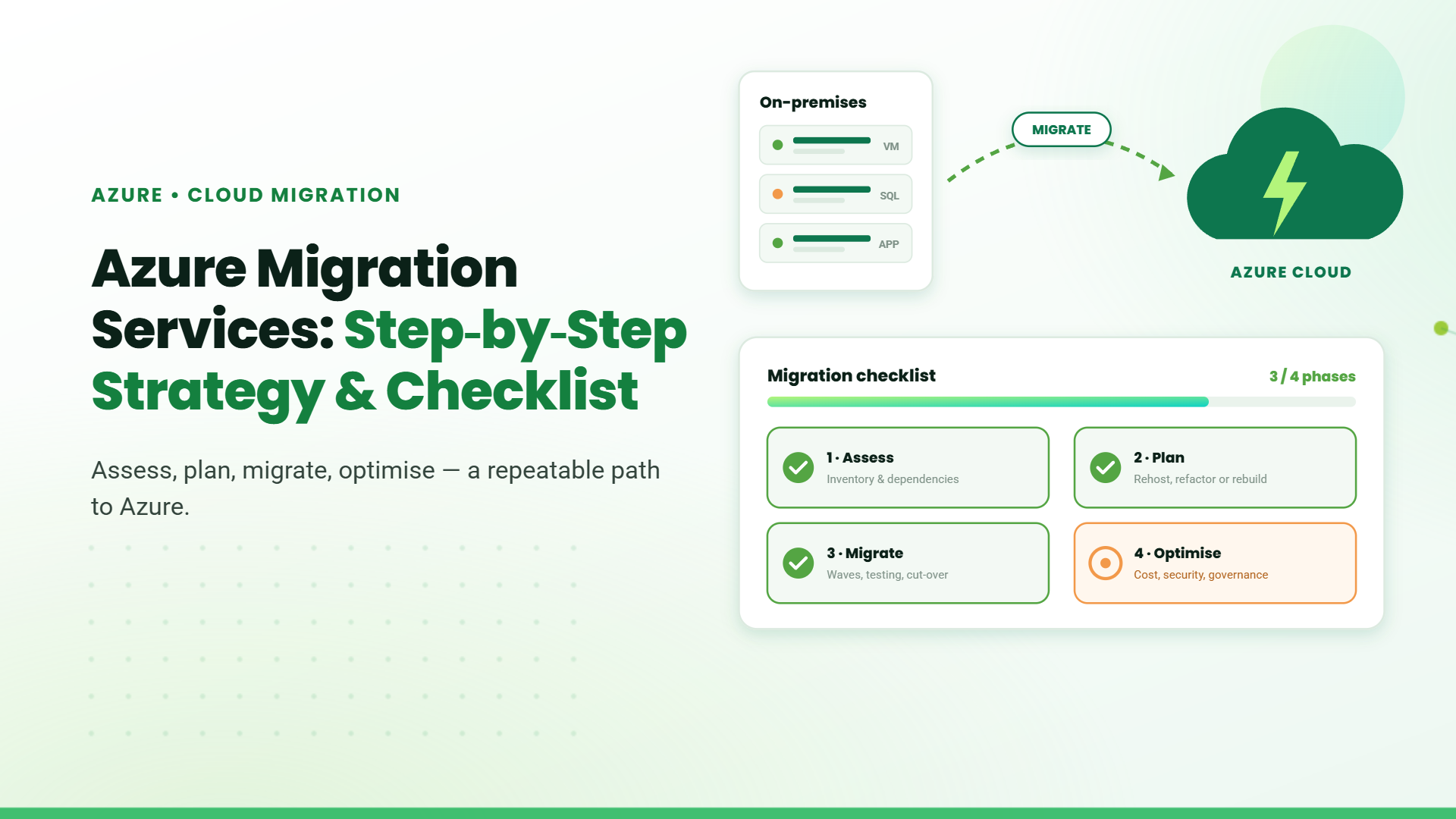
Understanding the risks upfront helps organizations plan their migration more effectively. The most common challenges enterprises face include:
SharePoint support starts with troubleshooting issues and Quick resolutions for technical problems, ensuring minimal disruption to operations and optimizing the SharePoint environment. This includes resolving technical problems and ensuring that the platform operates smoothly.
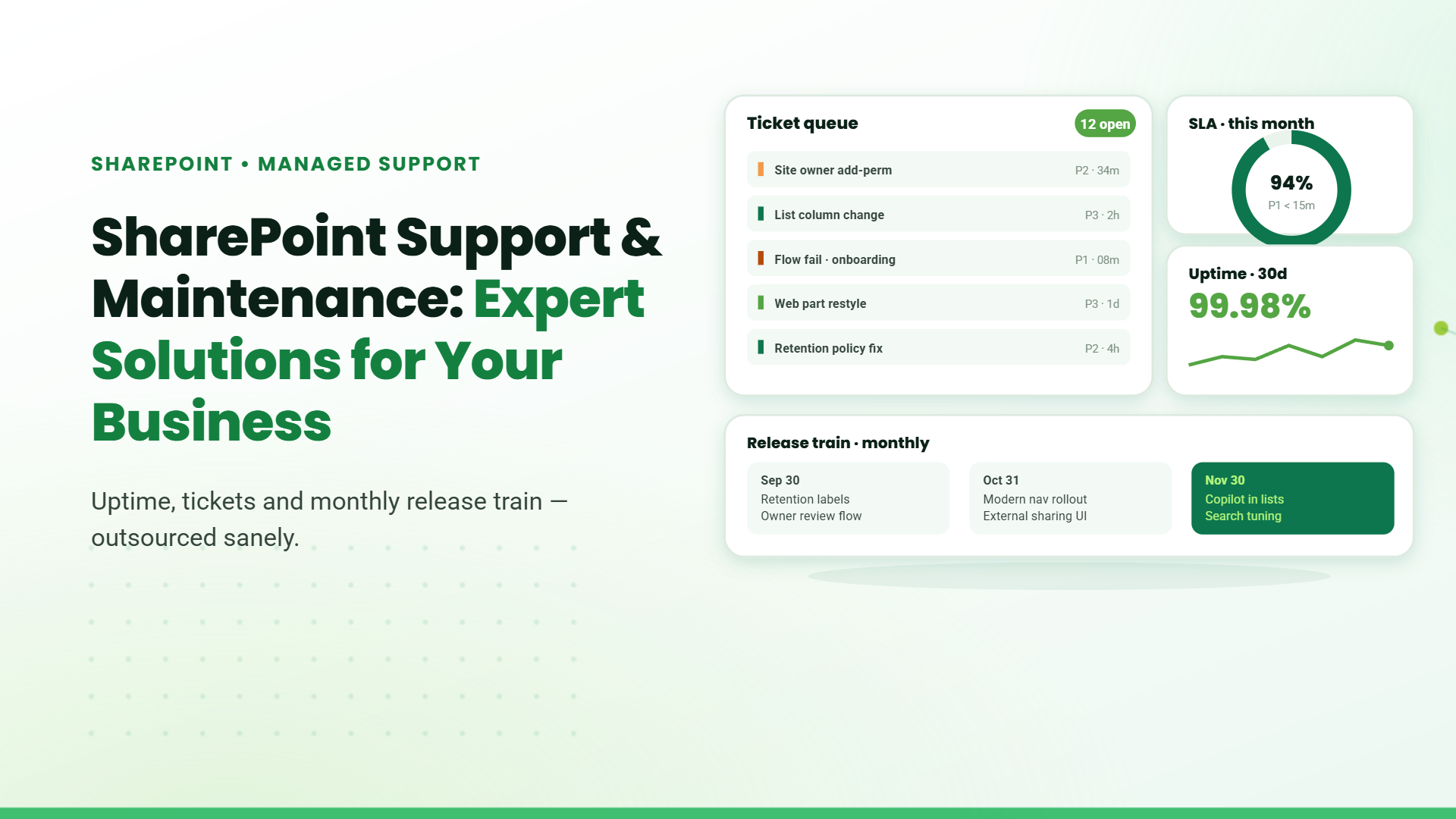
A SharePoint help desk centralizes user requests, automates workflows, and routes tickets to the right teams. Integration with Microsoft Teams and Power Automate speeds up resolutions, while self-service portals allow users to address common issues, reducing delays and enhancing communication.
SharePoint Monitoring services resolve any issues faster by monitoring performance. Support services often include monitoring the health of the SharePoint environment through dashboards that track service status and incidents, helping organizations stay informed about potential issues it measuring a wide range of metrics, proactively diagnosing any issues, and speeding up the troubleshooting process.
Security and compliance are interconnected, but different from one another in a few key ways. One of the main things SharePoint support offers regular updates and security patching are critical components of SharePoint support, ensuring that the platform remains secure against vulnerabilities and complies with industry standards.
Many support offerings include training programs to help users maximize their use of SharePoint features and capabilities, improving overall adoption and productivity within the organization.Look for post-training support (e.g., FAQs, help desks) and metrics tracking (e.g., usage analytics) to ensure sustained productivity and ROI from SharePoint investments.
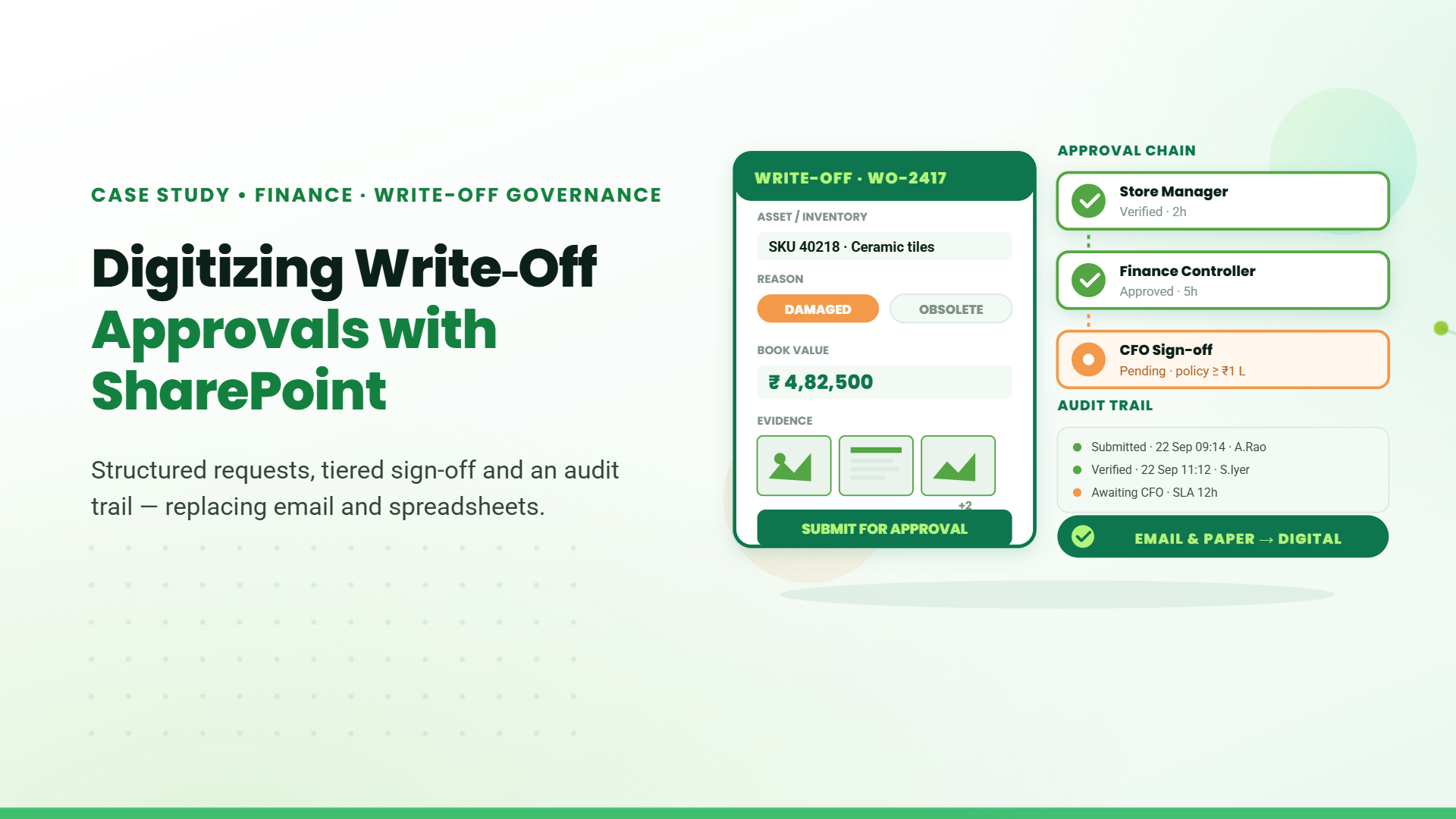
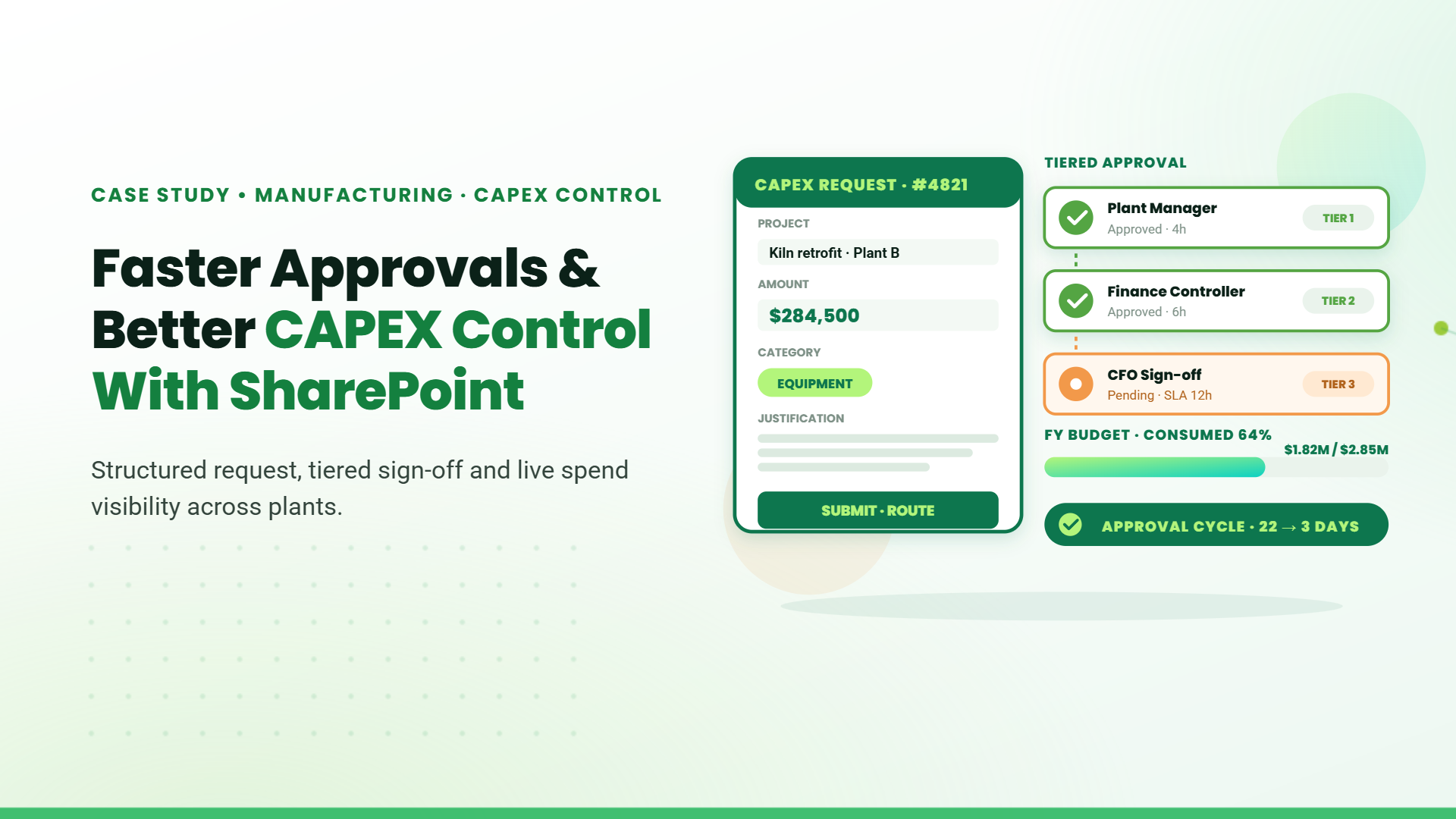
By analyzing your unique challenges, we can create business workflows that not only enhance and enhancing internal processes but also significantly boost overall efficiency. For instance, imagine implementing a customized system that automates repetitive tasks, reduces bottlenecks, and allows your team to focus on what truly matters—driving growth and innovation.
When technical issues do arise, having access to experienced SharePoint specialists makes all the difference. These professionals bring deep platform knowledge that allows them to quickly diagnose root causes of problems that might otherwise require hours or days of investigation. Whether dealing with performance degradation, authentication issues, or custom development challenges, SharePoint experts apply systematic troubleshooting methodologies refined through years of experience.
SharePoint offers a wealth of collaboration tools, but many organizations only scratch the surface of these capabilities. Professional support services help unlock SharePoint’s full collaborative potential by configuring and customizing features to match your specific business processes. From optimizing document libraries, audit logs and implementing version control protocols to designing intuitive team sites and communication portals, experts ensure your SharePoint environment actively enhances how people work together.
The SharePoint platform continues to evolve, with Microsoft regularly introducing new features and improvements. Professional support services manage the upgrade process to ensure your organization benefits from these enhancements without disruption. SharePoint experts carefully plan update strategies that consider your specific customizations, integrations, and business requirements, minimizing risk during transitions. They also help evaluate new features in the context of your organization’s needs, implementing those that deliver the most value while maintaining system stability.
Information security represents one of the most critical aspects of SharePoint management, particularly for organizations handling sensitive data or operating in regulated industries. Professional support services implement multi-layered security protocols that protect your SharePoint environment from both external threats and internal vulnerabilities. Regular security audits examine permission structures, content access controls, and data protection measures to identify and address potential weaknesses.
SharePoint support is essential for organizations looking to leverage the full capabilities of their SharePoint environments while ensuring operational efficiency and security.
Choose a provider with 5+ years of SharePoint-specific experience and certified professionals. Verify their expertise in handling complex migrations, compliance, and hybrid environments (on-premises/cloud). Providers with a history of solving industry-specific challenges ensure reliable, scalable solutions aligned with best practices.
Opt for providers offering end-to-end services, including migration, integration with Microsoft 365, workflow automation, security audits, and training. Ensure they, proactive monitoring, and future-proof customization to adapt to evolving business needs. Avoid providers with limited, reactive-only solutions.
Look for feedback on responsiveness, problem-solving, and post-implementation support. Providers with long-term client partnerships signal trustworthiness and consistent service quality.