Microsoft Stack for Construction Businesses: A Complete Guide
Operational Challenges in Construction Projects
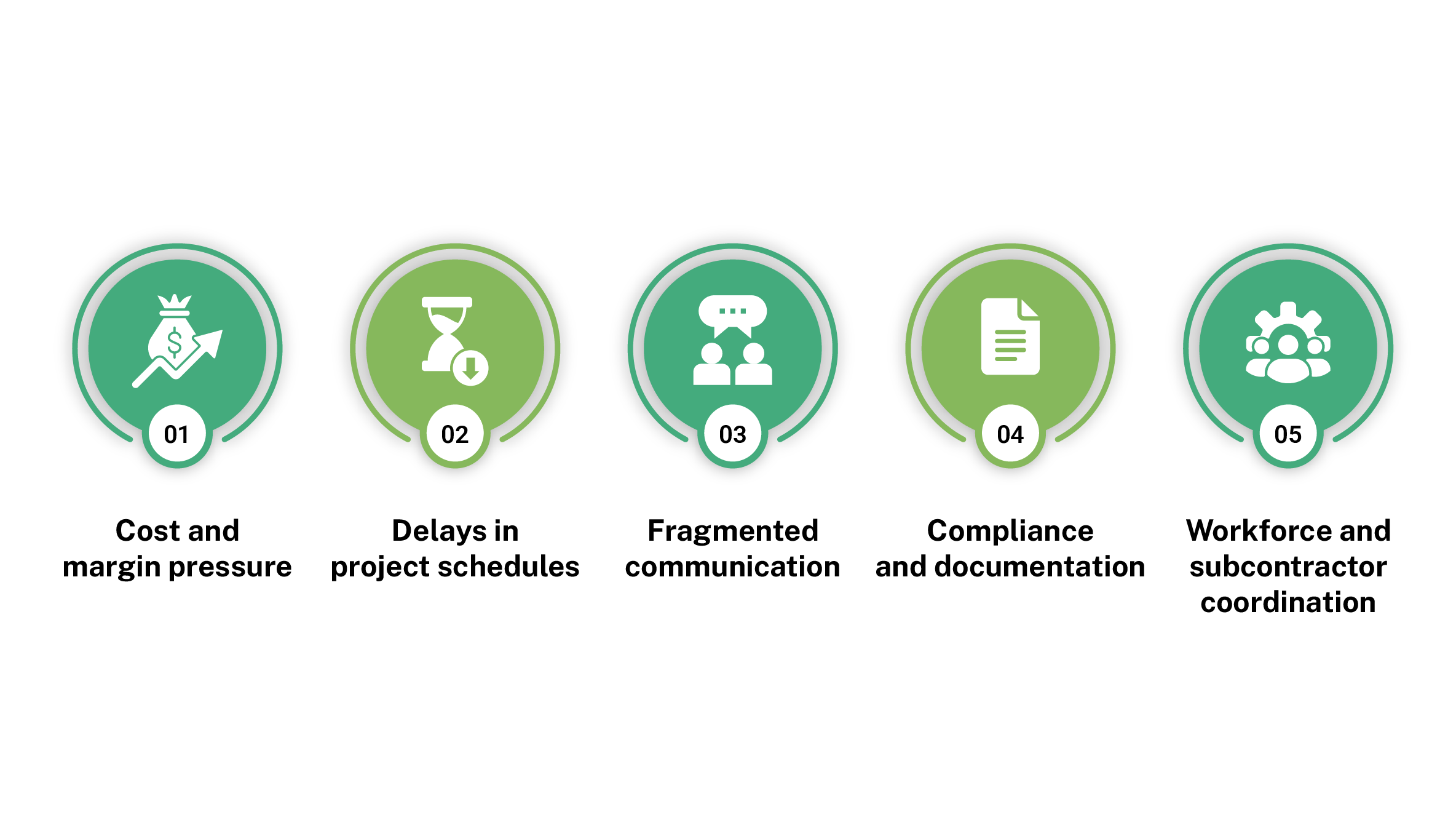
Cost and Margin Pressure
Delays in Project Schedules
Fragmented Communication and Information
Compliance, Documentation, and Evidence
Workforce and Subcontractor Coordination
What Needs to Change Operationally
- Visibility: Better visibility of time, cost, progress, and risks so owners and project leaders can see project and portfolio status clearly without digging through multiple spreadsheets, emails, and reports every time they need to make a decision.
- Processes: Standardized processes for planning, change, approvals, safety checks, and incident reporting so projects follow the same playbook instead of each team running its own version of “how we do things here”.
- Accountability: Clearer roles and accountability between internal teams and subcontractors, with tasks and approvals tied to specific responsibilities rather than whoever is available on the day.
- Early Action: Better ability to spot and act on issues early by reviewing key indicators regularly and linking what happens on site to programme, cost, and risk before problems show up in month‑end numbers
Why Do Engineering Projects Need a Document Management System?
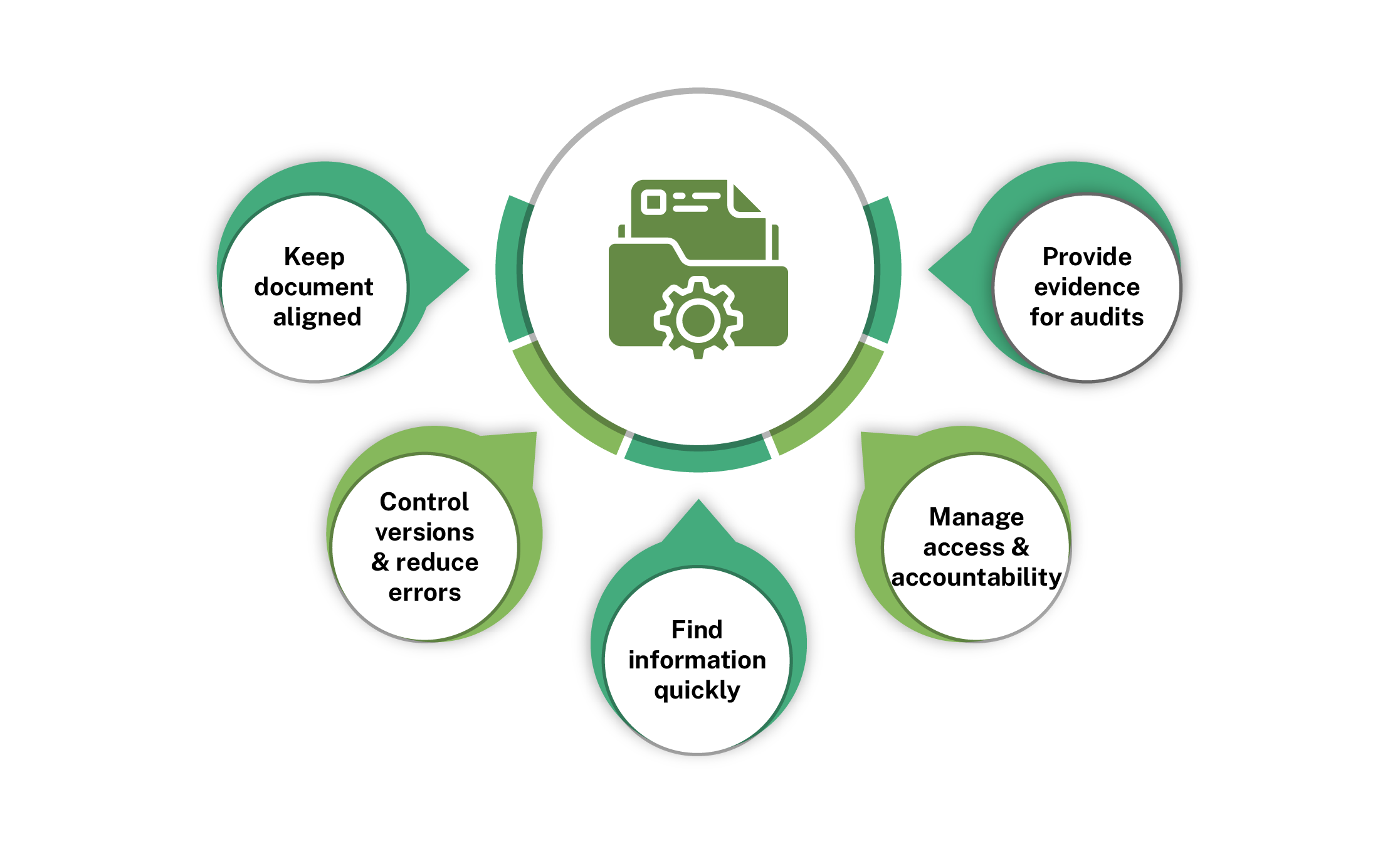
Keep documents aligned with what is built: A DMS stores drawings, models, methods, RFIs, contracts, emails, and records in one controlled place instead of scattered locations, so design intent, site changes, and final as‑built documents stay consistent and traceable across the entire project lifecycle.
Control versions and reduce errors: A DMS tracks every revision, so teams see the current drawing, method, or specification and which versions are superseded, reducing rework and mistakes from using outdated information while preserving a complete change history for governance, audits, and technical reference.
Find information quickly under pressure: Structured libraries and metadata allow filtering by project, discipline, status, document type, or revision, so engineers and site teams can retrieve critical information quickly for decisions, client queries, or inspections instead of wasting time searching shared drives and inboxes.
Manage access and accountability: A DMS enforces permissions on sensitive documents and records, who viewed, downloaded, or changed each file and when, strengthening internal controls, supporting segregation of duties, and ensuring external parties only access the specific information required to deliver their scope.
Provide evidence for claims and audits: A DMS shows which documents were issued, reviewed and approved at each stage, including timestamps and comments, giving reliable evidence for variations, disputes, insurance, regulatory checks and quality audits instead of relying on ad‑hoc folders and incomplete email trails.
Microsoft 365 as a Unified Project System
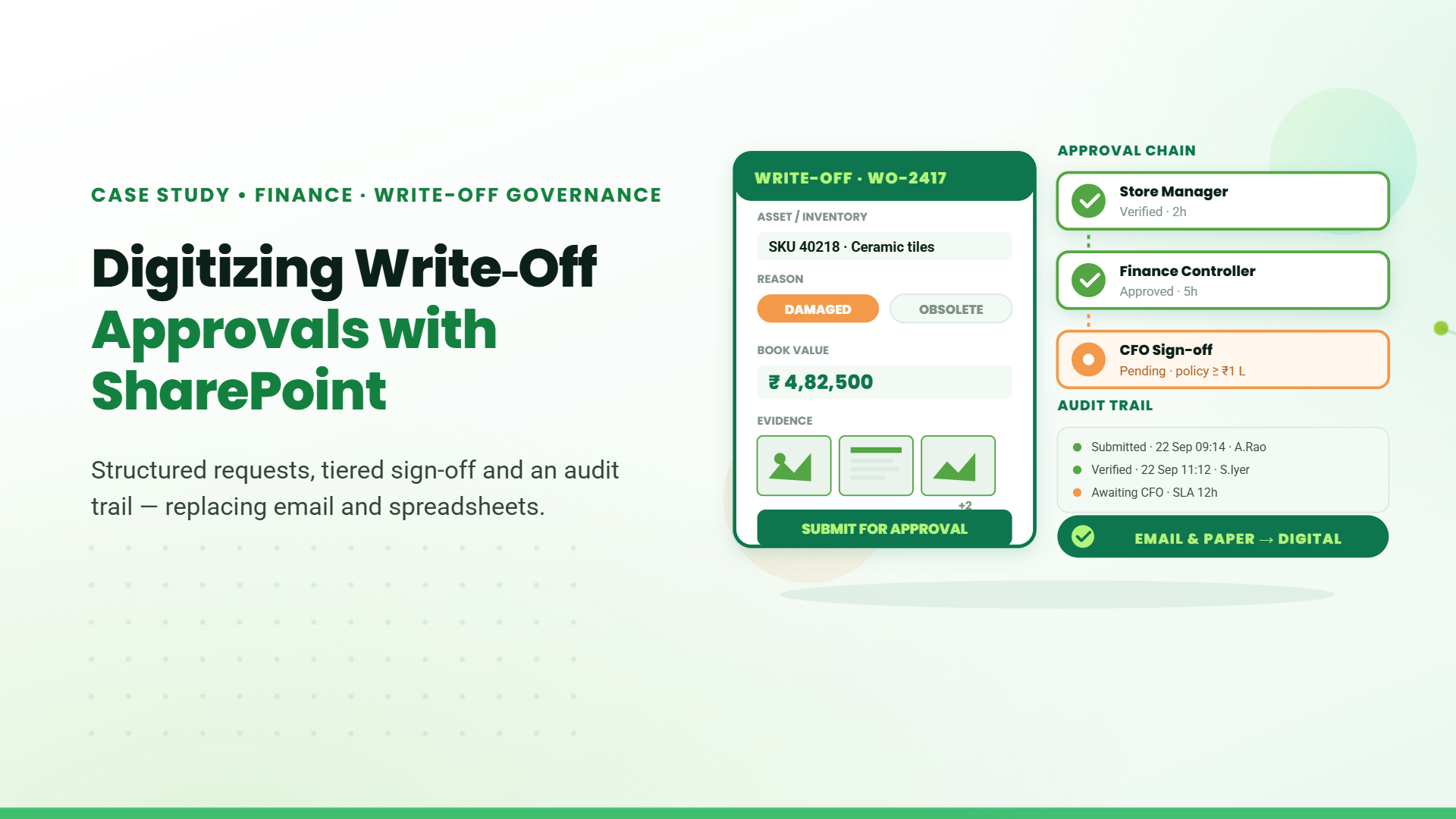
SharePoint → Centralized document management system for projects, drawings, and files
Power Platform → Custom apps and automated workflows for timesheets, safety, and field operations.
SharePoint as Project DMS
- Maintains version history for drawings and project documents with full revision tracking
- Records timestamps and user-level changes for audit and accountability
- Classifies documents using metadata such as project, discipline, and status
- Enables faster retrieval through structured libraries and filterin
- Controls access using role-based permissions across stakeholders
- Supports secure and organized collaboration on project documentation
Microsoft Power Platform Capabilities
Power Automate automates workflows by triggering actions based on events such as approvals, notifications, and data updates.
- Automating drawing approvals and document review workflows
- Routing inspection reports and site updates to relevant stakeholders
- Managing change requests with defined approval processes
- Enables faster retrieval through structured libraries and filterin
- Triggering alerts and notifications for pending tasks
- Reducing manual follow-ups across project activities

How to Get Started with Microsoft 365?
- Start with document control: Use Microsoft SharePoint to centralize drawings, RFIs, contracts, and site records. This creates a single, structured location for all project documentation.
- Digitize one core process: Identify a repetitive or manual workflow such as inspections, approvals, or timesheets and automate it using Microsoft Power Platform. This delivers immediate efficiency gains.
- Standardize workflows gradually: Define how approvals, document reviews, and site updates should move across projects. Automate these processes step by step instead of trying to implement everything at once.
- Enable visibility with dashboards: Start tracking key metrics like progress, delays, and approvals using simple dashboards. This helps decision-makers act earlier and with better context.
- Scale based on usage and needs: Once the initial setup is stable, expand to additional processes, projects, and teams. A phased approach reduces disruption and ensures adoption across the organization.
Table of Contents
- 1. Microsoft Stack for Construction Businesses: A Complete Guide
- 2. Operational Challenges in Construction Projects
- 3. What Needs to Change Operationally
- 4. Why Do Engineering Projects Need a Document Management System?
- 5. Microsoft 365 as a Unified Project System
- 6. How to Get Started with Microsoft 365?
- 7. Final Thoughts
- 8. FAQs
Talk to our Microsoft Expert Consultant
Final Thoughts
Share this article