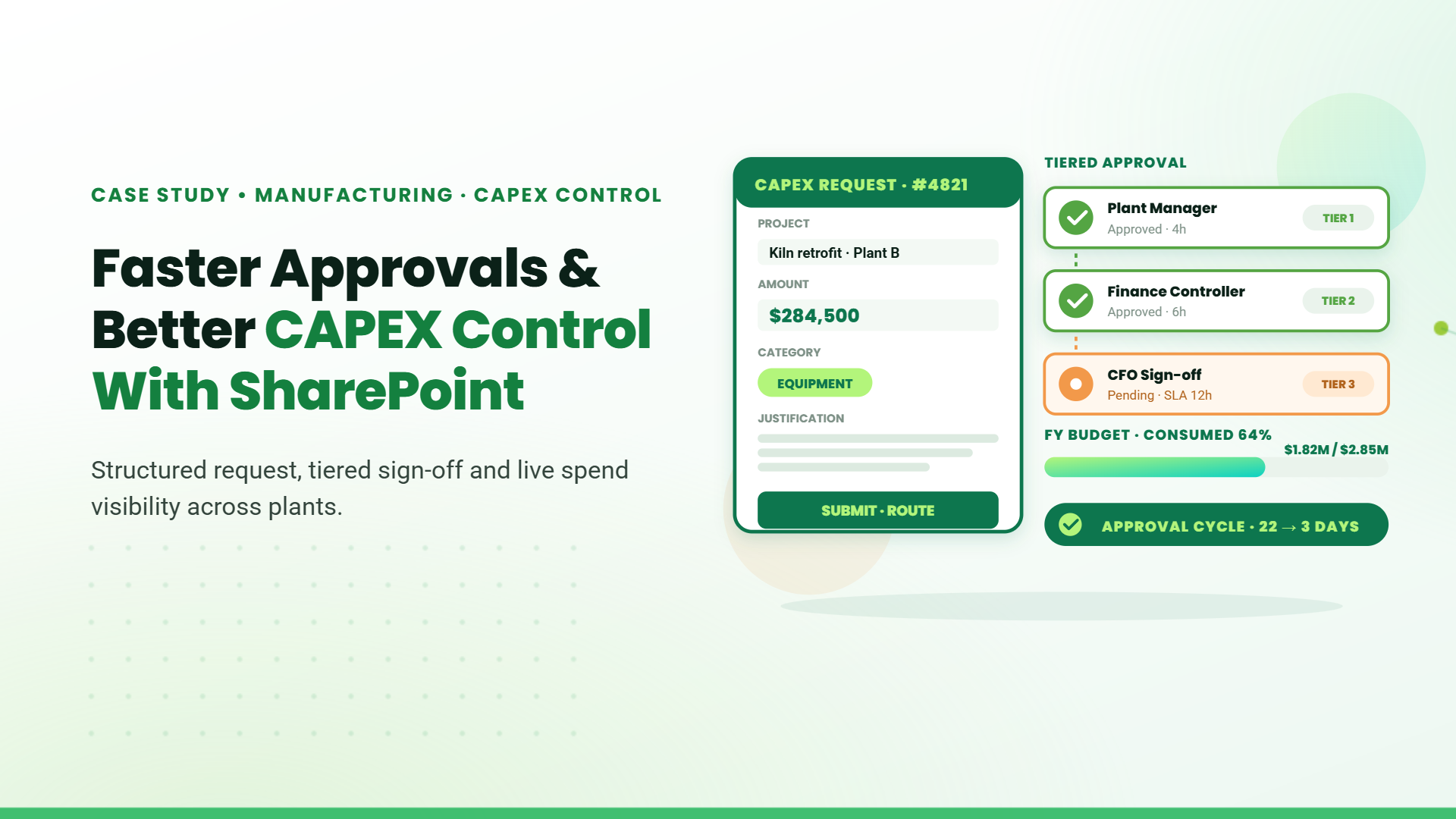
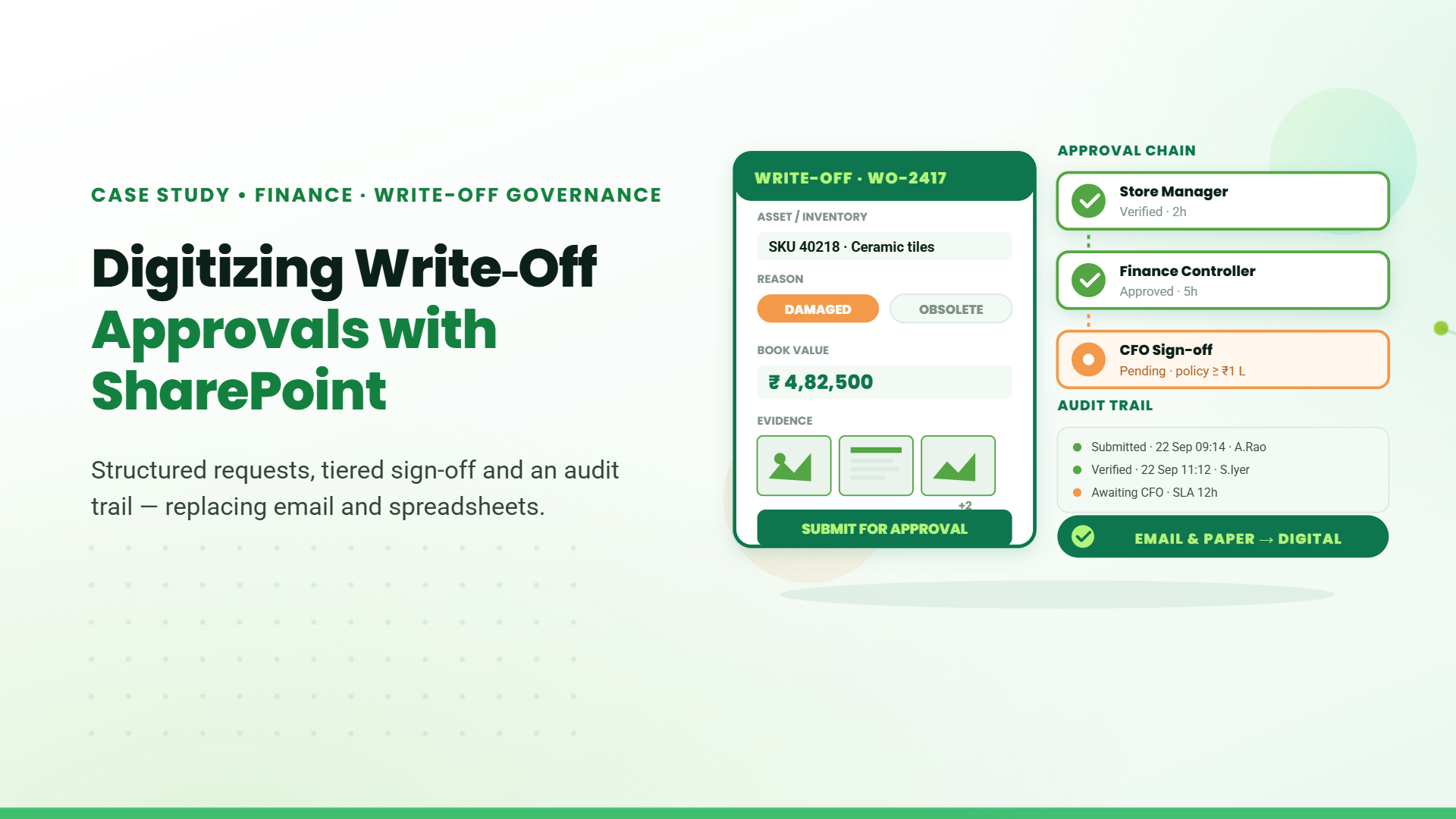
We built a fully automated, configurable CAPEX management system on SharePoint SPFx to centralize requests, streamline approvals, control budgets, and provide complete visibility across all locations.<br>
<strong>1. Centralized SharePoint (SPFx)- CAPEX Management System.</strong>
We built a unified CAPEX system on SharePoint SPFx to replace the manual email- and spreadsheet-driven process. All requests, approvals, documents, budget details, and comments are captured in a single platform accessible across all locations. Users see their own screens to create and track requests, while the system ensures every entry is linked to the user’s configured location, nature of the project, and line items. This eliminates data loss, improves accuracy, and brings full transparency across the organisation.<br>
<strong>2. Configurable Masters, Roles, Locations, and Workflow Rules</strong>
Admins have a dedicated configuration panel to manage every core element of the system. They can add locations, define the nature of projects, set different line items for each project type, and configure roles for each location. Approvers and initiators are mapped location-wise to control who can raise or approve requests. Workflow rules are fully configurable based on location, role, and the nature of the project. Admins can also assign delegation for all tasks - temporarily or permanently.<br>
<strong>3. Automated Multi-Stage Approvals with Rework and Vendor Inputs.</strong>
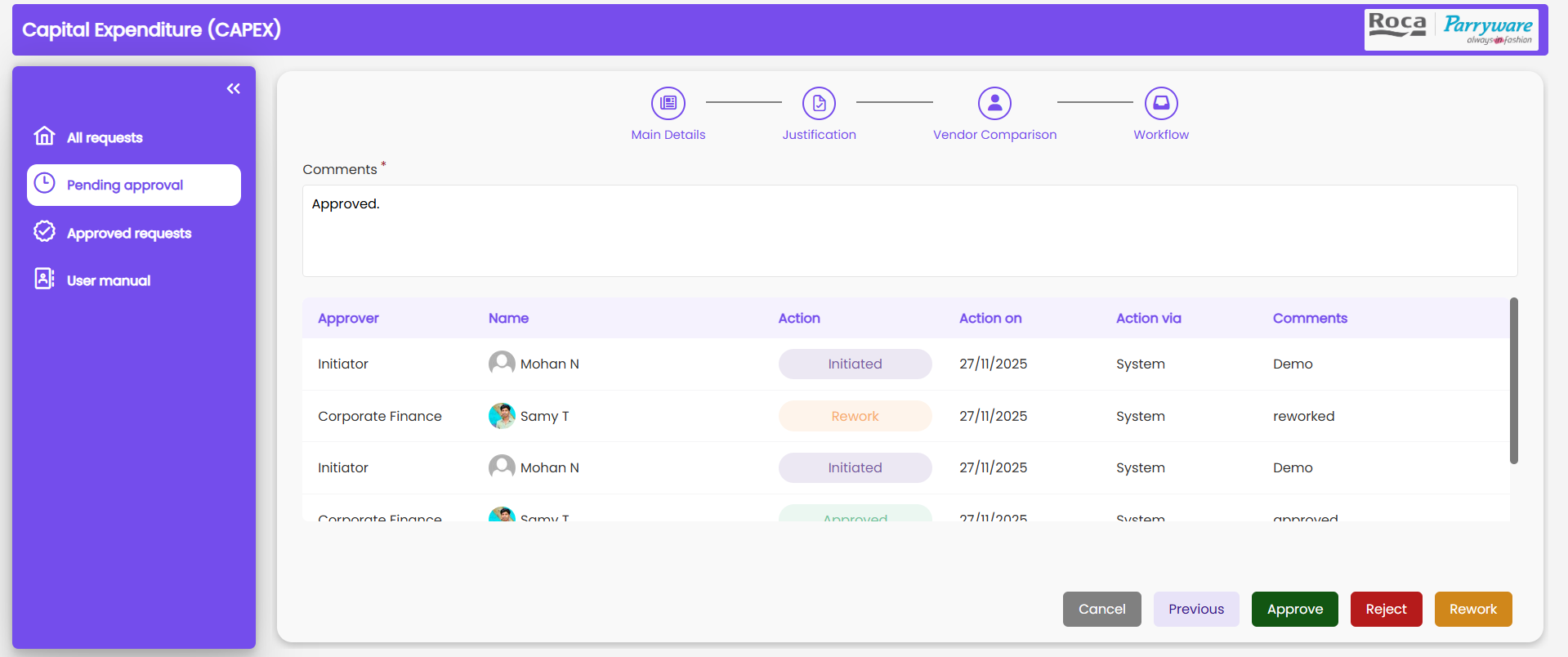
Requests follow an automated approval path: Initiator → Corporate Finance → MD. Workflow movement happens based on the configuration set by Admin. Approvers can reject, approve, or send requests back for rework. Every action triggers email notifications containing request information, quote details, expenditure items, and approver comments. This creates a transparent and delay-free approval cycle.
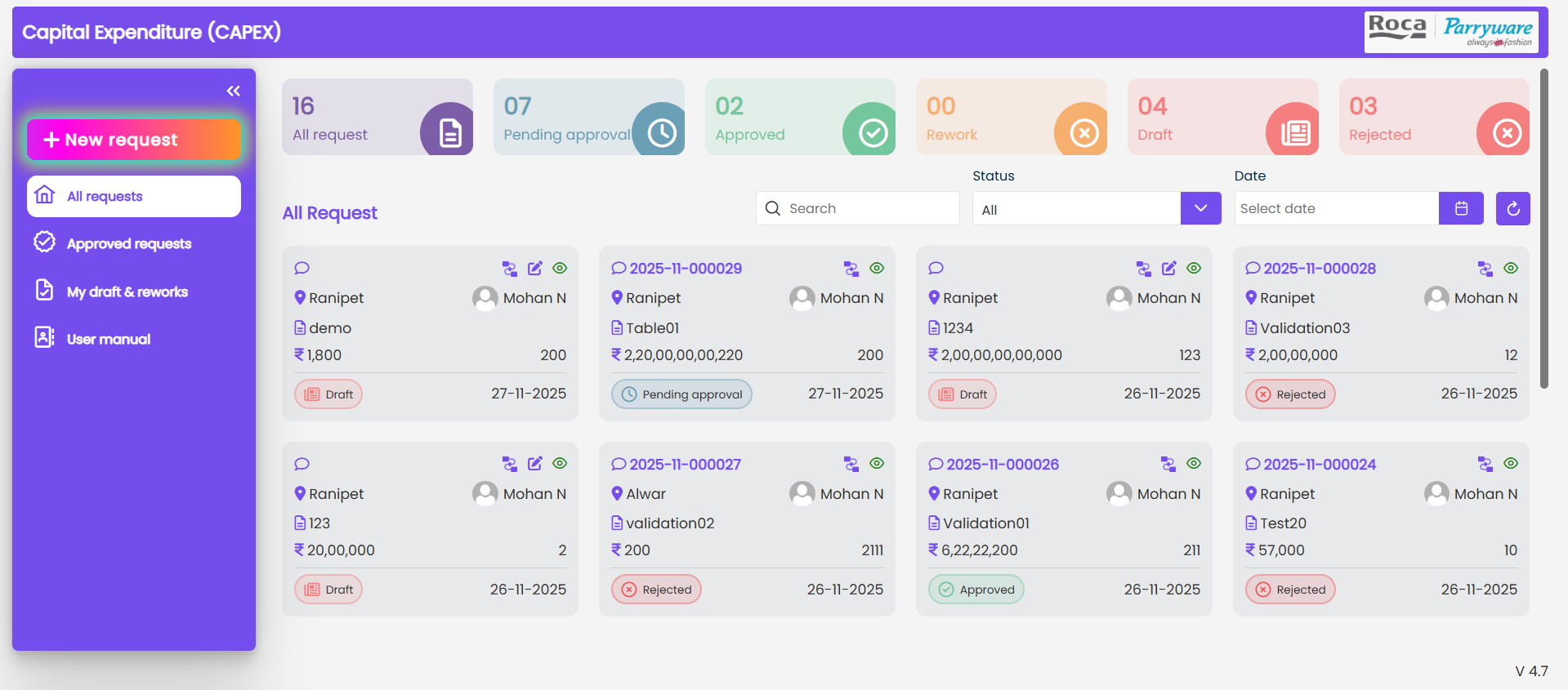
<strong>4. Dynamic Budget Allocation, Line Items, and Real-Time Tracking.</strong>
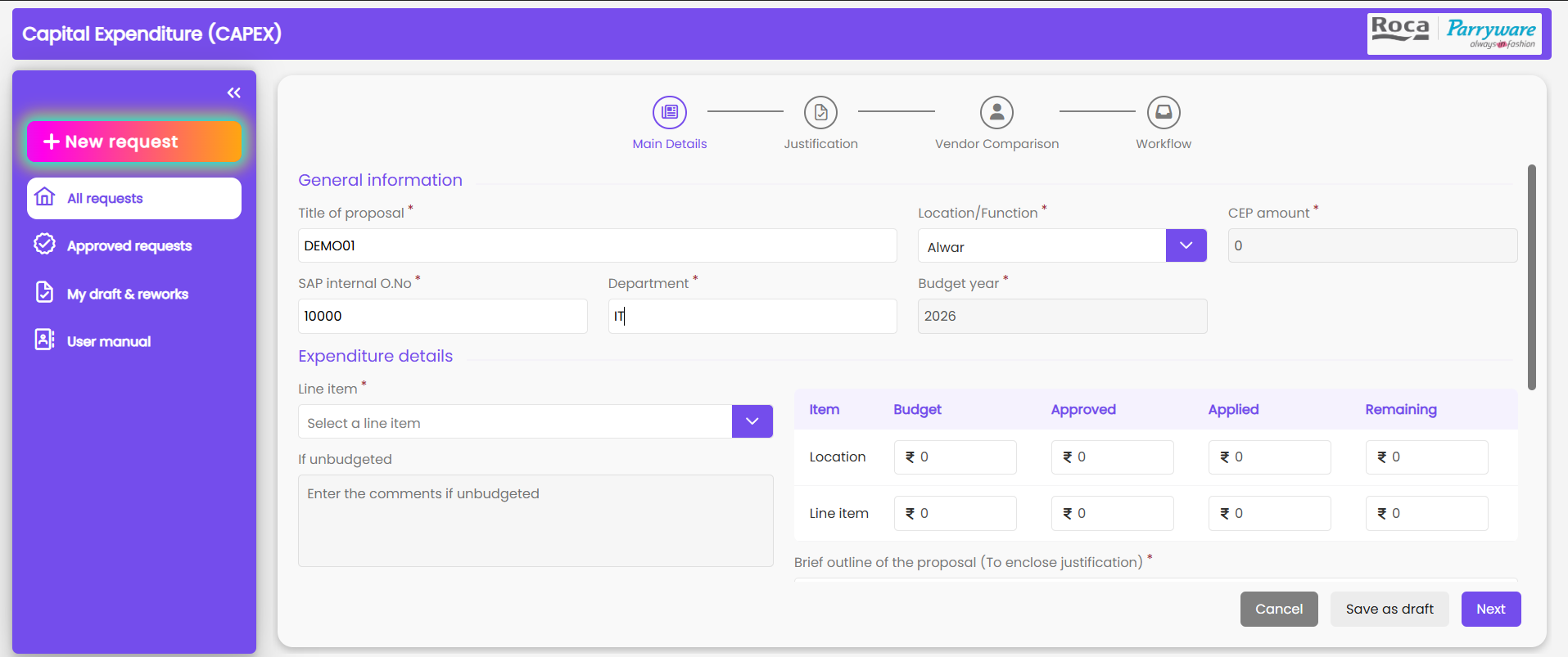
Corporate finance configures yearly budgets for every location, nature of the project, and line item. Before creating a request, users see the allocated budget, requested amount, and remaining balance automatically. Line items vary based on the nature of the project, and users can select the required items while submitting the request. Upon approval by the MD, the system updates the consumed budget and shows the remaining allocation instantly. This helps Finance monitor spending patterns accurately.<br>
<strong>5. Reporting, Audit Trail, Expenditure Insights, and Data Export</strong>
The system includes a reporting dashboard where users can filter CAPEX records by year, location, status, project nature, or line items. Corporate finance can view total yearly expenditure before making allocations. Every step of the workflow - edits, comments, vendor additions, approvals, and reworks - is recorded in a complete audit trail. Admin can download reports with all details, including quotes, expenditure breakdown, and approver remarks, supporting analysis, audits, and financial planning.