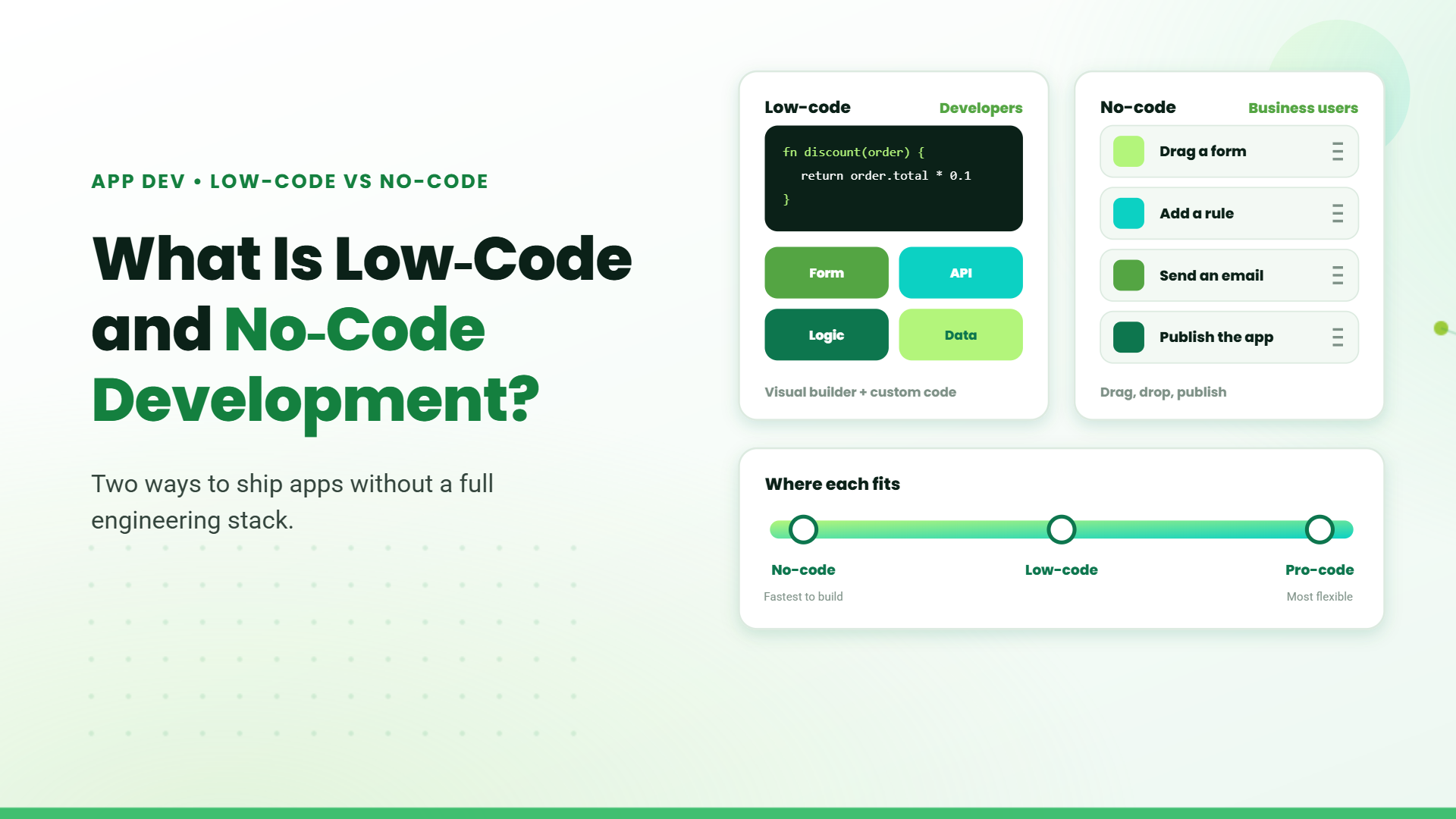
Digital transformation and Business Automation have accelerated the way businesses operate. From automating manual processes to creating customer-facing apps, and with a mix of automated workflows, organisations want faster, more affordable, and more adaptable solutions. This is where low-code and no-code development comes in.
Low-Code vs No-Code – Key Differences Explained.
Target Users
Customization Capabilities
Complexity Sweet Spot
Governance and DevOps
Low-code platforms include built-in version control, automated testing, staging environments, and CI/CD pipelines. Professional development practices are standard.
Hosting and Compliance
Cost Structure
Benefits of Low-Code Platforms
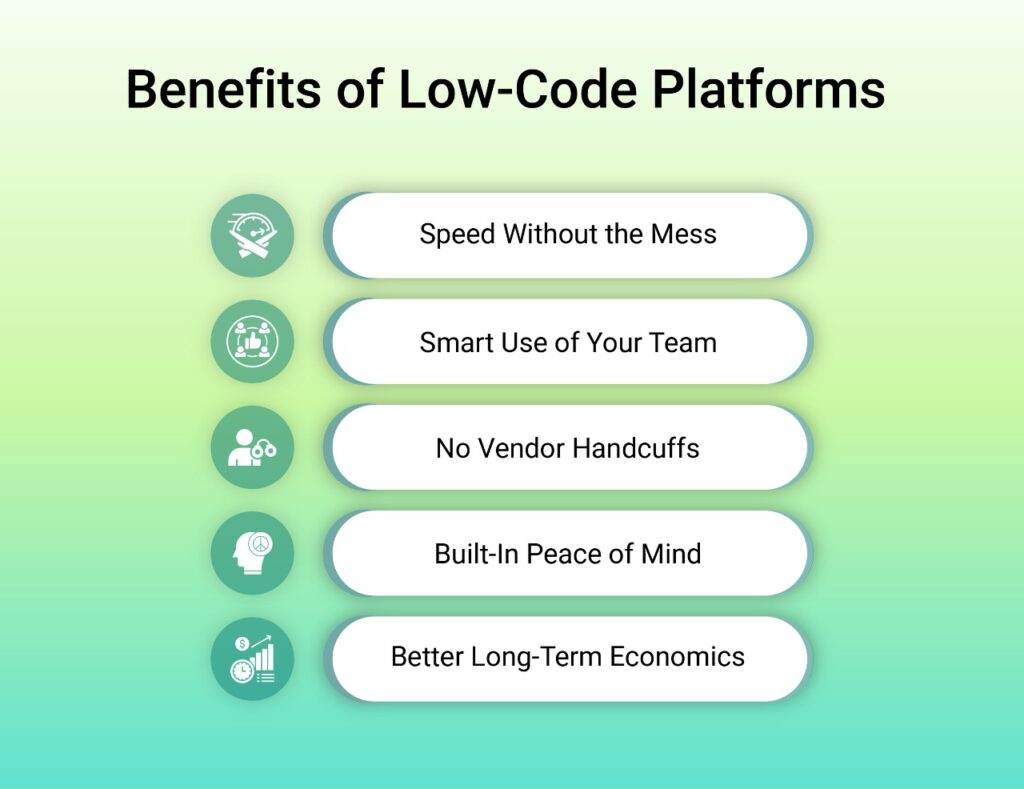
- Speed Without the Mess: Low-code platforms dramatically cut development time while keeping projects organized. What used to take six months of back-and-forth meetings now gets done in a couple of sprint cycles.
- Smart Use of Your Team: Your experienced developers can finally stop wasting time on repetitive login screens and basic forms. Instead, they focus on the challenging stuff – AI integration, security improvements, or complex algorithms. Meanwhile, your business-savvy team members can handle the routine building through drag-and-drop interfaces.
- No Vendor Handcuffs: The best low-code platforms- like Microsoft Power Platform, Mendix, and OutSystems – build on standard technologies. If you ever need to switch vendors or move everything in-house, you can export your work and take it with you.
- Built-In Peace of Mind: ecurity controls, user permissions, automatic documentation, and compliance features come ready out of the box. Your IT leadership stays happy because everything follows proper governance from day one.
- Better Long-Term Economics: Yes, the license costs look steep upfront. But when you factor in all the server setup, testing environments, and infrastructure you don’t need to manage, most projects become cost-positive pretty quickly.
Benefits of No-Code Platforms
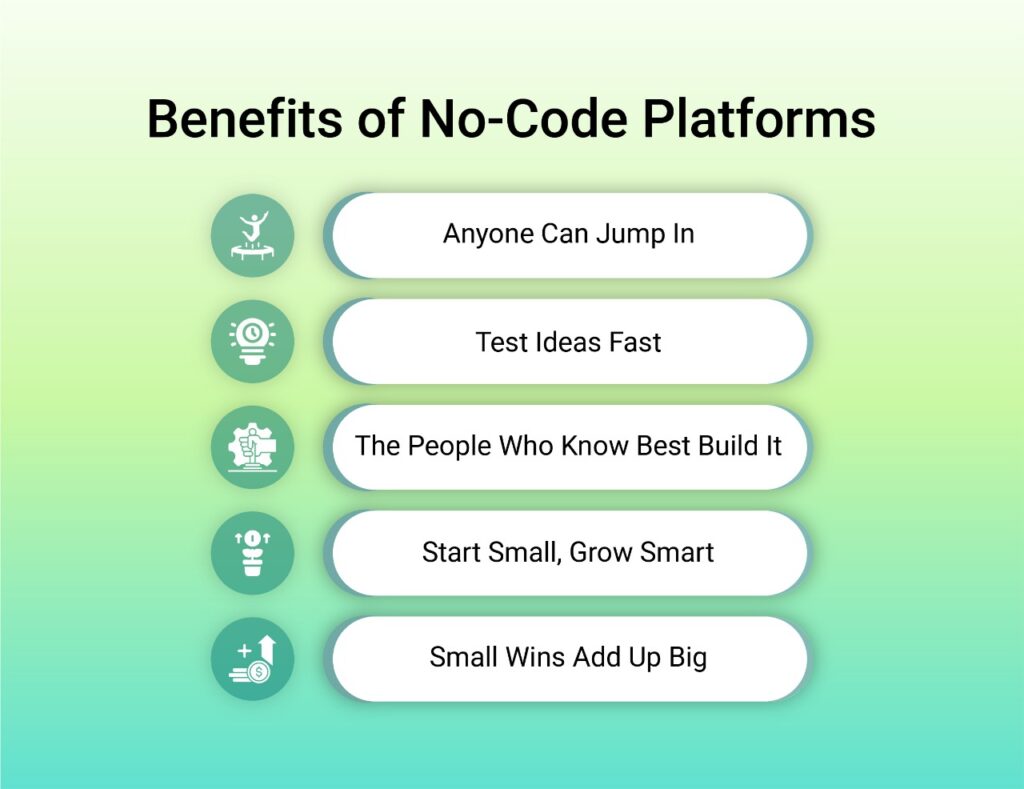
- Anyone Can Jump In: If you’re comfortable with Excel formulas, you can build useful business automations in an afternoon. No coding bootcamps or technical training required.
- Test Ideas Fast: Got a marketing campaign idea on Monday? Build it, test it, and launch it by Wednesday. No waiting for developer availability or project approval meetings.
- The People Who Know Best Build It: Your operations team understands the workflow better than anyone. When they build the solution themselves, you skip the whole “lost in translation” problem between business needs and technical implementation.
- Start Small, Grow Smart: Most no-code tools let you experiment for free with basic features. Small businesses can run their entire operation on free tiers before they ever need to pay for premium features.
- Small Wins Add Up Big: Each little automation might only save a few minutes, but they stack up fast. One medium-sized company saved over 7,000 hours in a year by connecting dozens of small process improvements together.
Why Power Apps Stands Out.
- Low-Code Meets No-Code: Business users can build apps visually, while developers can extend functionality with custom connectors and Azure integration.
- Seamless Microsoft 365 Integration : Works natively with SharePoint, Teams, Outlook, and Dynamics 365.
- Enterprise-Grade Security: Built on Microsoft Power Platform, it ensures compliance with global standards.
- Reusable Components: Create once, use across multiple apps.
- Mobile-Ready: Apps work on iOS, Android, and web without extra effort.
Example: A manufacturing company could use Power Apps to create an inventory tracking system integrated with Microsoft Teams. Employees scan barcodes with their phones, and the data flows directly into SharePoint or Dynamics 365 – without writing extensive code.
Limitations of Low-Code and No-Code Development Platforms.
Low-Code Limitations
- Talent Still Matters: Even in a visual interface, poorly written JavaScript or logic can crash production systems. Skilled developers are still required.
- Licensing Costs: Enterprise connectors like SAP or Oracle often require premium licensing, leading to unexpected costs as adoption scales.
- Technical Debt: Auto-generated code can be verbose, and performance tuning usually demands senior developer intervention.
No-Code Limitations
- Feature Ceilings: Once you hit platform restrictions, you may need to rebuild in custom code or pay for costly vendor services.
- Data Portability: Exporting tens of thousands of records with relationships intact is often slow and error-prone.
- Security Risks: You inherit the vendor’s entire security posture along with potential misconfigurations from non-technical users.
- Shadow IT Growth: Anyone can create apps quickly, but without governance, this leads to data silos and compliance issues.
Power Apps: Low-Code Development for Faster Business Apps.
- Visual App Building: Power Apps provides a drag-and-drop interface where business users and developers can design forms, workflows, and dashboards without writing extensive code. For complex logic, Power Fx (Excel-like formulas) can be used.
- Integration with Microsoft 365: Unlike standalone low-code tools, Power Apps connects natively with Outlook, Teams, SharePoint, and Excel, enabling quick automation and app creation within the tools employees already use daily, also it can integrate with other third-party applciations.
- SData Connectivity: With 500+ connectors (including SQL, Salesforce, SAP, and custom APIs), Power Apps allows businesses to unify data from multiple systems, reducing silos and improving productivity.
- AI and Automation: Built-in AI Copilot features make it possible to generate app screens and workflows with natural language prompts. Integration with Power Automate further streamlines repetitive tasks.
- Security and Compliance: Power Apps inherits enterprise-grade security from Azure Active Directory and Microsoft’s compliance certifications, making it suitable for industries like healthcare, finance, and government.
When to Use Power Apps.
- Replacing manual Excel or paper-based processes
- Building departmental apps like expense tracking, HR requests, or customer quoting tools
- Extending CRM or ERP systems with custom workflows
- Rapid prototyping of business solutions without large IT investments
Limitations
When Should You Use Low-Code vs No-Code?
When to Use No-Code.
When to Use Low-Code
Table of Contents
- 1. Introduction
- 2. Low-Code vs No-Code – Key Differences Explained.
- 3. Benefits of Low-Code Platforms
- 4. Benefits of No-Code Platforms
- 5. Why Power Apps Stands Out.
- 6. Limitations of Low-Code and No-Code Development Platforms.
- 7. Power Apps: Low-Code Development for Faster Business Apps.
- 8. When Should You Use Low-Code vs No-Code?
- 9. Conclusion
- 10. FAQs
Talk to our Microsoft Expert Consultant
Conclusion
Share this article

About the Author
Frequently Asked Questions
Use no-code for fast, simple apps with small teams and SaaS data. Choose low-code when you need integrations, stronger security, scalability, or compliance.
They speed up development, reduce IT workload, and cut costs. Power Apps also offers enterprise security, Microsoft 365 integration, and proven ROI benefits.