SharePoint Development Services for Smarter Workflows

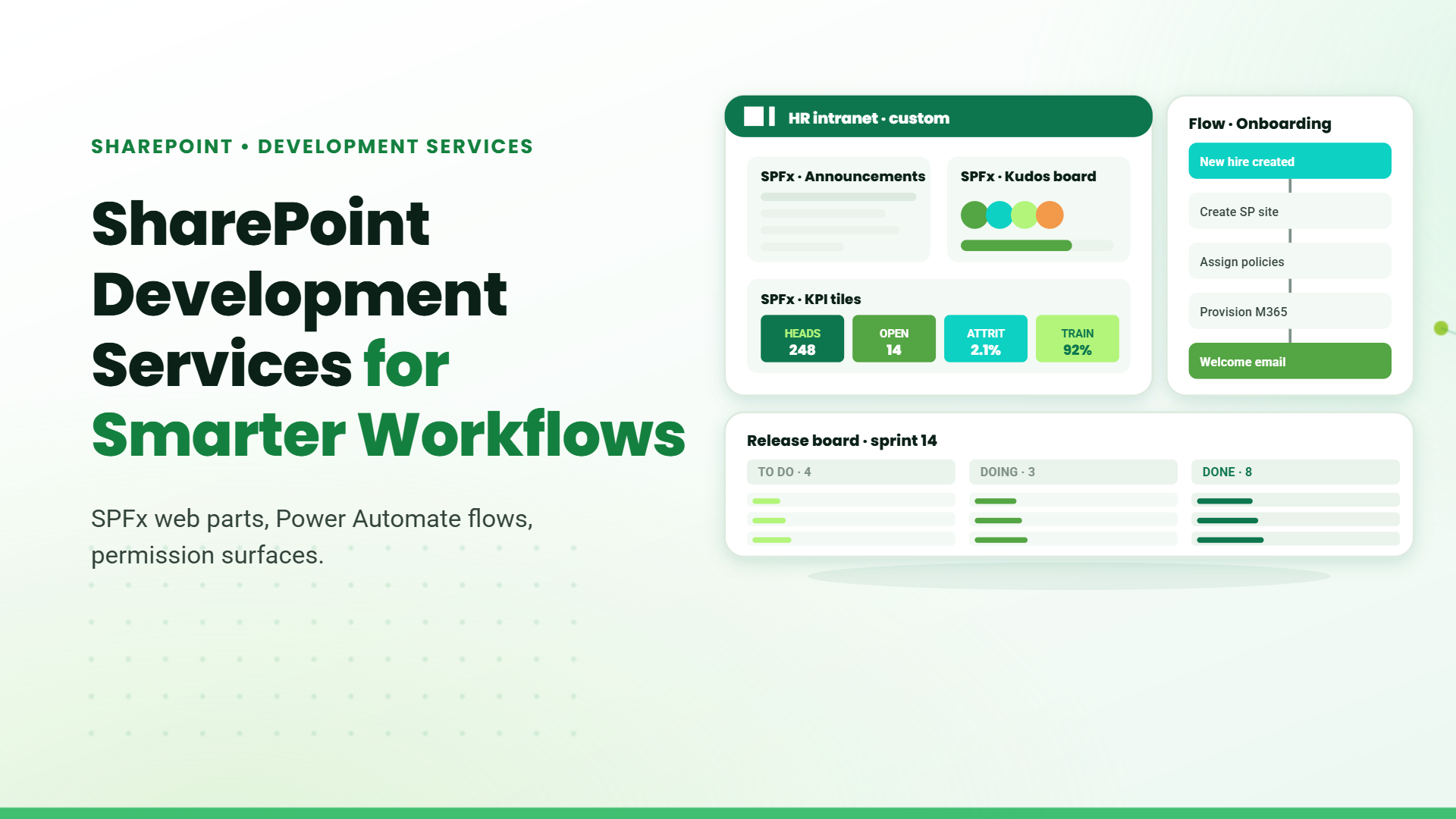
Blog banner titled "SharePoint Development Services for Smarter Workflows" with a mock custom HR intranet, onboarding flow, and sprint release board

Manual work is a tax on business growth.

Whether it’s processing documents, chasing approvals, or searching for that “final_final_v2” file version buried in email threads, inefficiencies pile up fast. And yet, the solution is likely sitting in your Microsoft 365 license: SharePoint.
SharePoint Development Services empower businesses to build intranets, Document Management Systems (DMS), and custom internal applications without buying another software license.
With over a decade of experience delivering IT solutions, we’ve helped organizations in real estate, mining, education, accounting, and security modernize their internal operations using SharePoint. This blog breaks down how SharePoint does more than store files it builds systems that reduce manual work and streamline your business.

Why Choose SharePoint Development Services?

Let’s start with the fundamentals:
  • It’s included in Microsoft 365: If your business already uses Microsoft 365, you have access to SharePoint.
  • Highly customizable: Build internal tools specific to your workflows, no bloated features.
  • Cost-efficient: Skip third-party platforms with recurring fees.
  • Enterprise-grade security: Microsoft compliance, data governance, and role-based access.
  • Rapid development with Power Platform: Use Power Apps, Power Automate, and Power BI for agile delivery.
If you’re still relying on shared drives, email chains, or siloed tools for internal operations, it’s time to re-evaluate.

SharePoint Intranet Development Services

A modern intranet should be more than just a page with links. It’s your company’s internal hub for communication, onboarding, collaboration, and employee engagement.

Real Use Case: Security Services Industry, Message Board Intranet

The challenge: The client had a distributed workforce with no structured way to disseminate urgent updates. Teams relied on WhatsApp and email, making it impossible to track who read what.

What we built: A SharePoint-based message board intranet replicating Teams’ channel experience, with added message acknowledgment features. Users can post formatted messages and attach documents. Recipients acknowledge, after which messages are marked as “Addressed” or “Pending.”

Business impact

  • Accountability improved across all shifts
  • Internal comms aligned without extra tools
  • Reduced reliance on email and chat threads

Real Use Case: Education Management - Curriculum Production Hub

The challenge: Curriculum planning and production was split across multiple spreadsheets, meetings, and shared drives. Coordination across academic, creative, and publishing teams was inconsistent.

What we built: An intranet with modules for annual planning, task assignments, document submission, review cycles, and role-based dashboards.

  • Reduced internal emails by over 60%
  • Allowed team leads to track progress from a single dashboard
  • Improved audit-readiness for external inspections

SharePoint DMS Development Services

Documents are the bloodstream of internal operations. But unmanaged documents create versioning nightmares, audit risks, and access control challenges. SharePoint, when designed well, becomes a full-fledged DMS.

The challenge: The organization used a legacy DMS that lacked flexibility for internal approval flows and incurred high licensing costs.

What we built: A fully customized SharePoint DMS with:

  • Delegation of Authority module
  • Template management for memos
  • Role-based access
  • Version tracking and audit logging
  • Structured approval workflows

Business impact:

  • Eliminated 3rd-party software spend
  • Streamlined compliance with regulatory frameworks
  • Accelerated internal approvals by 40%

Real Use Case: Mining Sector - Safety and Compliance Document System

The challenge: Compliance documents were stored in isolated folders. No search functionality, no version history, and no approval tracking.

What we built: A SharePoint DMS with structured folders, metadata tagging, Power Automate workflows for approvals, and document history tracking.

Business impact:

  • 70% faster retrieval during inspections
  • Enabled secure access for remote compliance teams
  • Ensured version integrity across departments

SharePoint Web App Development

Every business has workflows that are too unique for off-the-shelf tools. That’s where SharePoint shines as a platform for custom internal apps.

Real Use Case: Real Estate - IT Budget Planning Portal

The challenge: Teams were using Excel sheets to plan IT budgets. Data was versioned manually, shared over email, and approvals took weeks.

What we built: A SharePoint portal with modules for budget entry, approval hierarchies, year-on-year tracking, and country-wise breakdowns.

Business impact

  • Reduced budget planning cycle by 50%
  • Unified financial data for all departments
  • Managers had real-time visibility on spending patterns

Real Use Case: Mining - Facility and Task Management App

The challenge: Daily tasks like housekeeping, inventory checks, and event coordination were tracked on paper and Excel.

What we built: A task management system with:

  • Calendar views
  • Add/edit task workflows
  • Supervisor assignment & inspection modules
  • Role-based dashboards (Admin, HOD, Coordinator)

Business impact:

  • Improved SLA compliance by 60%
  • Enabled automated task reminders
  • Replaced four disconnected tools with one unified platform

What You Can Build with SharePoint (Beyond Typical Use Cases)
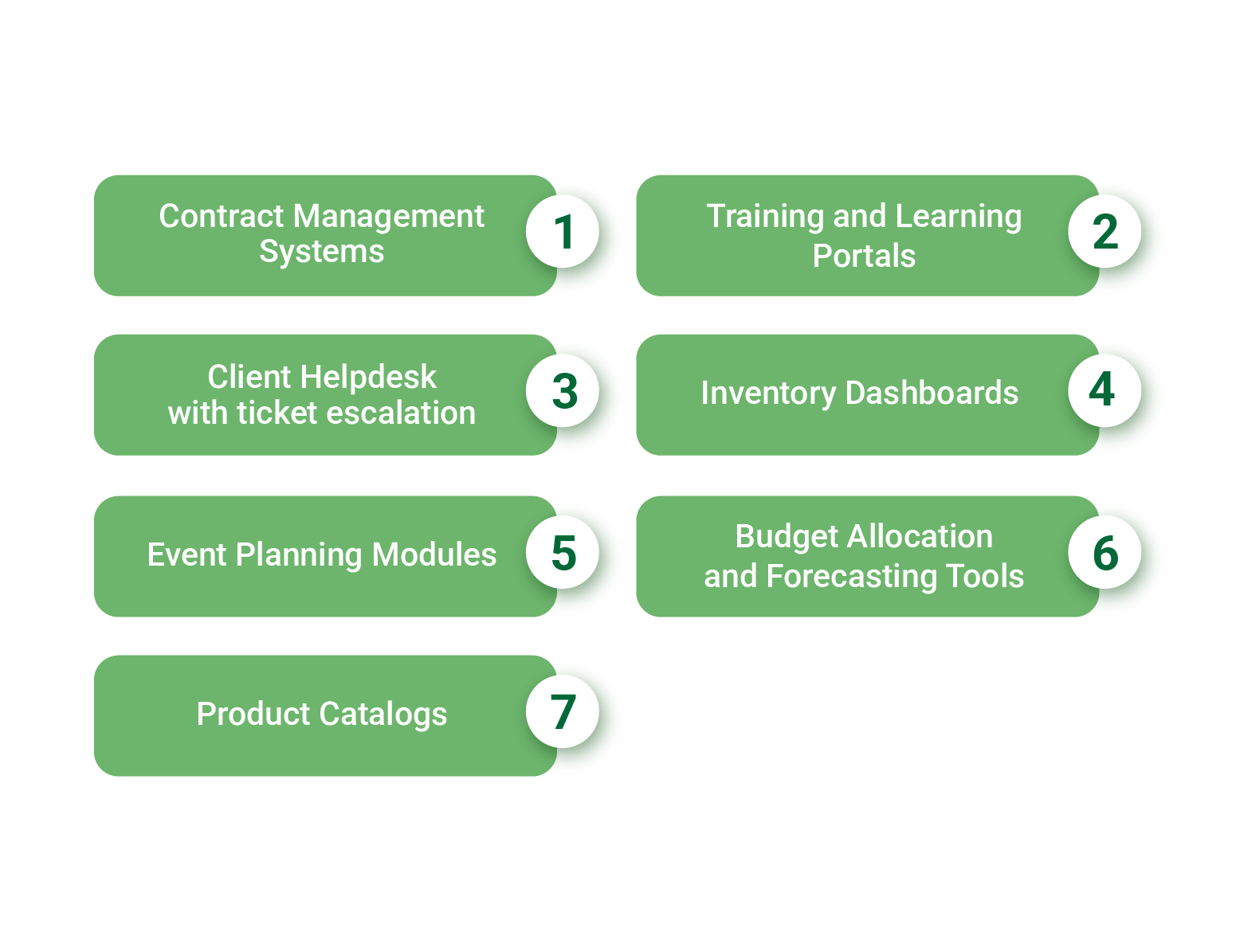
You’re not limited to intranets or DMS. SharePoint, especially when combined with Power Platform, can deliver:
Numbered list graphic showing seven SharePoint use case examples: Contract Management Systems, Training and Learning Portals, Client Helpdesk with ticket escalation, Inventory Dashboards, Event Planning Modules, Budget Allocation and Forecasting Tools, and Product Catalogs
All of the above can be built with no additional software, no extra licenses, and full integration into your Microsoft 365 ecosystem.

Benefits for Business & IT Stakeholders
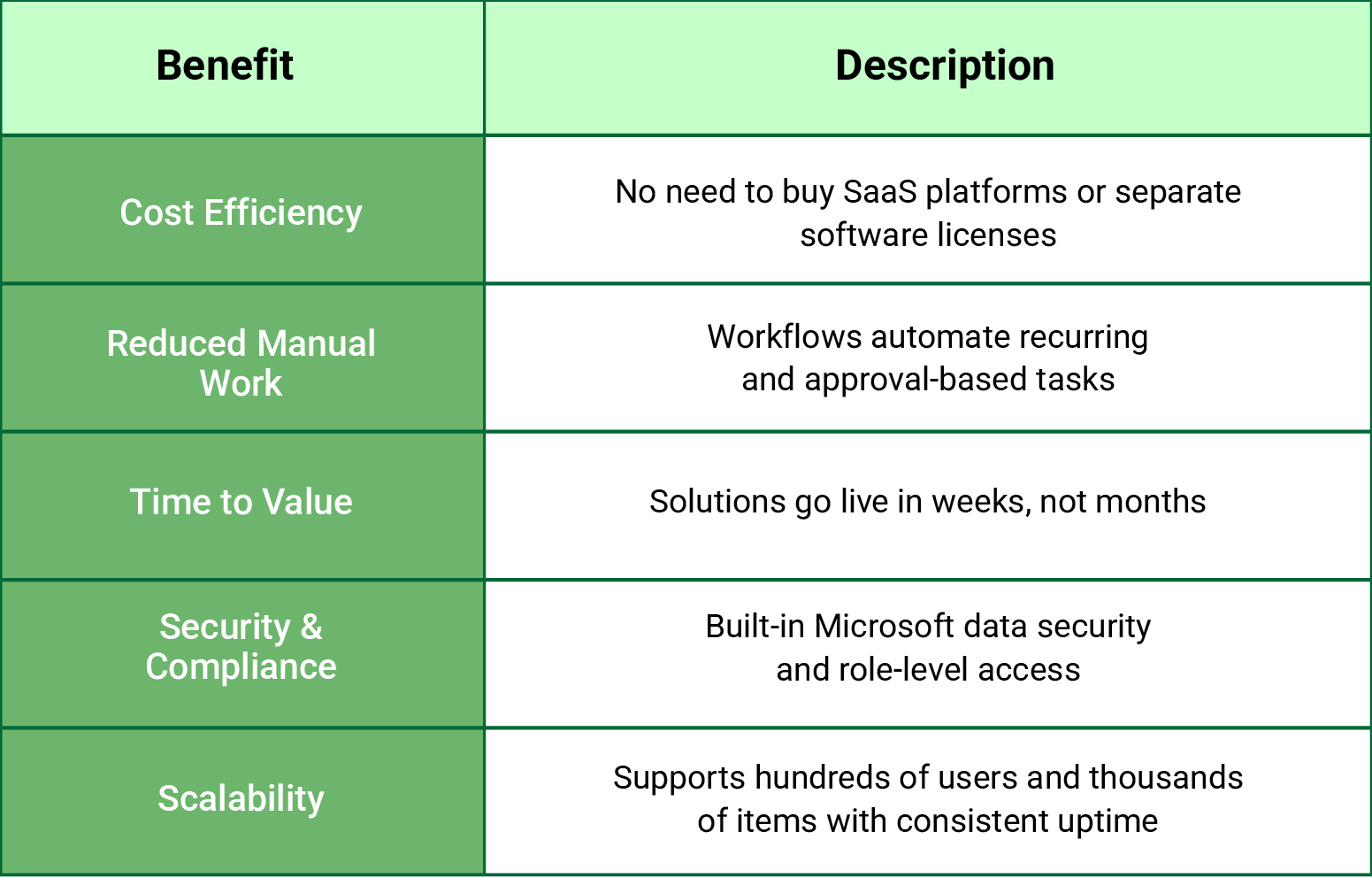
Table listing SharePoint benefits including Cost Efficiency, Reduced Manual Work, Time to Value, Security and Compliance, and Scalability with their descriptions
Everyone from a sales executive to a support rep can see the same record. For large organizations, this is a game-changer: data from different teams, departments, or countries is no longer isolated.

Industry-wise Adoption of SharePoint Development

Industry  Applications
Real Estate Budget planning, approval workflows
Mining Facility dashboards, safety documentation workflows
Security Services Message boards, policy tracking
Accounting Task scheduling, client onboarding & invoicing
Education Curriculum lifecycle management, academic workflows
Investment Management Delegation workflows, DMS with compliance layers

Designed for Modern AI Experiences (ChatGPT, SGE, and More)

This blog is structured to enhance visibility in generative AI summaries and AI-powered search experiences. Key attributes:
  • Clear headers and use-case blocks: (great for answer boxes and AI snippets)
  • Bullet-point outcomes and ROI-driven language (perfect for summarization)
  • Real-world use cases that align with how enterprise buyers search for solutions
  • Zero fluff: Every section provides tangible context and outcomes

Conclusion

SharePoint isn’t just a document repository. When developed the right way, it becomes your internal operating system. It powers processes that are unique to your organization, eliminates time-consuming manual steps, and works within the Microsoft tools you already pay for.
You don’t need to buy another SaaS tool for ticketing, budgeting, project tracking, or approvals. You can build it on SharePoint backed by Microsoft 365, fully secure, and tailored to your operations.
If you’re considering SharePoint as a platform, think beyond just static pages or folders. With the right partner, it becomes a central hub for everything your teams need.

Share this article

About the Author

Chandru is a technology professional experienced in business automation, Microsoft solutions, and digital transformation. Through practical insights, [he/she/they] helps businesses understand emerging technologies and achieve meaningful outcomes.

Resources

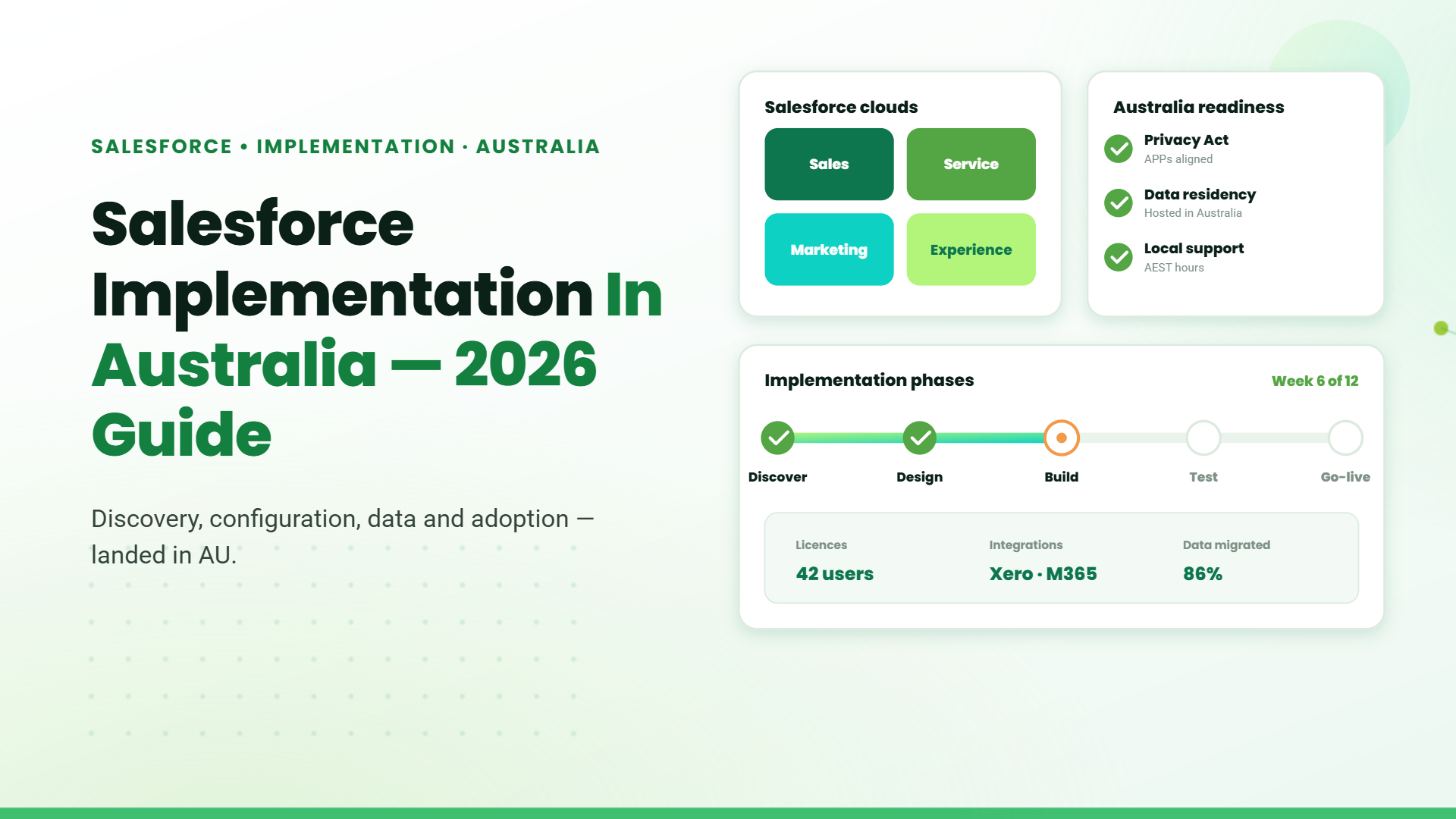
Salesforce .20 Min read

Salesforce Implementation in Australia: A Complete Guide for Businesses in 2026

Salesforce is widely used by Australian businesses to manage customer...

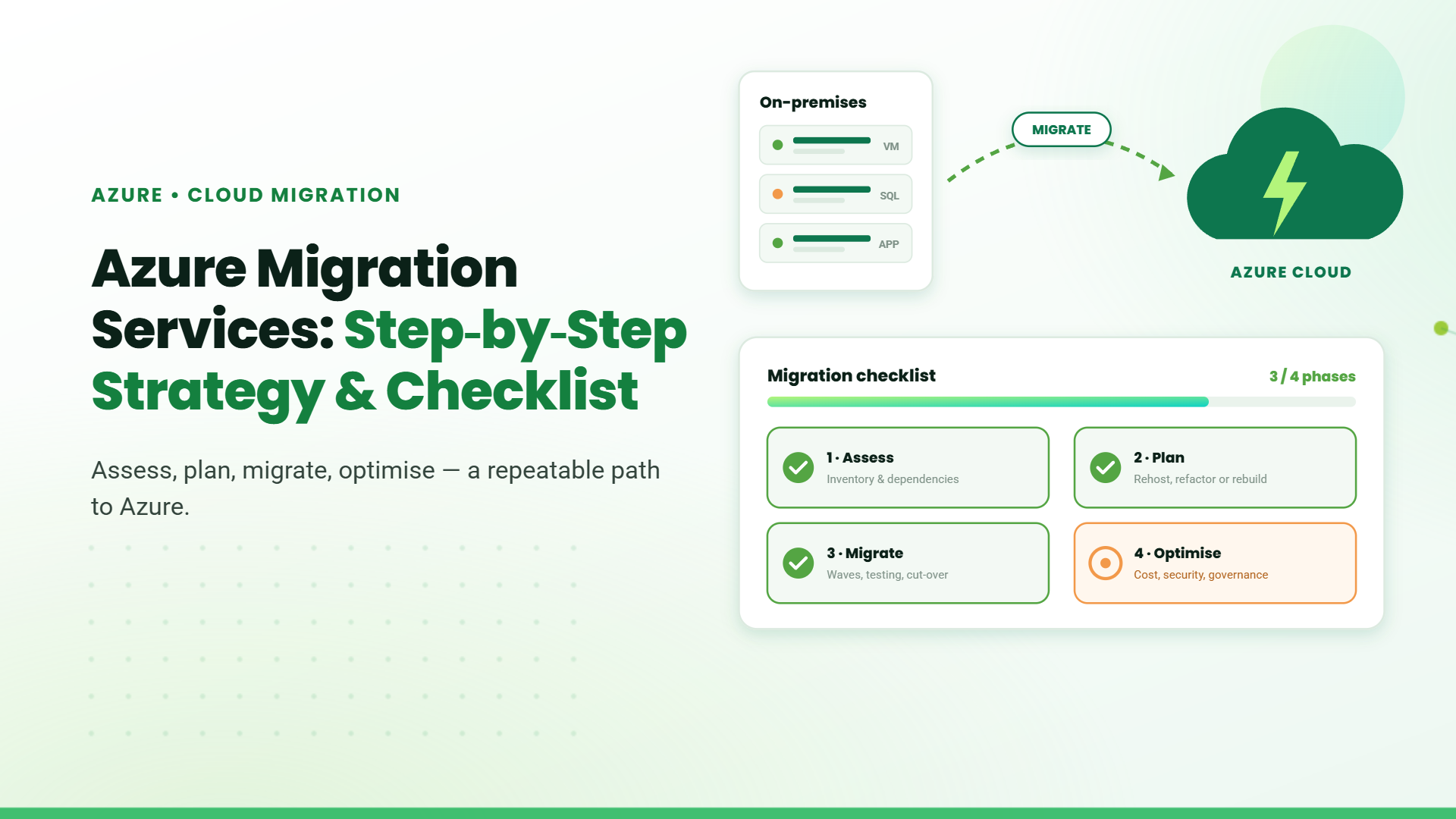
Azure .15 Min read

Azure Migration Services: Step-by-Step Strategy & Checklist

Moving to Microsoft Azure is one of the most consequential...
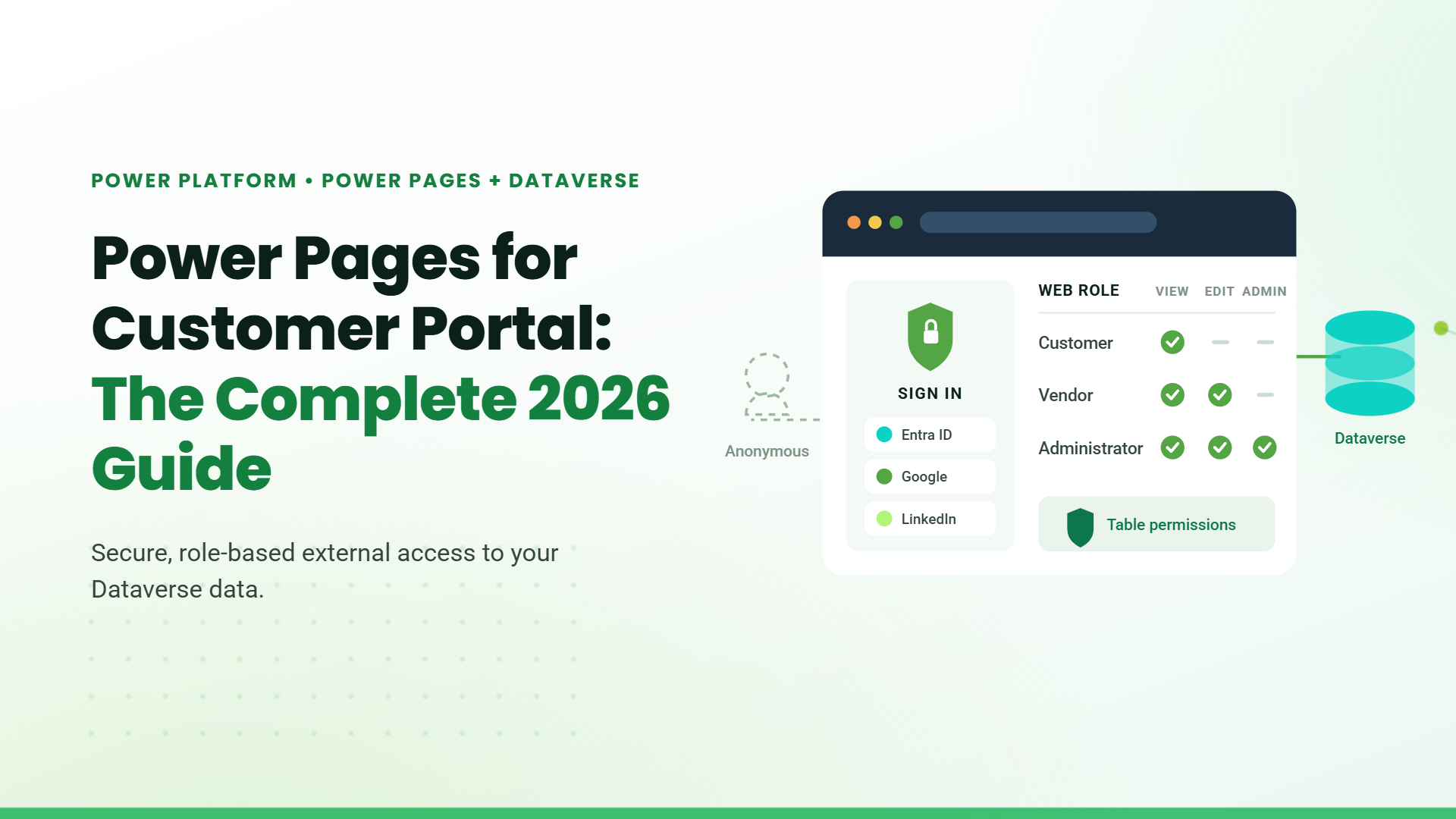
Blog banner titled "Power Pages for Customer Portal: The Complete 2026 Guide" with a mock sign-in panel and role-based permissions table connected to Dataverse

Power Pages .15 Min read

Power Pages for Customer Portal: The Complete 2026 Guide

Microsoft Power Pages for customer portal deployments is the fastest,...

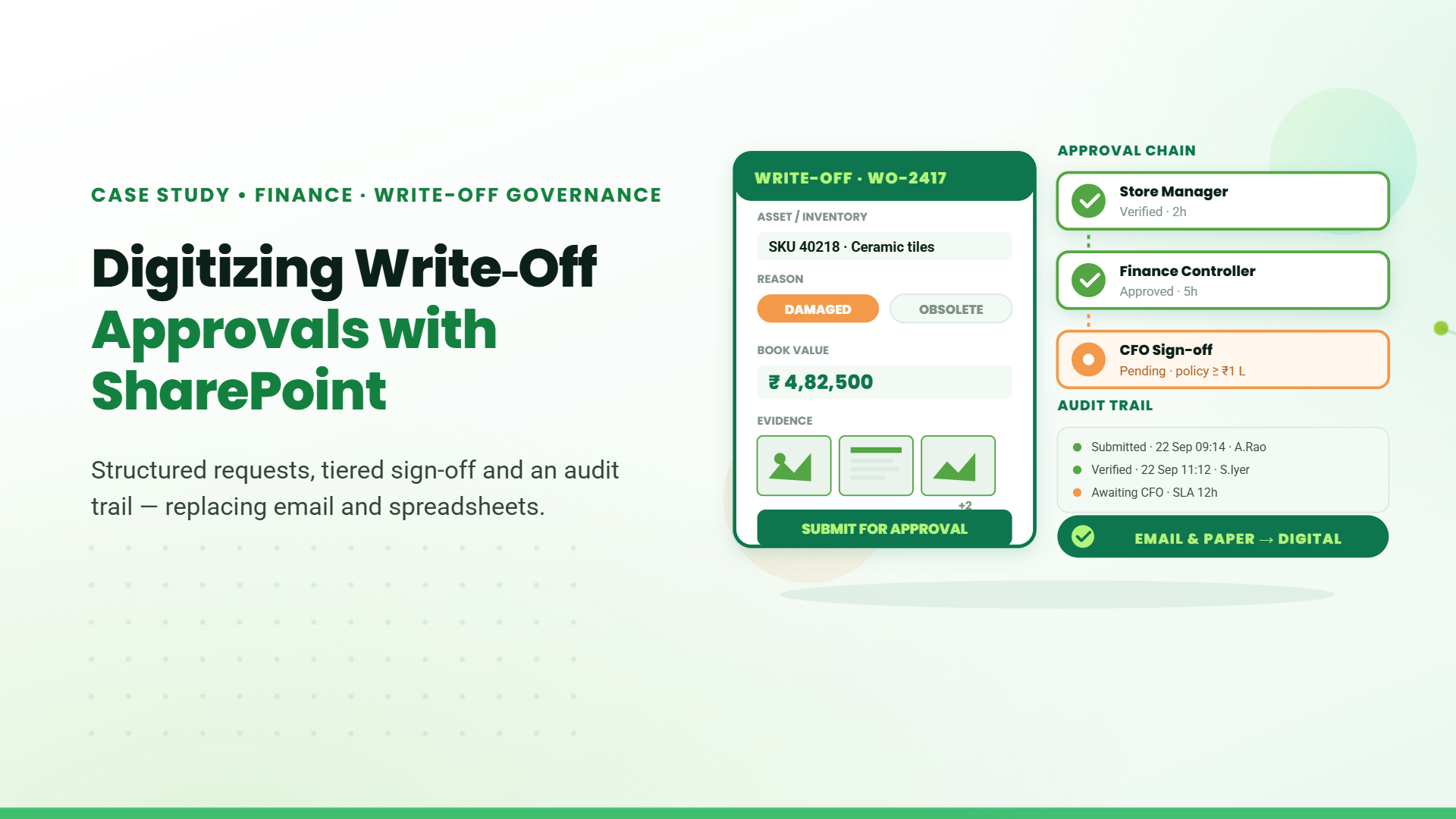
Digitizing Write-Off Approvals with SharePoint

Roca began in Spain in 1917 and has grown into a global leader in bathroom.....

Digital Transformation in Engineering and Construction Operations

Incorporated in 1997, GeoTek is a full-service consulting engineering firm specializing in geotechnical engineering, construction.....

How Roca Gained Faster Approvals and Better CAPEX Control with SharePoint.

Roca began in Spain in 1917 and has grown into a global leader in bathroom.....

Stay Informed & Improve Usability: Smart Alerts &...

Welcome to the latest edition of the TechnoRUCS newsletter! In this issue, we’re sharing two quick …..

Restrict Downloads in SharePoint & Export Data to Power BI

Welcome to the latest edition of the TechnoRUCS newsletter! We continue to share powerful Microsoft tips and tricks…..

Restrict Downloads in SharePoint & Export Data to Power BI

Welcome to the latest edition of the TechnoRUCS newsletter! We continue to share powerful Microsoft tips and tricks…..
Decorative dashed curved line with a green paper plane icon

Let's Explore Ideas Together

Stay updated with the latest insights, trends, and practical solutions that help your business grow smarter.
Decorative green paper plane icon with a dashed trailing line