SharePoint Consulting Services
for Modern Organizations

Centralized document management and collaboration environments built around how your teams operate. Our SharePoint consulting services cover development, migration, integration, and managed support for organizations across Asia, the Middle East, and Europe.

Measured outcomes from SharePoint engagements

80 +

SharePoint projects delivered

40 %

Client Retention

0 +

Industries Served

0 +

Enterprise Clients

What are TechnoRUCS SharePoint consulting services?

TechnoRUCS provides SharePoint consulting, development, migration, integration, and managed support services. The company builds centralized document management and collaboration environments, covering site architecture, document libraries, workflow automation, governance, and ongoing administration. Services are available for mid-market and enterprise organizations across Asia, the Middle East, and Europe.

Collaboration and document management challenges that bring organizations to us

Files scattered across drives and inboxes, no clear ownership, duplicate versions, and departments working from outdated documents. SharePoint fixes each one through a single library structure, version control, and permission-based access configured to your organization.

01

Disorganized document storage scattered across multiple locations and platforms

Files are spread across shared drives, email attachments, local desktops, and disconnected cloud storage. Teams are unable to locate the documents they need without asking colleagues or searching multiple systems.
SOLVED WITH SHAREPOINT
SharePoint provides a centralized platform that organizes documents into structured libraries with metadata, search, and governance controls, replacing scattered storage with a single, governed environment.
02

No clear version control, making it difficult to locate the latest file

Multiple copies of the same document across email threads, folders, and personal drives. Teams are working on outdated versions without knowing a newer version exists.

SOLVED WITH SHAREPOINT

SharePoint maintains a full version history for every document, allowing teams to track changes, restore previous versions, and maintain a clear audit trail without managing duplicate files.
03

Manual document approval and review processes with no audit trail

Approvals running through email with no structured routing, no status visibility, and no documented history of who approved what and when.

SOLVED WITH SHAREPOINT

We build approval flows and process automation using Power Automate, embedded directly into document libraries and collaboration workspaces, with full audit trail visibility.
04

Inconsistent collaboration environments across teams and departments

Each department uses different tools, folder structures, and naming conventions. No standard approach to how teams share, store, or collaborate on documents.
SOLVED WITH SHAREPOINT
TechnoRUCS defines information architecture before any site is created, ensuring document libraries, lists, and metadata remain organized and consistent as the environment grows.
05

Limited visibility into document lifecycle, access history, and workflow status

No way to see who accessed a document, when it was last modified, or where it is in an approval process. Leadership lacks visibility into document-driven workflows.

SOLVED WITH SHAREPOINT

SharePoint provides document lifecycle tracking, access history, and workflow status visibility, configured to give the right level of detail to the right stakeholders.
06

Poorly managed permissions leading to compliance and governance risks

Permissions are inherited incorrectly, overridden ad hoc, or never reviewed. Sensitive documents accessible to users who should not have access. No clear permission audit process.

SOLVED WITH SHAREPOINT

We establish permission structures, retention policies, and compliance controls to ensure content is accessible to the right people and managed in line with organizational standards.
07

Inefficient knowledge sharing with no centralized repository

Institutional knowledge is trapped in individual drives, email inboxes, and undocumented processes. New team members unable to find the information they need to be effective.

SOLVED WITH SHAREPOINT

SharePoint serves as the centralized knowledge repository with organized libraries, search, and governance that make information discoverable and maintainable across the organization.
08

Integration gaps between document systems and other business applications

Document management systems that operate in isolation from CRM, ERP, project management, and communication tools.   

SOLVED WITH SHAREPOINT

We connect SharePoint with Microsoft 365 applications and third-party systems, ensuring governance policies and compliance controls are maintained across all integration points and automated workflows.

How we deliver SharePoint engagements

01

Step 1 - Discover and Assess

Evaluate current document management practices, collaboration tools, and workflow requirements to identify gaps and define a clear foundation for the SharePoint implementation.
You receive – Discovery report with content audit, gap analysis, and a recommended SharePoint implementation roadmap.

02

Step 2 - Design Information Architecture

Define SharePoint site structure, document libraries, lists, metadata models, and access controls that reflect how your teams organize and access information across departments.
You receive – Information architecture document covering site structure, metadata taxonomy, library design, and permission model.

03

Step 3 - Implement and Configure

SharePoint Online environments with organized document libraries, lists, collaboration workspaces, and workflow automation configured around your operational requirements.
You receive – A configured SharePoint environment: sites, libraries, workflows, and governance controls tested and ready for rollout.

04

Step 4 - Enforce Governance & Security

Establish permission structures, retention policies, and compliance controls to ensure content is accessible to the right people and managed in line with organizational standards.
You receive – Governance framework document with permission assignments, retention policies, and compliance validation results.

05

Step 5 - Optimize and Support

Support user adoption, monitor usage patterns, and refine configurations to improve collaboration efficiency and ensure the environment continues to meet operational needs.
You receive – Ongoing support engagement with adoption tracking, usage reports, and a prioritized optimization backlog.

What we deliver within SharePoint

Our SharePoint implementation services deliver development, migration, integration, and managed support services to help organizations maintain organized collaboration and document control.
  • Site and portal development with organized document libraries, lists, metadata frameworks, and role-based access controls
  • Workflow automation using Power Automate embedded into document libraries and collaboration workspaces
  • Custom components using SPFx for tailored user experiences beyond out-of-the-box capabilities
  • Legacy and on-premises migration to SharePoint Online with structured rollout and validation checkpoints
  • Document library restructuring with metadata mapping and version history preservation
  • Controlled rollout in phased stages with validation at each checkpoint
  • Microsoft 365 integration with Teams, Outlook, and Power Platform for seamless collaboration
  • Third-party system integration via API for data synchronization and automated cross-system workflows
  • Automated document workflows spanning SharePoint and connected systems
  • Tenant and site administration, covering user lifecycle, permission structures, configuration standards, and governance controls
  • Security and compliance monitoring, covering access policies, governance enforcement, and compliance posture
  • Performance and optimization, covering configuration integrity, issue resolution, and ongoing refinement.

How SharePoint is used across industries

We have delivered SharePoint implementations across 15+ industries. Here is how the platform is configured and deployed in the sectors we serve most frequently.

Technologies we work with across SharePoint engagements

SharePoint Online

We implement SharePoint Online as the foundation for document management, collaboration, and intranet environments, configuring sites, libraries, lists, and metadata structures around your organizational workflows and governance requirements.

SharePoint Framework (SPFx)

We use SPFx to develop custom web parts, extensions, and components that extend SharePoint beyond standard capabilities, delivering tailored functionality and user experiences within your existing SharePoint Online environment.

Power Platform

We integrate Power Platform with SharePoint to automate workflows, build custom data capture applications, and deliver reporting dashboards that improve visibility across document and operational processes.

Microsoft Entra ID

We use Microsoft Entra ID to manage identity, enforce role-based access controls, and maintain secure authentication across SharePoint environments, ensuring the right people have access to the right content.

Azure Integration Services

Where third-party or complex integrations are required, we use Azure Integration Services to connect SharePoint with external systems, enabling reliable data exchange and automated workflows across your application environment.

Why organizations choose TechnoRUCS as their SharePoint partner

Every SharePoint engagement we take on starts with understanding how your teams manage information, not with deploying a default site structure. As a trusted sharepoint consulting company, we ensure every environment is configured around your workflows, not around what default templates assume they should be.

01

Information Architecture Before Site Creation

Information architecture is defined before any site is created, ensuring document libraries, lists, and metadata remain organized as the environment grows.

02

Governance Frameworks Established Early

Governance frameworks are established early, with permissions, retention policies, and compliance controls in place before users are onboarded.

03

Workflow Automation Embedded into Processes

Workflow automation is embedded into document processes directly, reducing manual effort and improving consistency across departments.

04

Adoption Planning Built into Every Rollout

Adoption planning is part of every rollout, with training and usage monitoring built in to ensure teams work effectively in the platform.

05

Scalability Considered from the Start

Scalability is considered from the start, so the environment remains manageable and maintainable as your organization and content grow.

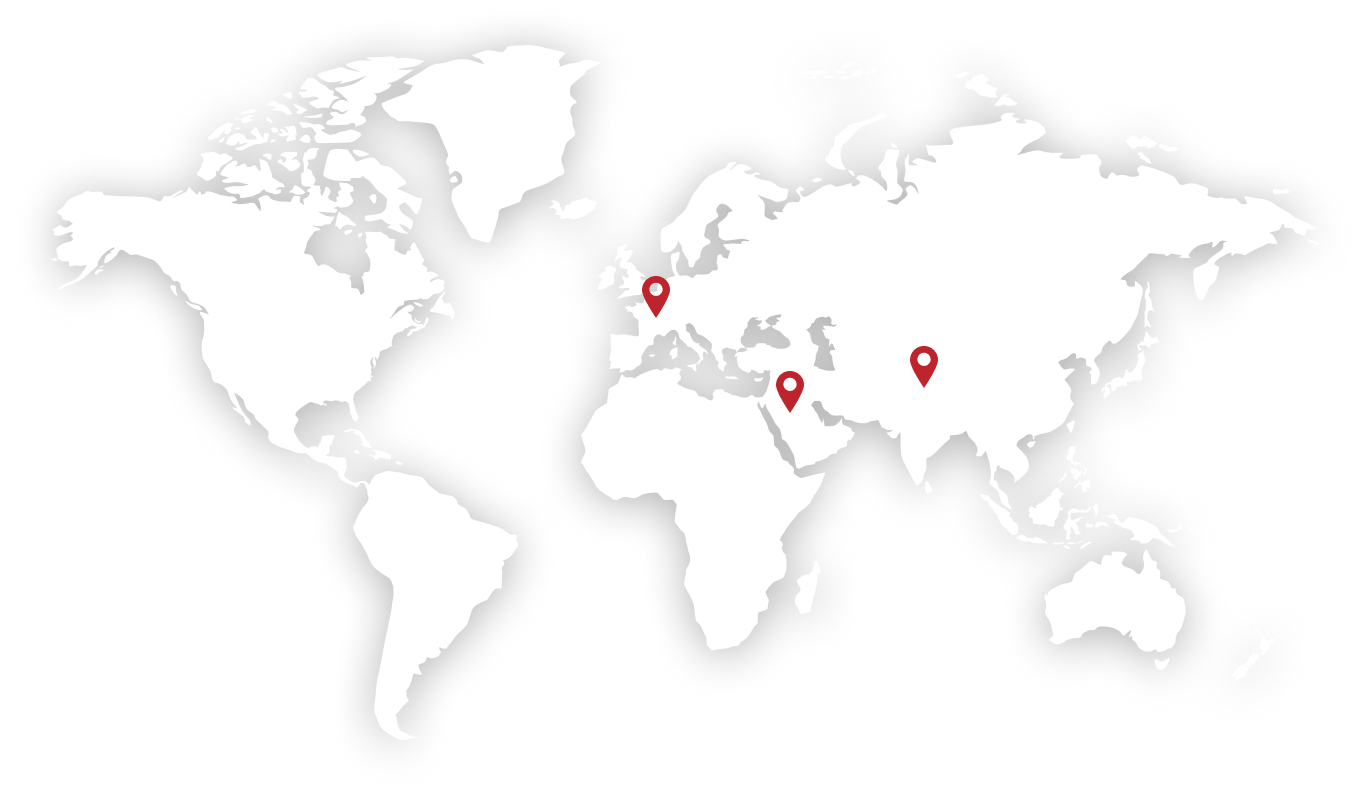
SharePoint consulting
across three regions

Six years of in-region Salesforce engagement local time zones, local regulations, and local stakeholder expectations.

Frequently Asked Questions

Yes. SharePoint includes built-in compliance features, including retention policies, audit logs, and sensitivity labels. These can be configured to align with regulatory requirements and internal governance standards across document libraries and sites.

SharePoint maintains a full version history for every document, allowing teams to track changes, restore previous versions, and maintain a clear audit trail without managing duplicate files across locations. 

Yes. SharePoint supports granular permission management at the site, library, folder, and document level, allowing access to be aligned precisely with departmental responsibilities and compliance requirements. 

Yes. Through OneDrive sync, SharePoint document libraries can be accessed and edited offline. Changes are automatically synchronized when connectivity is restored, ensuring continuity without requiring constant internet access. 

Unlike shared drives, SharePoint provides metadata, version control, workflow automation, and governance controls that make it easier to organize, find, and manage documents at scale across departments. 

ExploreSharePoint services

SharePoint Online Development

Custom sites, portals, and document environments with governance built in from the start.

SharePoint
Migration

Controlled migrations to SharePoint Online data integrity governance & preserved.

SharePoint
Integration

Connecting SharePoint with Microsoft 365 and third-party systems for automated workflows.

SharePoint Managed Support

SharePoint administration, optimization, and support for a secure digital workplace.

Ready to get started with our SharePoint consulting services?

Whether you are building a new SharePoint environment, migrating from legacy systems, or improving an existing deployment that is not delivering value, the starting point is a direct conversation with a SharePoint specialist.