TechnoRUCS / Microsoft tips and tricks / Outlook Essentials: Undo Send and Stay on Track with Email Flags

Outlook Essentials: Undo Send and Stay on Track with Email Flags

Tips & Tricks

Tip 1 : Undo a Sent Message in Outlook

What it will do

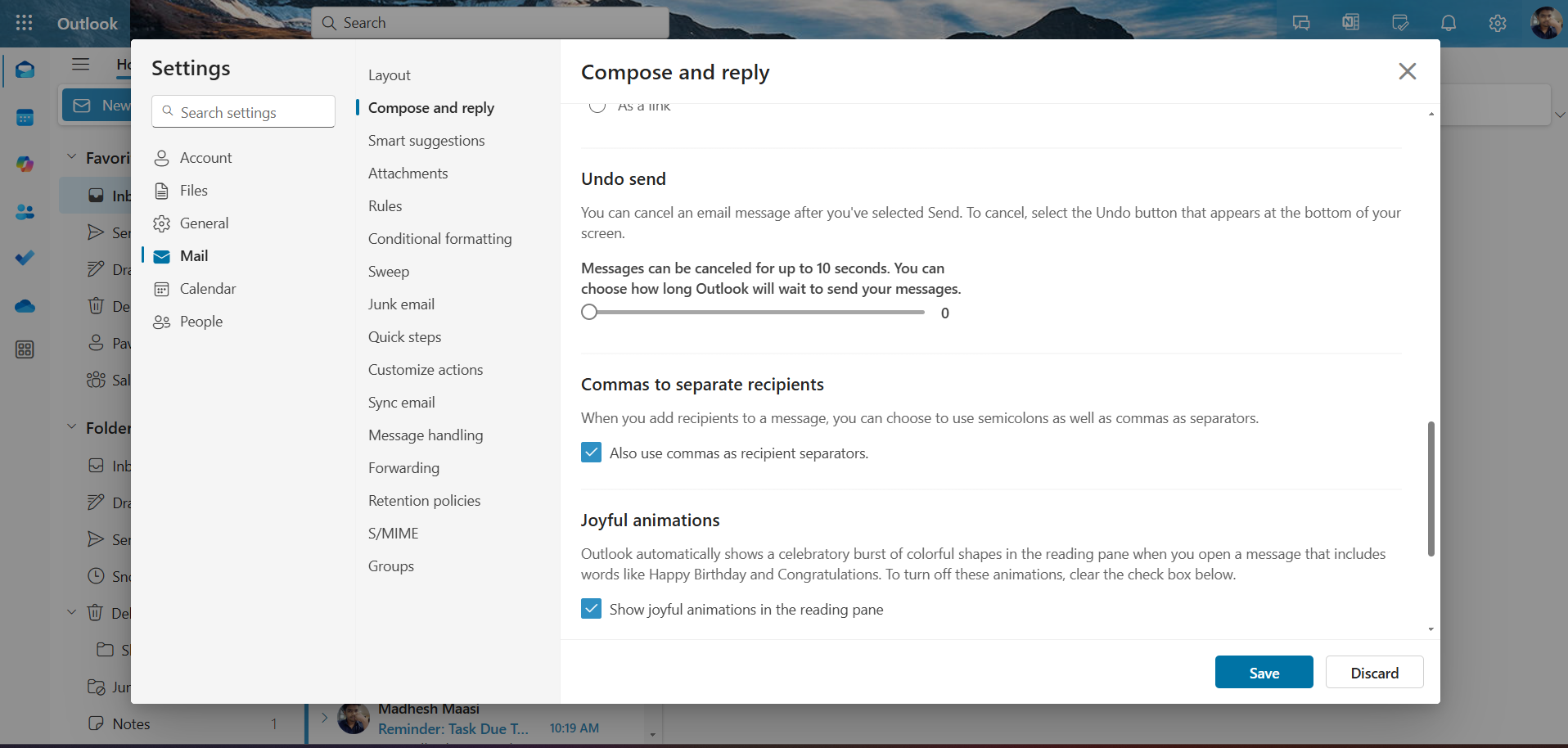
Image 1: Outlook allows you to enable an option to undo the send action for emails—giving you a short window to retract a message after hitting “Send.”
Undo a Sent Message in Outlook

What it is

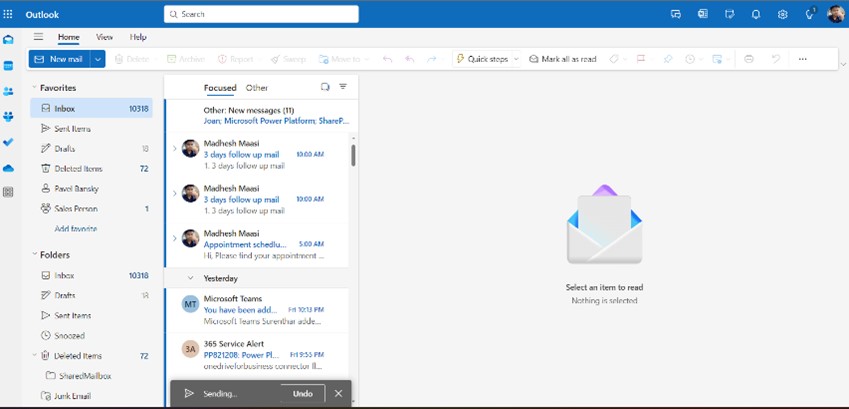
Image 2: This feature provides a brief delay before the email is actually sent, allowing you to cancel the action if you notice a mistake or change your mind.

Benefits for your daily work

Avoid Embarrassment

Correct errors before the email reaches the recipient.

Avoid Embarrassment

No need for awkward follow-up emails to fix mistakes

Send with Confidence

Gain peace of mind when sending important communications

Tip 2 :  Flagging an Email for Follow-Up

What it will do

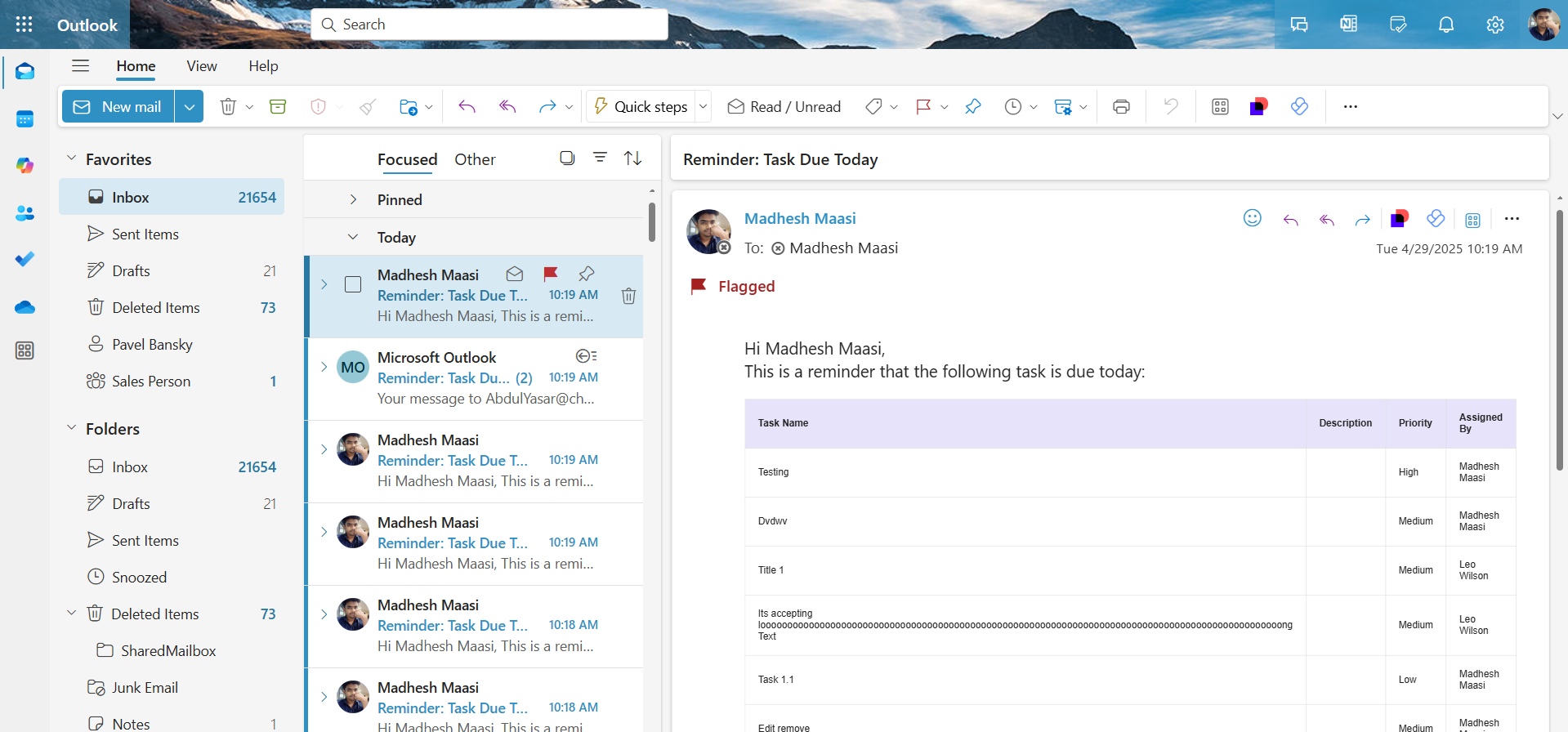
Image 1: Outlook offers a flagging feature that helps you mark emails for follow-up, turning your inbox into a task list.

What it is

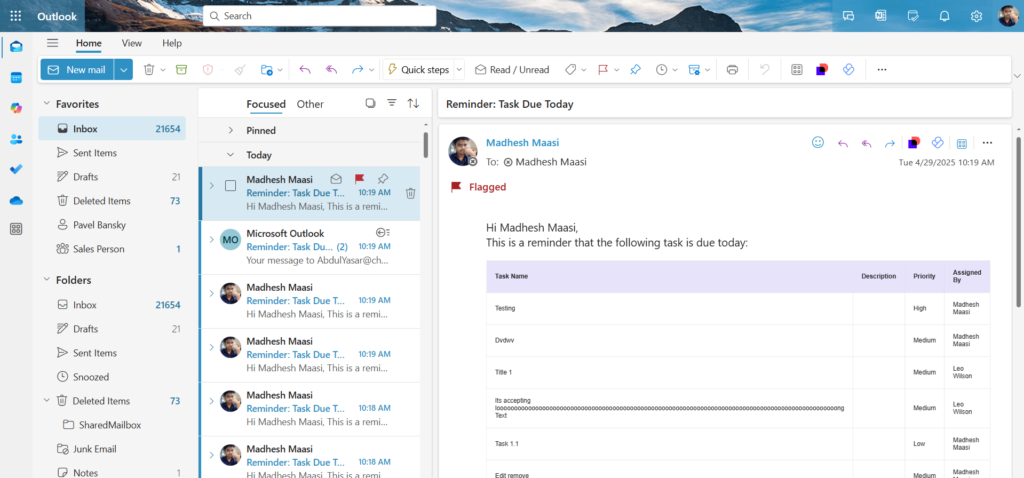
Image 2: By right-clicking on the flag column or the email itself, you can choose a follow-up time like Today, Tomorrow, or even set a Custom date. You can also add a reminder to ensure nothing falls through the cracks.

Benefits for your daily work

Stay Organized

Visually mark and separate important emails.

Never Miss a Task

Add reminders for follow-up actions.

Manage Priorities

Use date-based flags to tackle tasks in order.

Resources

AI .20 Min read

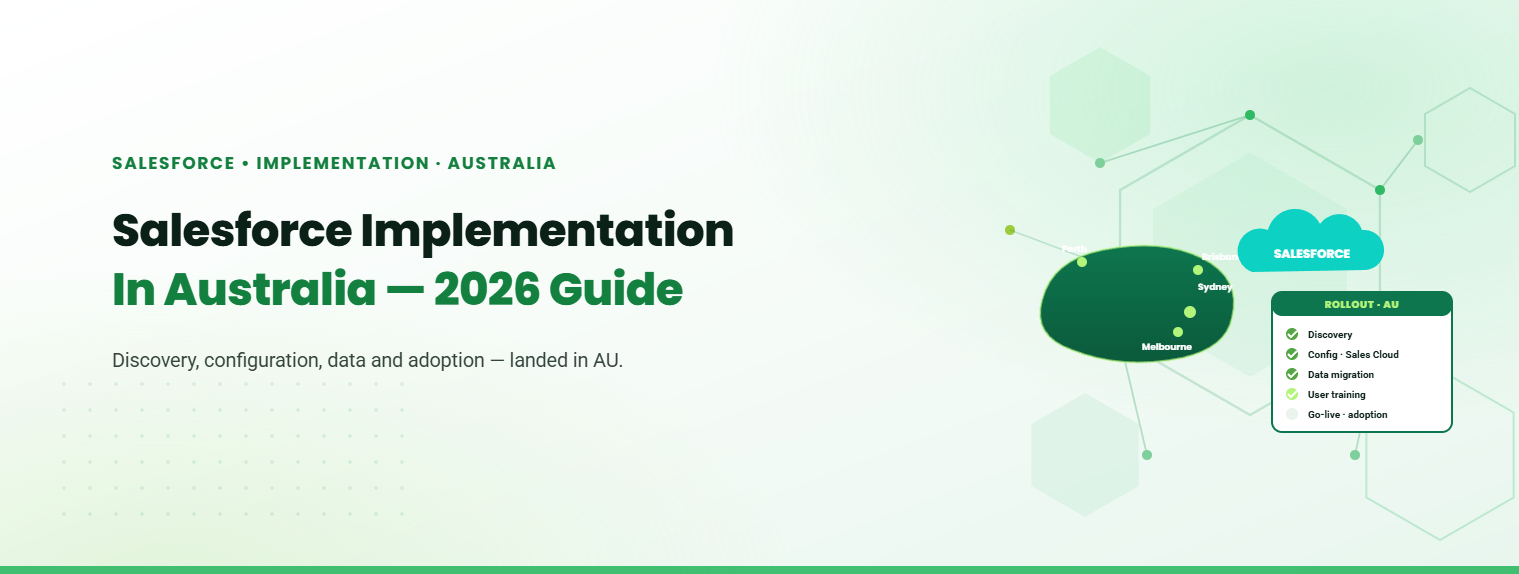
Salesforce Implementation in Australia: A Complete Guide for Businesses in 2026

Salesforce is widely used by Australian businesses to manage customer relationships, sales, service, and business operations. Implementing it effectively requires more than deploying a CRM. Businesses need to align the platform with their processes, data, systems, and teams.

AI .15 Min read

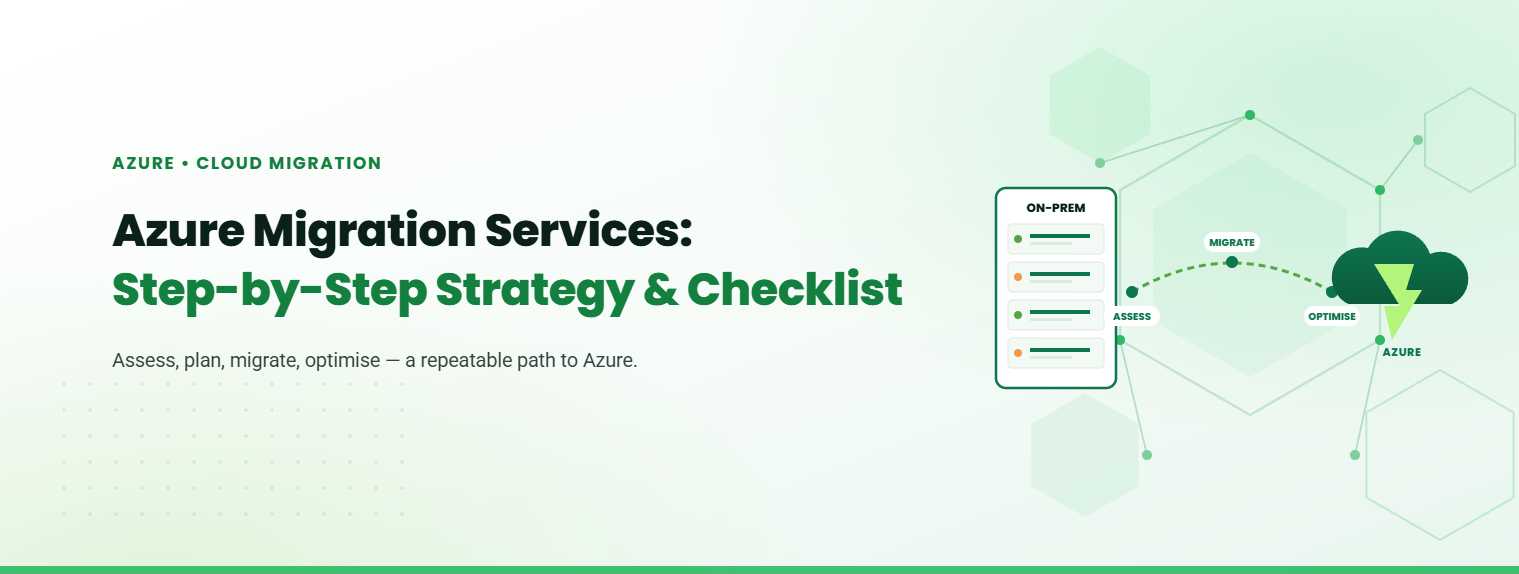
Azure Migration Services: Step-by-Step Strategy & Checklist

Moving to Microsoft Azure is one of the most consequential infrastructure decisions an enterprise can make. A structured approach to Azure Migration Services reduces uncertainty, keeps costs predictable, and ensures that every workload lands in the right place without disrupting operations.

AI .15 Min read

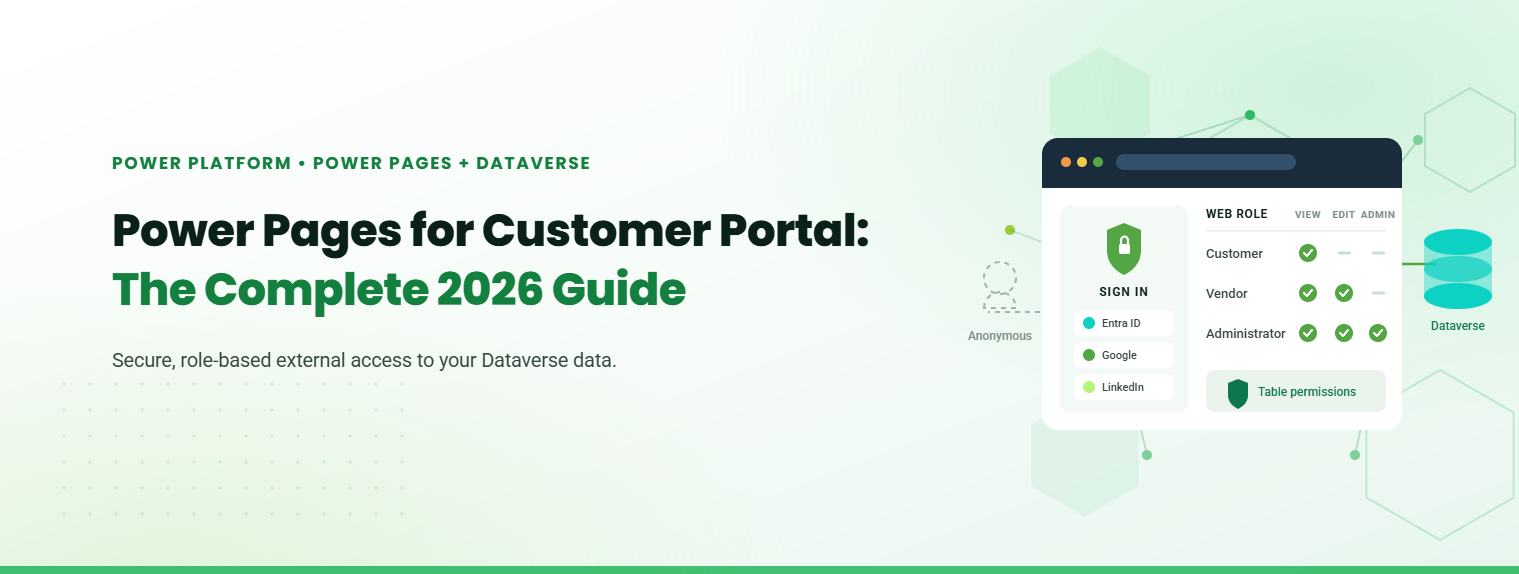
Power Pages for Customer Portal: The Complete 2026 Guide

Microsoft Power Pages for customer portal deployments is the fastest, lowest-risk route for businesses already invested in the Microsoft ecosystem. It gives external users secure, role-based access to your Dataverse data, without building a portal from scratch.

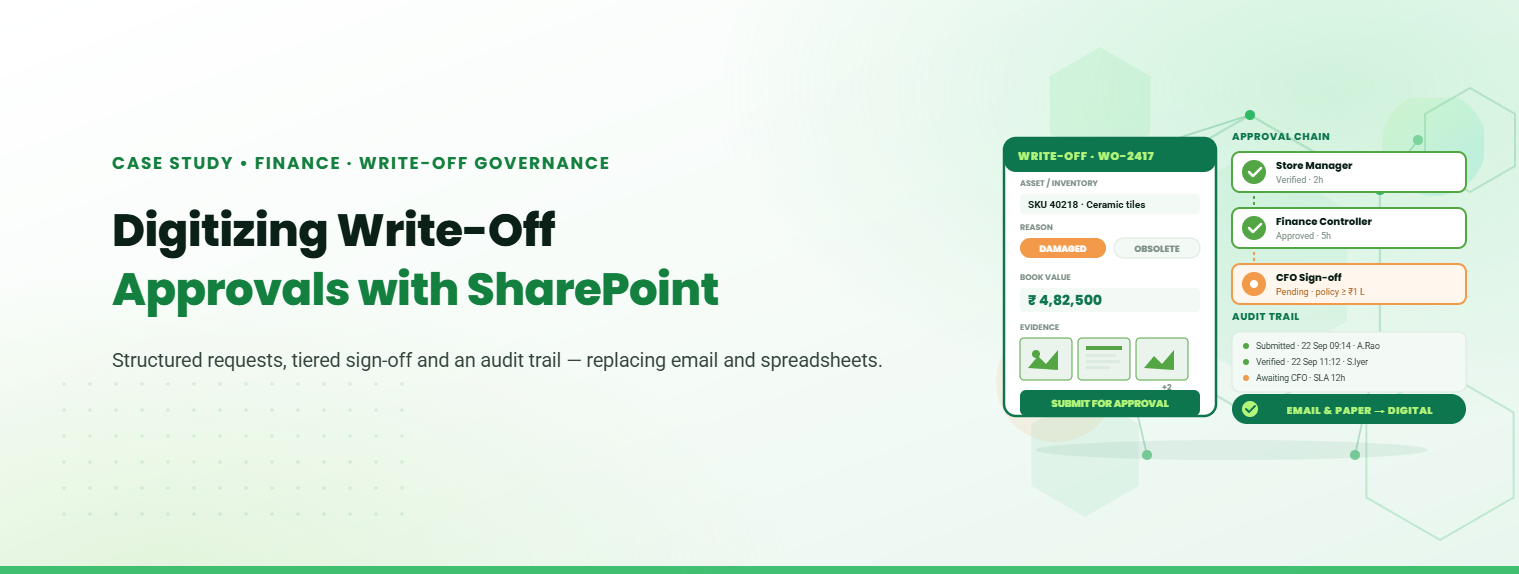
Digitizing Write-Off Approvals with SharePoint

Digital Transformation in Engineering and Construction Operations

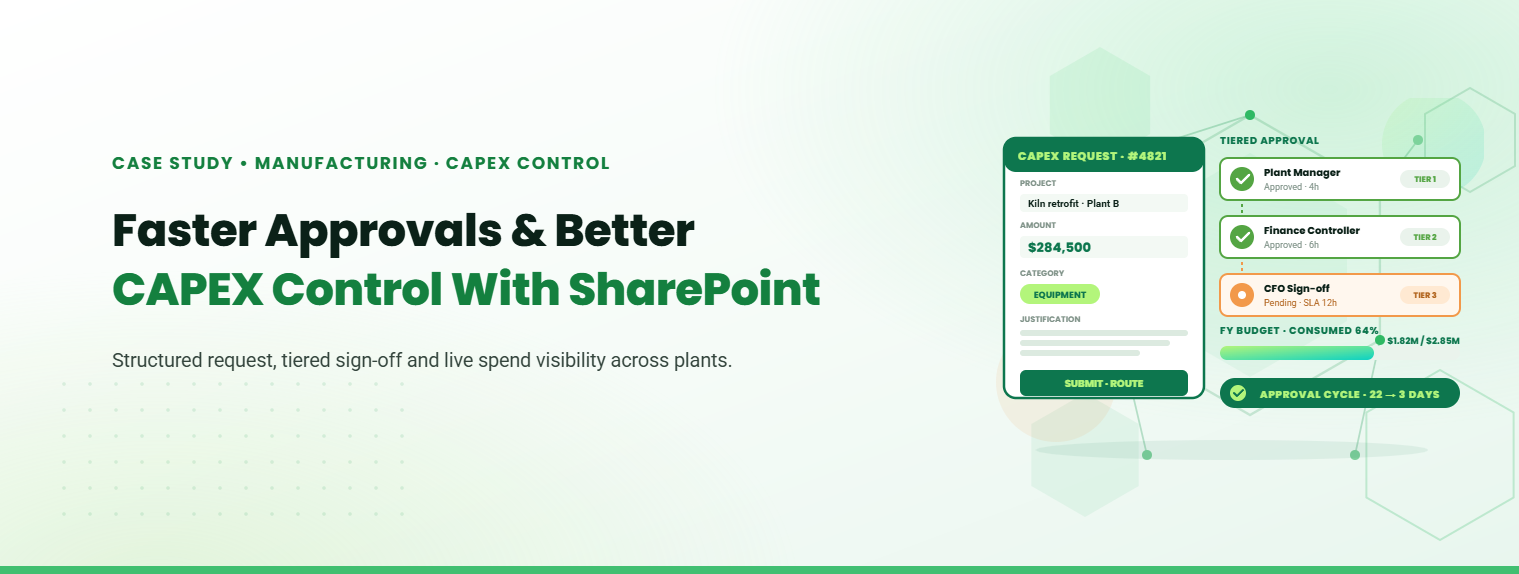
How Roca Gained Faster Approvals and Better CAPEX Control with SharePoint.

Stay Informed & Improve Usability: Smart Alerts &...

Welcome to the latest edition of the TechnoRUCS newsletter! In this issue, we’re sharing two quick …..

Restrict Downloads in SharePoint & Export Data to Power BI

Welcome to the latest edition of the TechnoRUCS newsletter! We continue to share powerful Microsoft tips and tricks…..

Restrict Downloads in SharePoint & Export Data to Power BI

Welcome to the latest edition of the TechnoRUCS newsletter! We continue to share powerful Microsoft tips and tricks…..

Conclusion

Watch out for our next edition, where we’ll share strategies for leveraging Microsoft tools to transform your business. Reach out for personalized assistance or learn how TechnoRUCS can support your business.
Ready to get started on your business transformation with Microsoft solutions? Contact TechnoRUCS to begin.