TechnoRUCS / Microsoft tips and tricks / Beyond Basics: Automating SharePoint and Email Tasks with HTTP Requests

Beyond Basics: Automating SharePoint and Email Tasks with HTTP Requests

Tips & Tricks

Tip 1 : Enhance SharePoint and Email Actions with Power Automate HTTP Requests

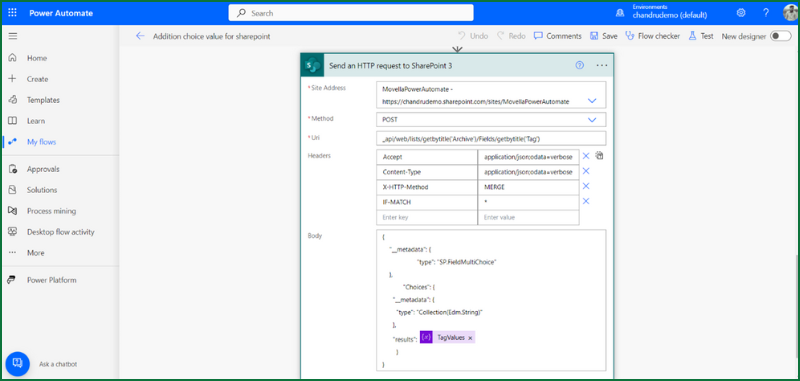
Power Automate allows you to perform advanced actions using HTTP requests. This adding SharePoint multiple-choice columns directly into the site field using a Power Automate flow Trigger.

What it will do

Image 1: This feature allows administrators to prevent users from downloading specific documents or folders. It provides an additional layer of security for sensitive or confidential files, ensuring that they can only be viewed and not downloaded.

What it is

Image 2: In SharePoint, there’s a new feature that allows you to restrict file downloads at the permission level, ensuring sensitive documents are protected from unauthorized access.

Benefits for your daily work

Dynamic Column Updates

Ensure manually entered values in SharePoint multichoice columns are stored and available for future selection.

Streamlined Email Drafting

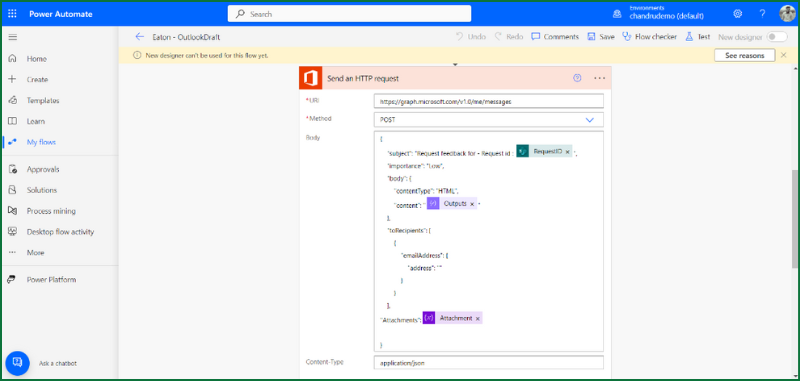
Automate email creation and save them as drafts, giving you a chance to review before hitting send.

Improved Workflow Control

Use HTTP requests to tailor workflows that match your organization’s exact needs, without relying solely on default connectors.

Tip 2 :  Export to Power BI from SharePoint

Power Automate allows you to perform advanced actions using HTTP requests. This adding SharePoint multiple-choice columns directly into the site field using a Power Automate flow Trigger.

What it will do

Image 1: By using this option, you can quickly export data from SharePoint lists to Power BI, where you can create custom dashboards and visualizations. This eliminates the need for complex data transfers and enables seamless integration between SharePoint and Power BI.

What it is

Image 2: This feature in SharePoint allows users to export data directly to Power BI for in-depth analysis and reporting, simplifying the process of generating real-time business insights.

Benefits for your daily work

Permission Transparency

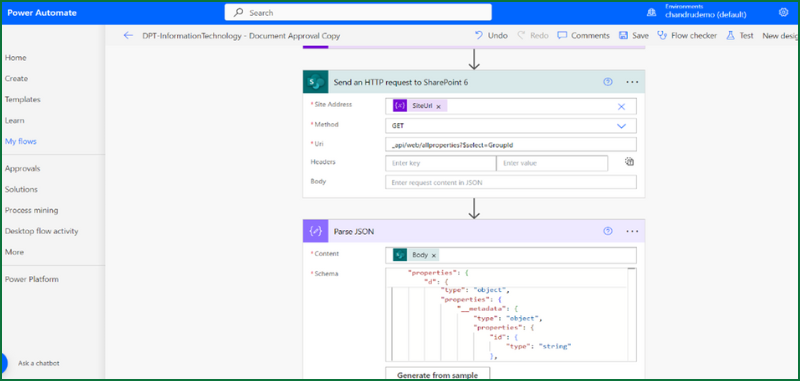
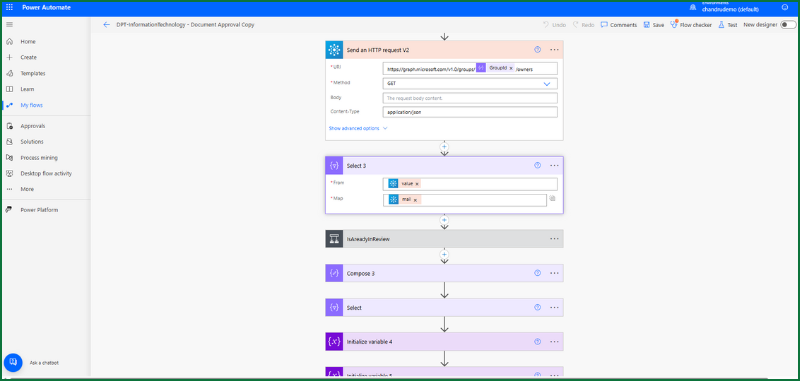
Gain clear visibility into who has access to specific SharePoint areas by listing group members and owners.

Simplified Access Audits

Automate the process of gathering access control data for compliance and security reviews.

Efficient Group Management

Quickly identify and manage user roles within integrated SharePoint and Azure AD environments.

Resources

AI .20 Min read

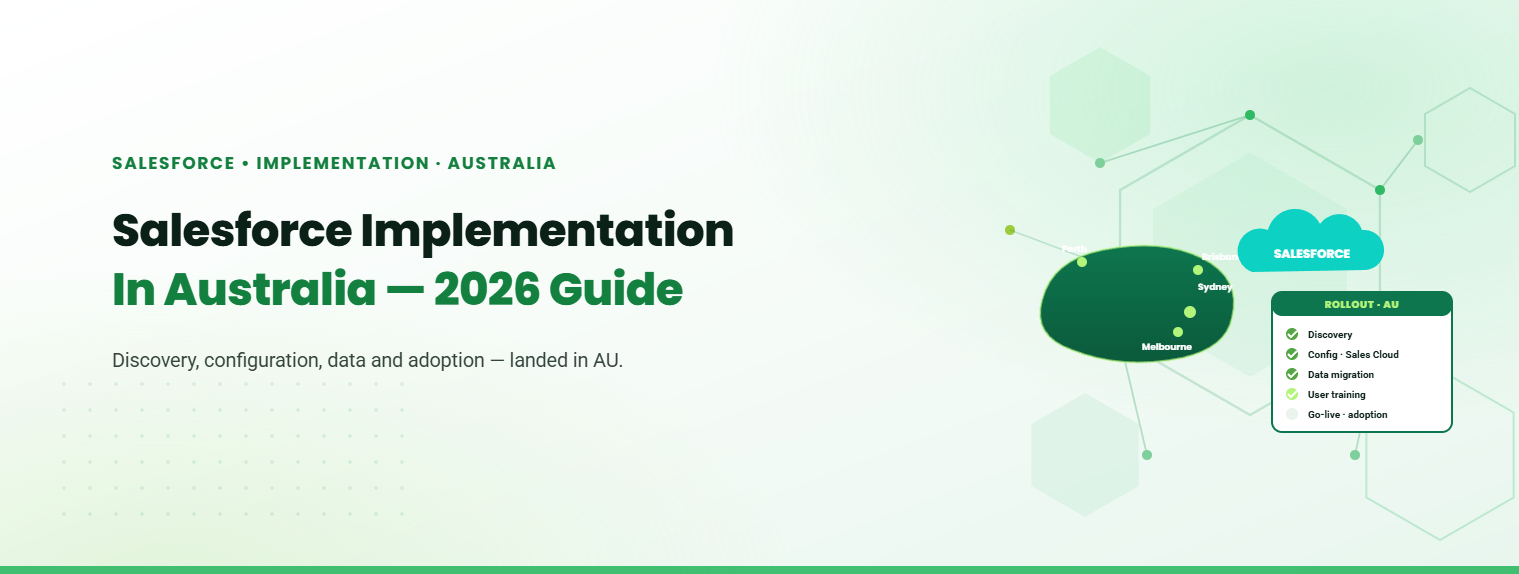
Salesforce Implementation in Australia: A Complete Guide for Businesses in 2026

Salesforce is widely used by Australian businesses to manage customer relationships, sales, service, and business operations. Implementing it effectively requires more than deploying a CRM. Businesses need to align the platform with their processes, data, systems, and teams.

AI .15 Min read

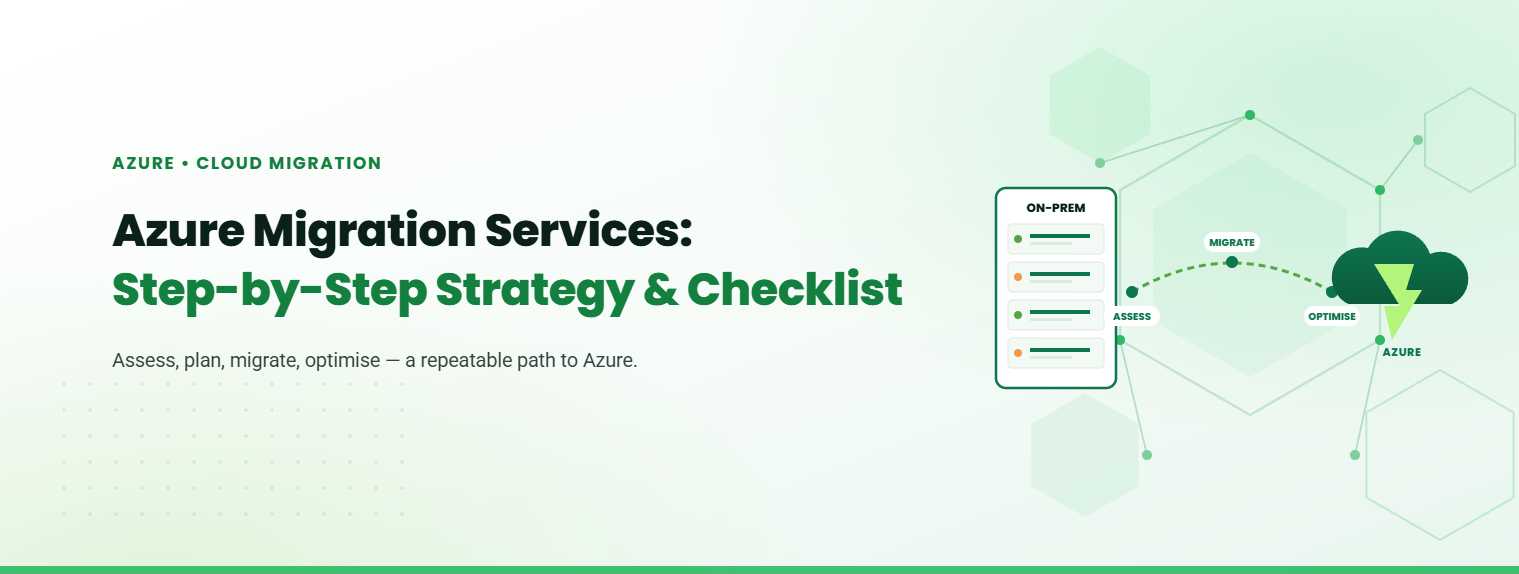
Azure Migration Services: Step-by-Step Strategy & Checklist

Moving to Microsoft Azure is one of the most consequential infrastructure decisions an enterprise can make. A structured approach to Azure Migration Services reduces uncertainty, keeps costs predictable, and ensures that every workload lands in the right place without disrupting operations.

AI .15 Min read

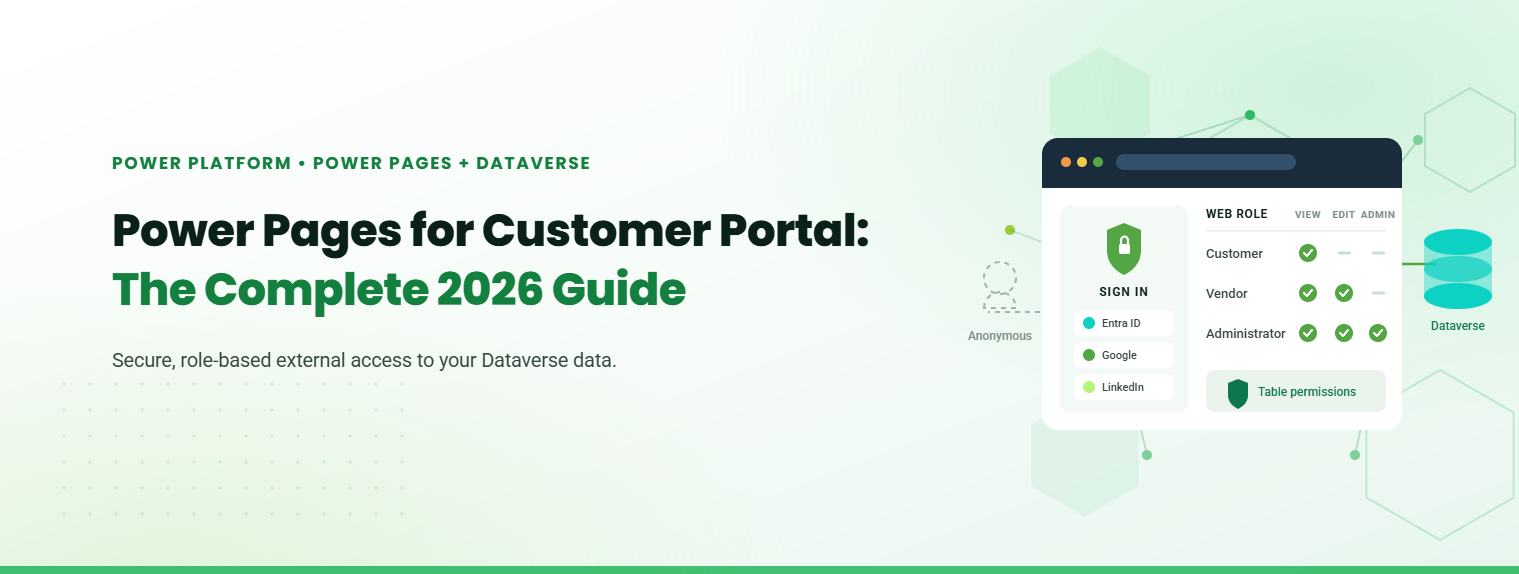
Power Pages for Customer Portal: The Complete 2026 Guide

Microsoft Power Pages for customer portal deployments is the fastest, lowest-risk route for businesses already invested in the Microsoft ecosystem. It gives external users secure, role-based access to your Dataverse data, without building a portal from scratch.

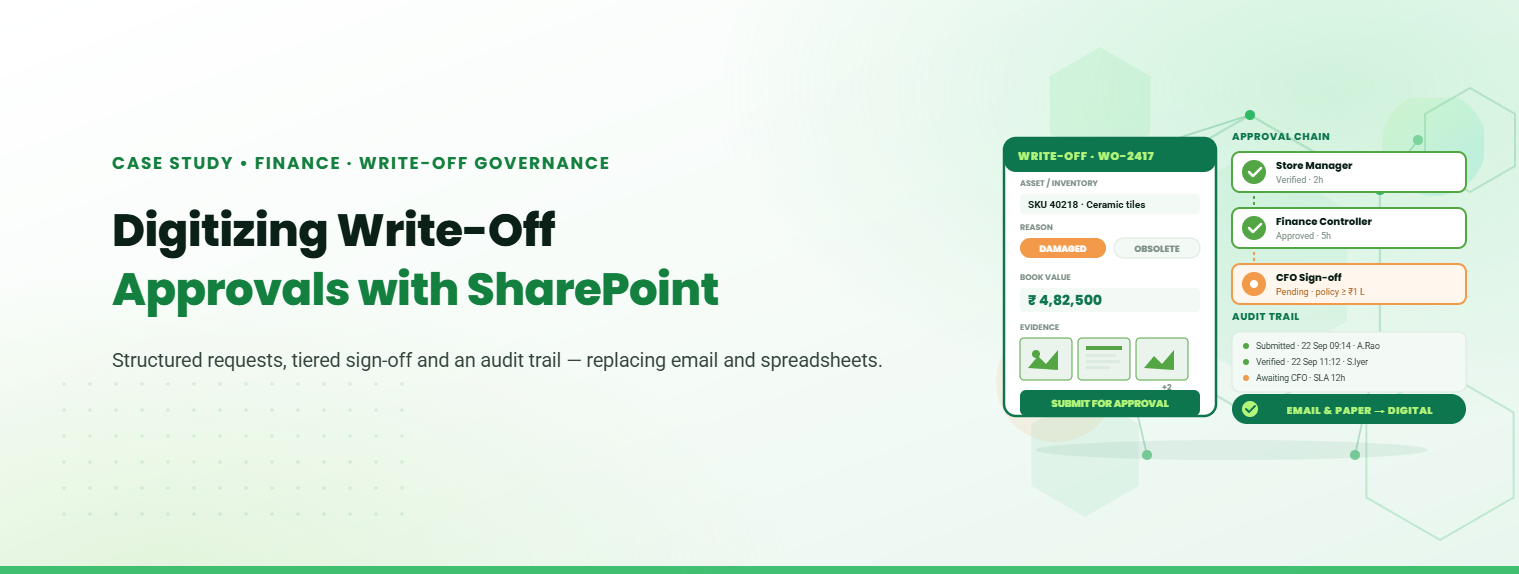
Digitizing Write-Off Approvals with SharePoint

Digital Transformation in Engineering and Construction Operations

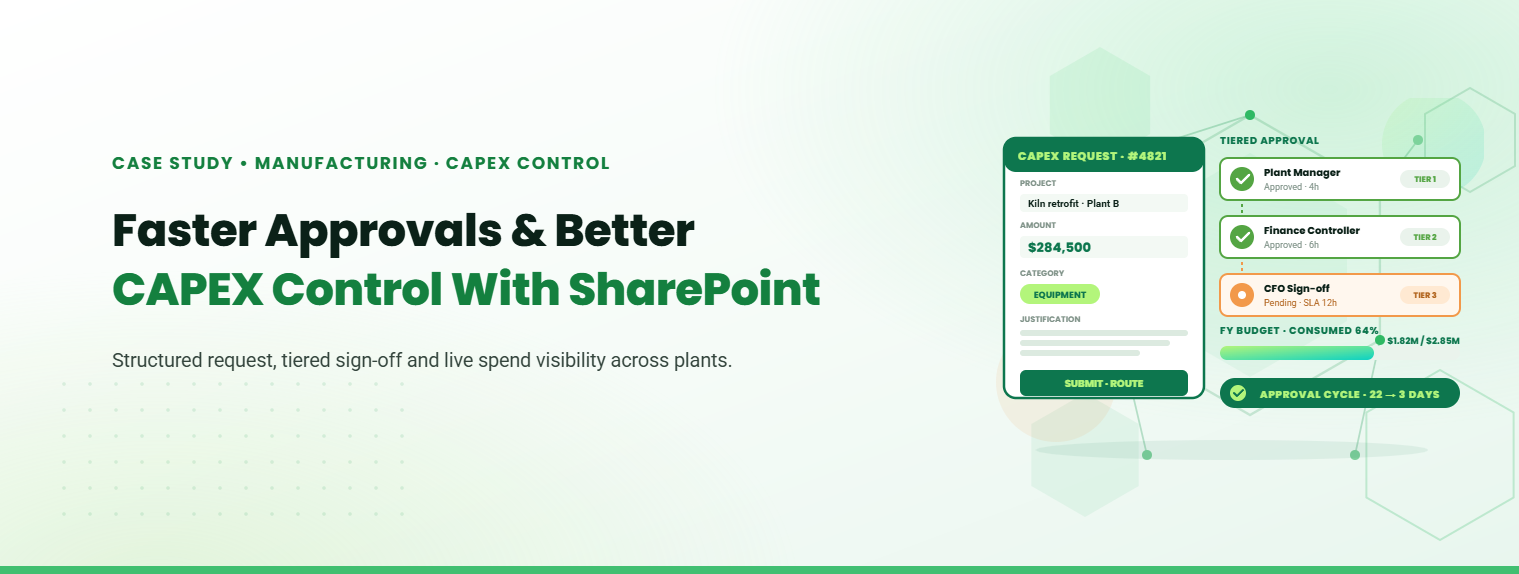
How Roca Gained Faster Approvals and Better CAPEX Control with SharePoint.

Stay Informed & Improve Usability: Smart Alerts &...

Welcome to the latest edition of the TechnoRUCS newsletter! In this issue, we’re sharing two quick …..

Restrict Downloads in SharePoint & Export Data to Power BI

Welcome to the latest edition of the TechnoRUCS newsletter! We continue to share powerful Microsoft tips and tricks…..

Restrict Downloads in SharePoint & Export Data to Power BI

Welcome to the latest edition of the TechnoRUCS newsletter! We continue to share powerful Microsoft tips and tricks…..

Conclusion

Watch out for our next edition, where we’ll share strategies for leveraging Microsoft tools to transform your business. Reach out for personalized assistance or learn how TechnoRUCS can support your business.
Ready to get started on your business transformation with Microsoft solutions? Contact TechnoRUCS to begin.