TechnoRUCS / Microsoft tips and tricks / How to Translate Text in Microsoft Word & Search the Web

How to Translate Text in Microsoft Word & Search the Web

Tips & Tricks

Tip 1 : Translate Text

What it will do

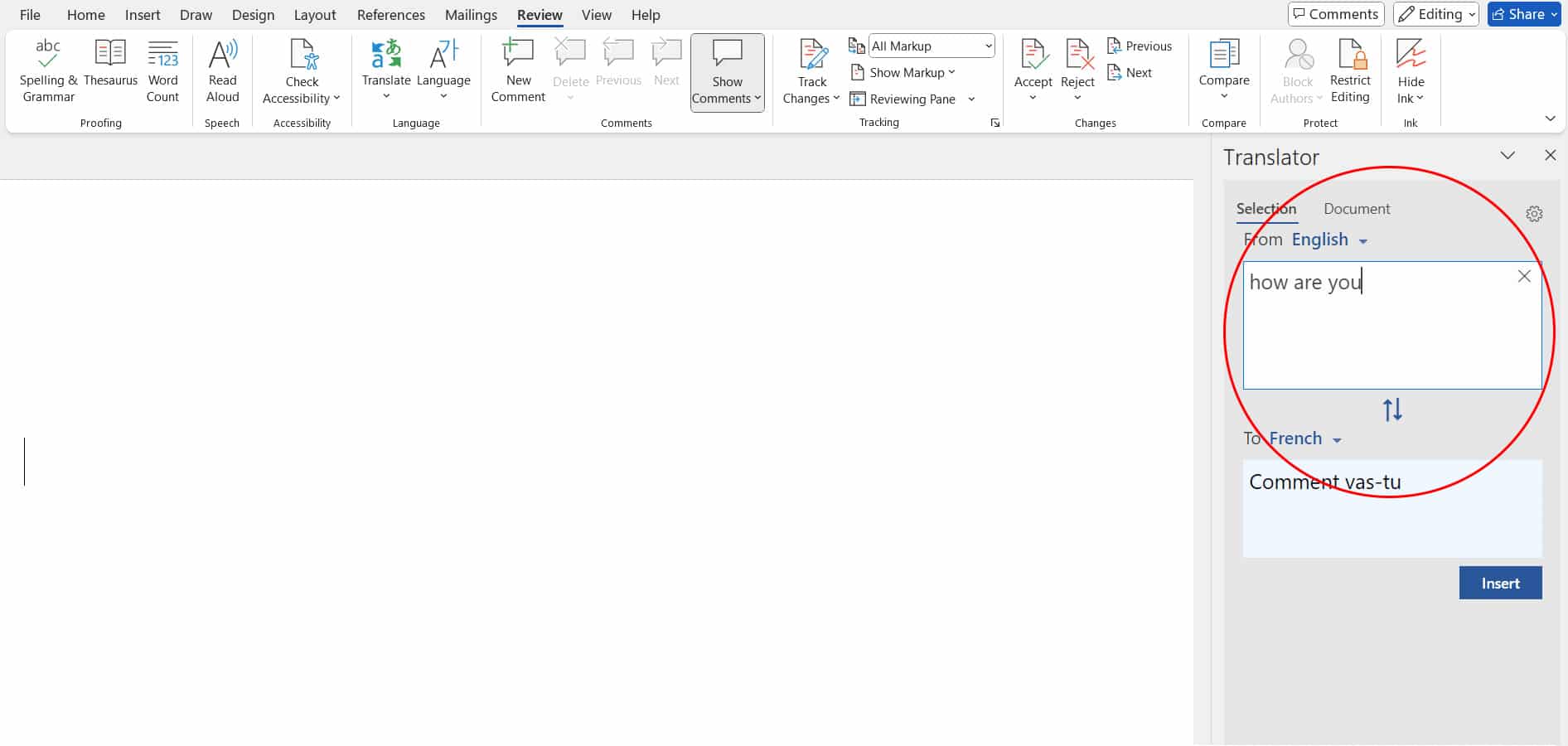
Image 1: This tool allows you to break down language barriers by quickly translating selected text or entire documents, hence fostering communication with international clients and partners.

What it is

Image 2: The translation feature in Microsoft Word helps you to translate the text into another language while in the document.
Translate-Text

Benefits for your daily work

Enhanced Collaboration

Easily translate documents for multilingual teams and clients to ensure clear and effective communication.

Save time

Don’t spend your valuable time on external translation tools. Maintain your flow in Word.

Improve collaboration

Help enhance collaboration with international stakeholders by ensuring they receive documents in their language

Tip 2 :  Search Web References

What it will do

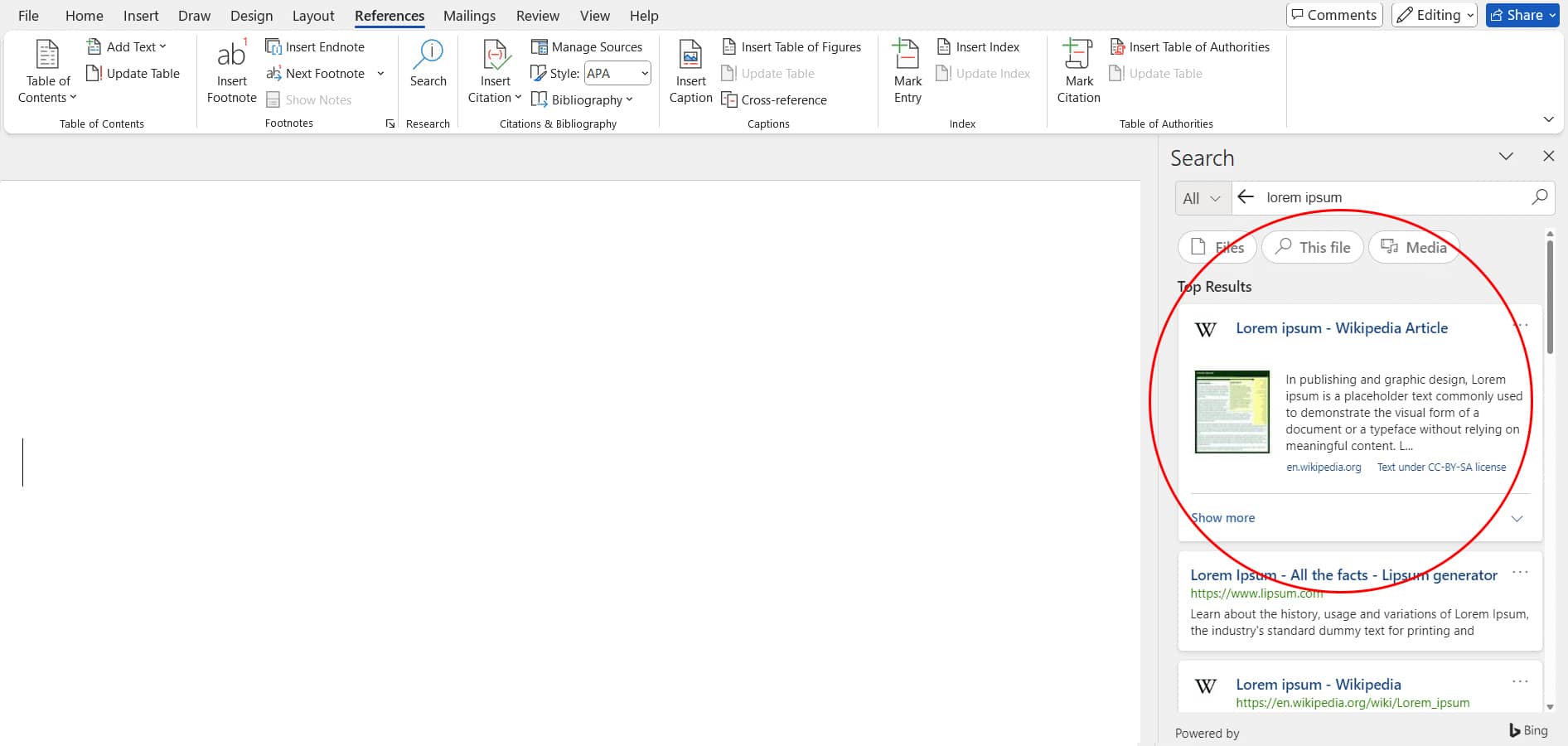
Image 1: It makes finding, without leaving the document, and inserting appropriate information, references, and citations—faster—making researching and making content more efficient.

What it is

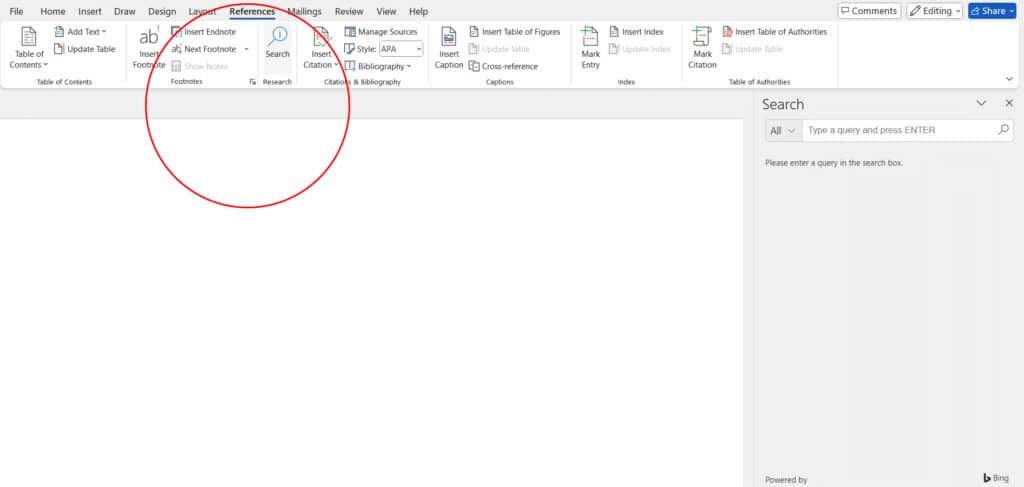
Image 2: Word has a searching-the-web feature in which one can look up references and other useful information right from your document.

Benefits for your daily work

Efficient Research

Make your research process smooth by accessing web resources right from Word, saving on your time and effort

Accurate Information

Receive referenced information, ensuring that the material you have got is absolutely correct and from a reliable source.

Improve collaboration

Keep working without interruption as you don’t have to break work to switch applications in order to research.

Resources

AI .20 Min read

Salesforce Implementation in Australia: A Complete Guide for Businesses in 2026

Salesforce is widely used by Australian businesses to manage customer relationships, sales, service, and business operations. Implementing it effectively requires more than deploying a CRM. Businesses need to align the platform with their processes, data, systems, and teams.

AI .15 Min read

Azure Migration Services: Step-by-Step Strategy & Checklist

Moving to Microsoft Azure is one of the most consequential infrastructure decisions an enterprise can make. A structured approach to Azure Migration Services reduces uncertainty, keeps costs predictable, and ensures that every workload lands in the right place without disrupting operations.

AI .15 Min read

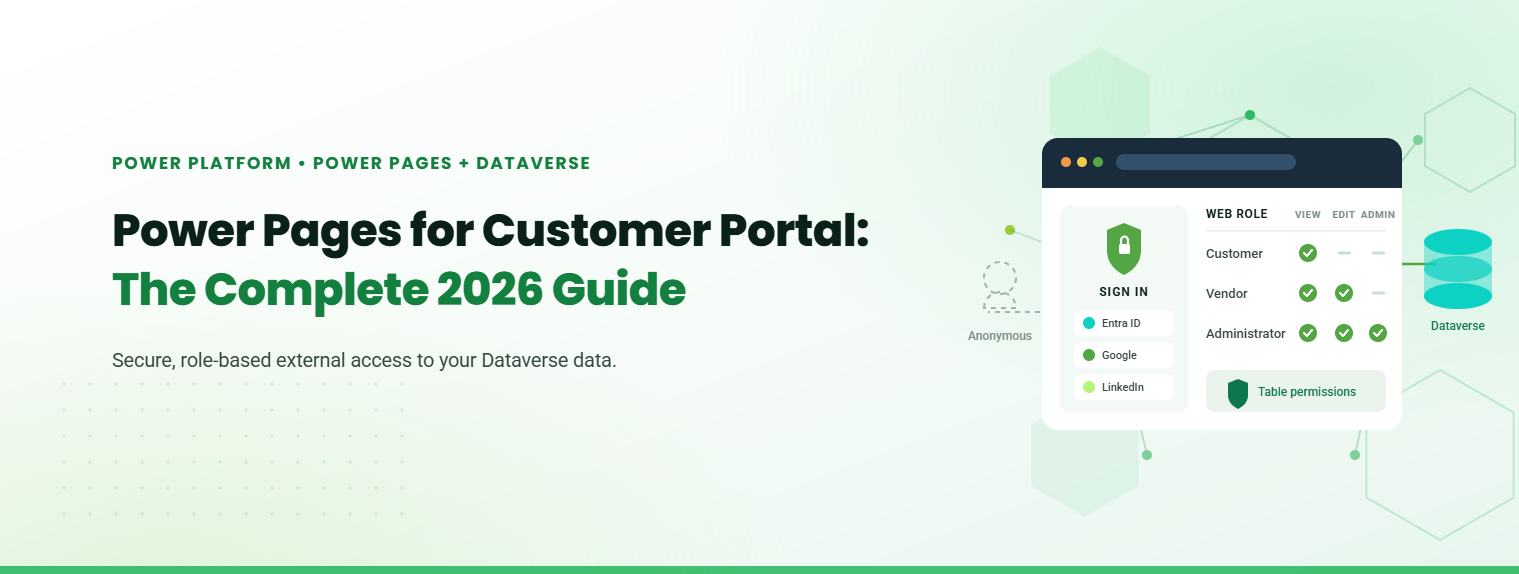
Power Pages for Customer Portal: The Complete 2026 Guide

Microsoft Power Pages for customer portal deployments is the fastest, lowest-risk route for businesses already invested in the Microsoft ecosystem. It gives external users secure, role-based access to your Dataverse data, without building a portal from scratch.

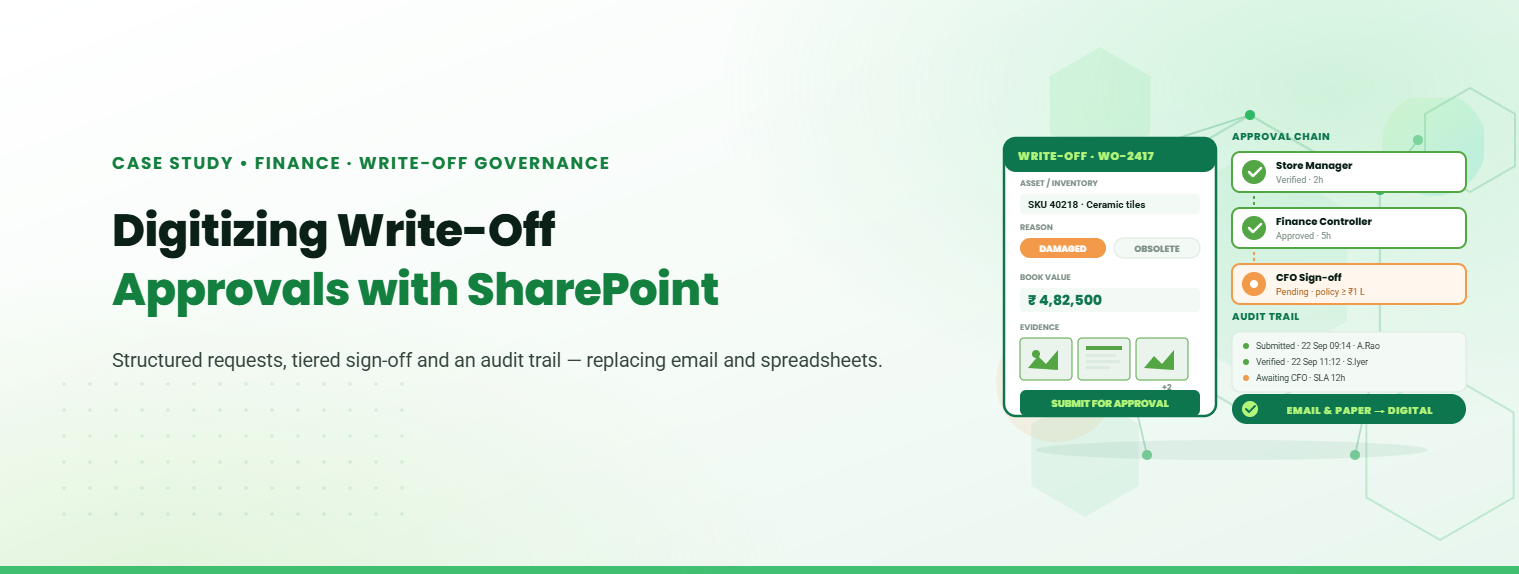
Digitizing Write-Off Approvals with SharePoint

Digital Transformation in Engineering and Construction Operations

How Roca Gained Faster Approvals and Better CAPEX Control with SharePoint.

Stay Informed & Improve Usability: Smart Alerts &...

Welcome to the latest edition of the TechnoRUCS newsletter! In this issue, we’re sharing two quick …..

Restrict Downloads in SharePoint & Export Data to Power BI

Welcome to the latest edition of the TechnoRUCS newsletter! We continue to share powerful Microsoft tips and tricks…..

Restrict Downloads in SharePoint & Export Data to Power BI

Welcome to the latest edition of the TechnoRUCS newsletter! We continue to share powerful Microsoft tips and tricks…..

Conclusion

Watch out for our next edition, where we’ll share strategies for leveraging Microsoft tools to transform your business. Reach out for personalized assistance or learn how TechnoRUCS can support your business.
Ready to get started on your business transformation with Microsoft solutions? Contact TechnoRUCS to begin.