Table of Contents
- 1. What is Low-Code Automation?
- 2. What Is a Low Code Development Platform?
- 3. Features of Low Code Platforms
- 4. Types of Low Code Development Platforms
- 5. Low Code vs. No Code Automation
- 6. Benefits of Low Code Automation
- 7. Low Code Automation Use Cases
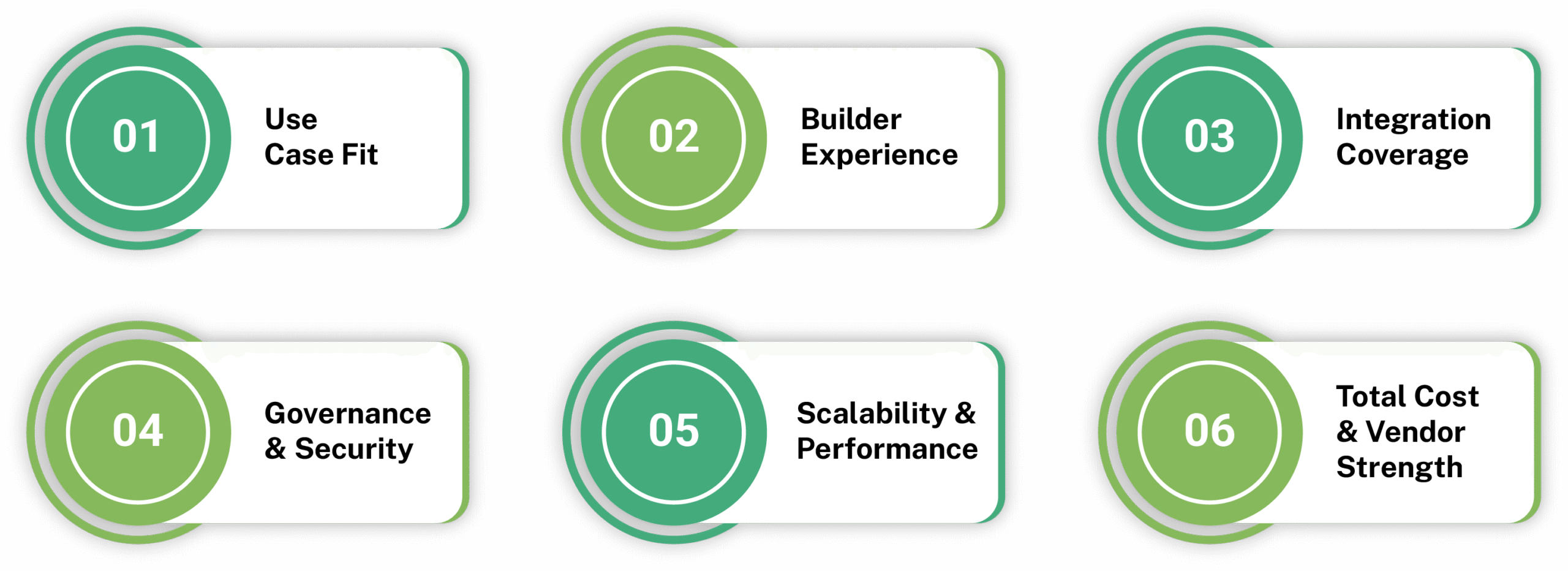
- 8. How to Choose a Low Code Development Platform for Automation
- 9. Low Code Automation Platform Examples
- 10. Challenges and Limitations
- 11.Final Thoughts
- 12.FAQs
If you have ever wished you could fix a broken workflow or launch a simple app without waiting for the IT team to do it, low code development is likely what you are looking for.
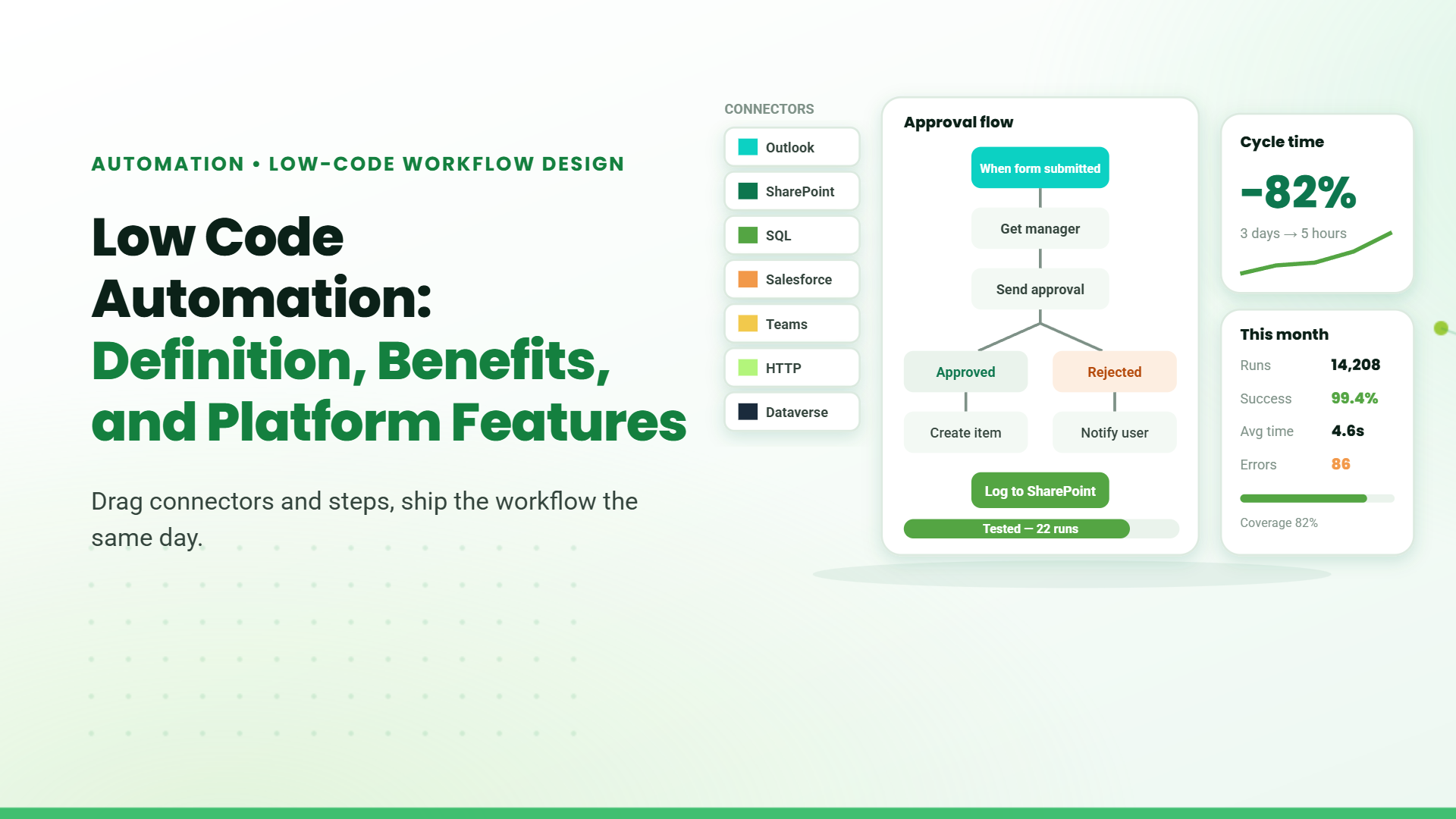
Low code automation builds on low code development and lets you design and automate business processes using visual interfaces, drag-and-drop components, and prebuilt templates instead of extensive coding.
It also reduces the amount of custom development required, while your IT team still maintains control over standards and security. The result is faster delivery of initiatives, fewer manual tasks, and an organization that can adjust more easily as customer expectations and internal priorities evolve.
What is Low-Code Automation?
Low-code automation refers to the use of visual tools and prebuilt components to automate business workflows with minimal coding. It is used to handle structured process steps like routing tasks, triggering actions, and moving information between systems.
What Is a Low Code Development Platform?
A low code development platform is a software that provides tools for designing applications and workflow logic through visual configuration. It includes components such as builders, connectors, and process modeling features to support solution creation without traditional coding.
Features of Low Code Platforms
Many low code development platforms include dedicated automation features so you can handle workflows and internal apps in the same place instead of relying on separate tools.
1. Visual Development and Workflow Orchestration
A low code platform lets you design user interfaces and workflows visually, using drag-and-drop builders instead of writing code line by line. A built-in workflow engine then orchestrates steps such as approvals, notifications, updates, and escalations according to the logic you configure.
2. Connectors and Integration Handling
These platforms provide connectors to systems like CRM, ERP, HR tools, databases, and messaging services, so you can move data and trigger actions without custom integration code. The platform manages authentication, API calls, and error handling behind the scenes.
3. Data Modeling and Validation Rules
Low code platforms allow you to model business entities, define fields and relationships, and generate forms to capture and update that data. You can apply validation rules and business logic at this layer so processes and apps enforce consistent data quality and behavior.
4. Security, Governance, and Monitoring
Enterprise-focused platforms include capabilities for role-based access control, environment separation, versioning, and audit logging. They also provide monitoring dashboards and reports so you can track workflow and app performance, spot delays, and demonstrate compliance for automated processes.
Types of Low Code Development Platforms
Process-centric Platforms
These platforms focus primarily on modeling and orchestrating end-to-end workflows. They emphasize process maps, human task management, approvals, and business rules, and are often used for low code process automation in areas like HR, finance, and operations.
Application-centric Platforms
Application-centric low code development platforms are designed to build internal business applications with automation built in, such as request apps, approval hubs, and operational dashboards. They provide UI builders, data modeling, and logic tools, so you can deliver these apps alongside the workflows that support them.
Integration-centric Platforms
Integration-centric platforms concentrate on connecting systems and automating data flows between them. They offer strong connectors, transformation capabilities, and scheduling, helping to automate workflows that span CRM, ERP, ticketing, and other core systems without writing extensive integration code.
Many vendors blend these characteristics, but using this lens makes it easier to match platform strengths to the kind of low code automation you need most.
Low Code vs. No Code Automation
| Aspect | Low Code Automation | No Code Automation |
|---|---|---|
| Primary users | Tech users and advanced business users. | Non-tech users and citizen developers. |
| Customization depth | Higher, with options for custom code where needed. | Limited to what the tool exposes in its UI. |
| Typical use cases | Cross-system, business-critical workflows and internal apps. | Simple, departmental apps and task automations. |
| Integration scope | Broad – can connect to enterprise systems of record. | Narrower, usually within a defined ecosystem. |
| Governance and scale | Enterprise-grade controls and scalability. | Lighter controls, suited to smaller units or teams. |
Many organizations use both, reserving low-code automation for processes and applications that need deeper integration, flexibility, and governance, while applying no-code tools for quick wins in contained areas.
Benefits of Low Code Automation
Low Code Automation Use Cases
Employee and HR Workflows
Low code automation is frequently used to streamline employee onboarding, offboarding, access requests, and policy acknowledgments. Forms, approvals, and checklists can be automated and surfaced through simple internal apps so each step is tracked in one place instead of being lost in emails and spreadsheets.
Finance and Procurement
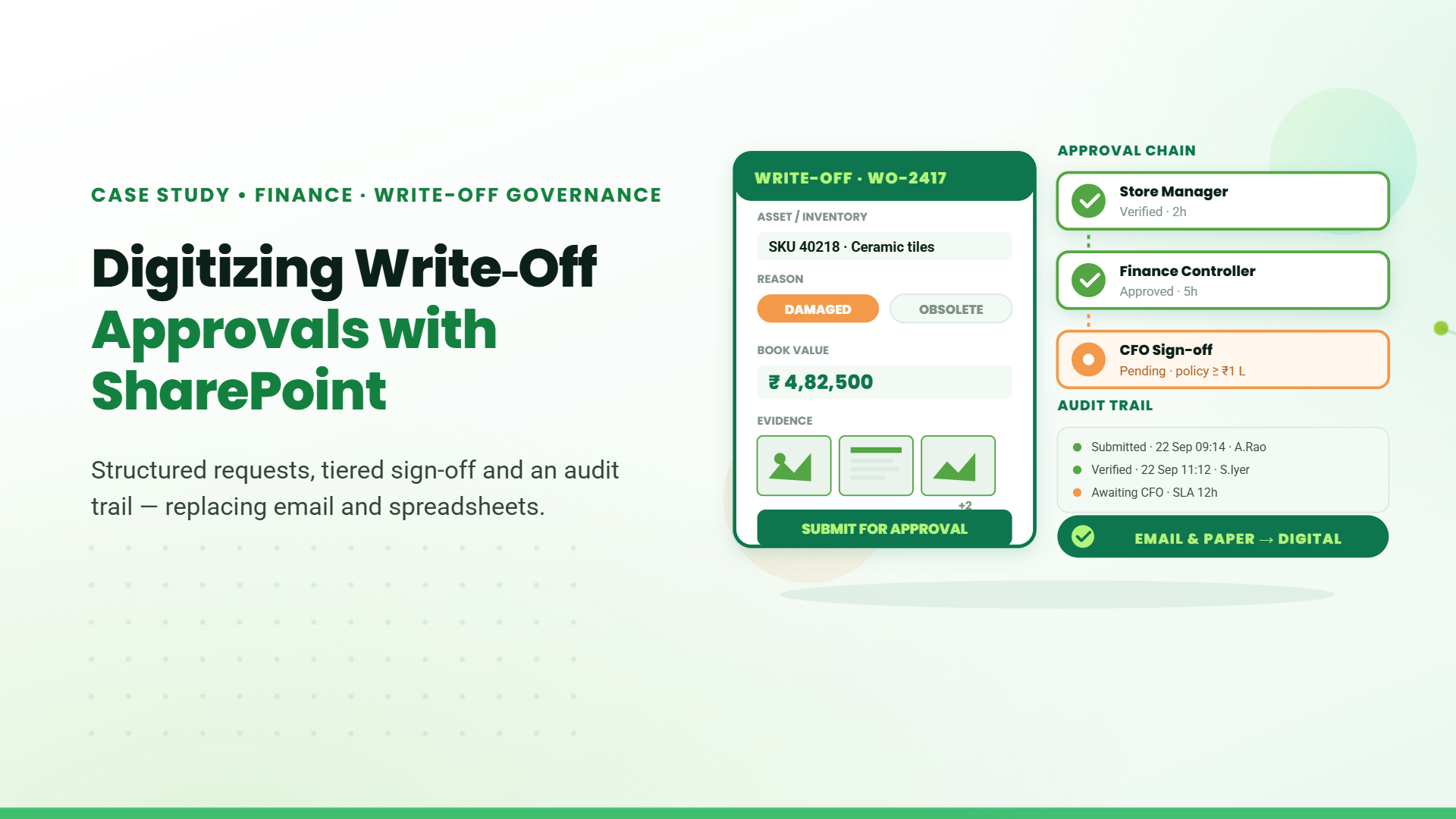
Low-code automation is often used for invoice routing, purchase approvals, expense management, and vendor onboarding. Low-code automation platforms connect to ERP and accounting systems, so finance can cut email back‑and‑forth and keep financial records accurate and up to date.
Sales, Service, and Customer Operations
Low-code automation helps automate lead assignment, quote approvals, service ticket escalations, and internal views of customer activity. By connecting CRM, support tools, and communication channels, your organization can respond more consistently while capturing better data for account teams.
Operations and Supply Chain
In operations, low code business process automation can support incident management, maintenance requests, order processing, and inventory flows. These solutions often pull data from multiple systems and present it through internal apps, so staff have a single place to see status and trigger the right actions.
How to Choose a Low Code Development Platform for Automation
Low Code Automation Platform Examples
Microsoft Power Platform
Microsoft Power Platform is a suite that includes Power Apps, Power Automate, and Power BI. It enables organizations to build applications, automate business workflows, and analyze data using low code tools across Microsoft 365 and other enterprise systems.
Appian
Appian is an enterprise low code automation platform focused on process management, workflow orchestration, and case handling. It helps organizations design and automate complex business processes while maintaining governance, visibility, and operational control.
Mendix
Mendix is a low code development platform that enables rapid application creation through visual development tools. It supports collaboration between business and IT teams, allowing faster design, testing, and deployment of enterprise-grade applications.
Challenges and Limitations
Even with strong low code platforms, low-code automation introduces its own set of challenges that are worth planning for.
Challenge 1: Solution Sprawl
As low-code automation becomes more widely used across the organization, it becomes easy to accumulate many small apps and workflows with overlapping purposes.
How to address it: Define an intake and review process, keep a central catalog of solutions, and establish guidelines on when to reuse versus build new.
Challenge 2: Integration Complexity
Complex data flows between legacy and modern systems can still be difficult to model, even with low code.
How to address it: Standardize integration patterns, invest in reusable connectors or APIs, and involve architects early in high-impact automations.
Challenge 3: Poor Solution Design Practices
It is easy for teams to build quick automations without a consistent structure, which can lead to confusing workflows, duplicated logic, and harder maintenance over time.
How to address it: Encourage simple design standards, review critical automations before release, and make sure complex workflows are built with input from experienced developers when needed.
Final Thoughts
Construction businesses already know where the pressure is. Costs rise, deadlines shift, and site staff rarely have the same picture as the office. Solving these issues doesn’t require reinvention. A well-configured Microsoft stack brings visibility, process discipline and accountability to everyday operations, turning a fragmented way of working into one that’s actually manageable.
FAQs
1. Is low-code automation suitable for regulated industries?
Yes. Many low-code automation platforms support audit trails, granular access controls, and data residency options, but you still need proper configuration, governance, and documentation to align with industry-specific regulations and internal compliance policies.
2. How does low-code automation impact IT teams?
Low-code automation shifts IT from building every workflow to enabling and governing a broader set of creators, while still owning architecture, integrations, platform security, performance, and lifecycle management of critical automations.
3. What are the advantages of low code automation platforms?
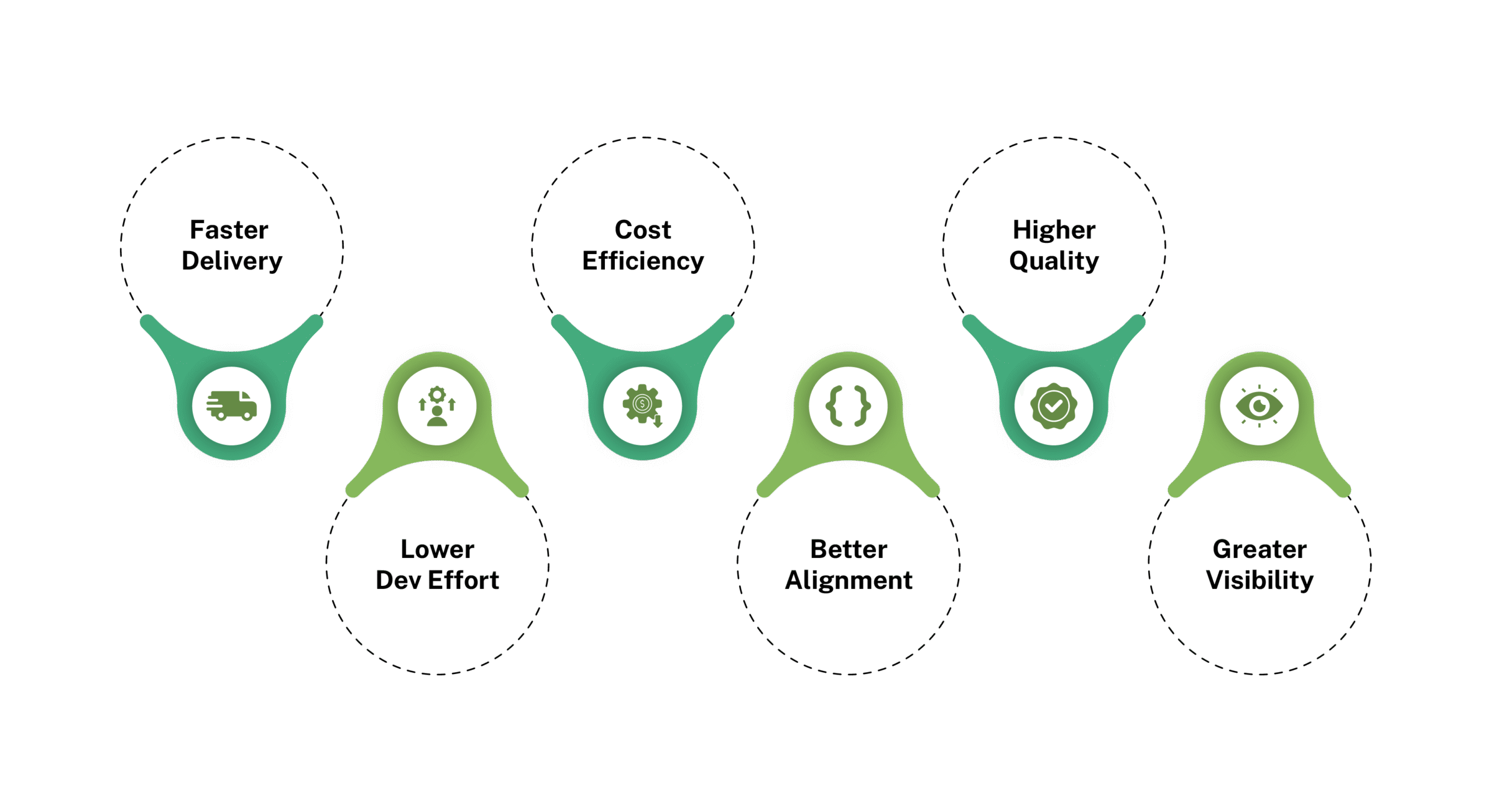
Low-code automation platforms accelerate delivery, cut development and maintenance costs, reduce IT backlog, and improve agility by letting teams rapidly build, change, and scale workflows and apps with minimal coding effort.
4. When should you use low code automation tools?
Use low code automation tools when you need to quickly digitize workflows, integrate existing systems, and iterate based on feedback, without committing to lengthy custom development projects and large engineering teams.