Quick Answer
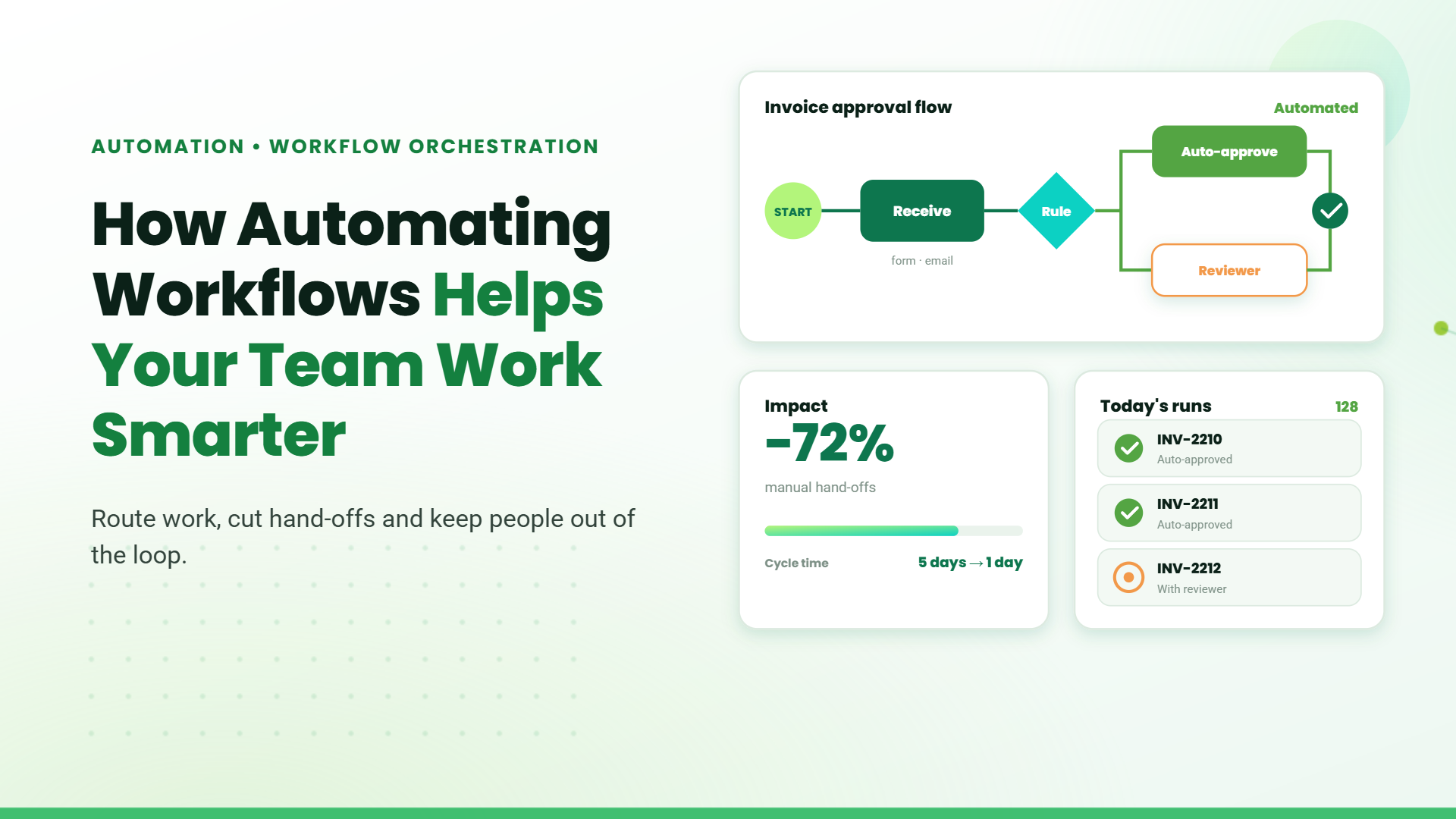
Workflow automation is the use of software to execute business tasks and processes based on predefined rules automatically. It reduces manual work by handling actions such as approvals, notifications, data transfers, and task assignments. This helps organizations improve efficiency, minimize errors, and speed up operations.
Many business processes work well on paper but slow down in practice. Approvals stall, data gets re-entered across systems, and follow-ups rely on manual reminders. These inefficiencies often go unnoticed until they begin affecting speed, accuracy, or customer experience.
Automating business workflows addresses this challenge by replacing manual handoffs with software that executes tasks automatically and consistently. This blog covers how it works, where it applies, and what to consider before implementing it.
What Is Workflow Automation?
Workflow automation is the use of rule-based logic and software to move work through a predefined sequence of steps automatically. When a trigger occurs (a form submission, an email, a database update), the system kicks off the next action without anyone having to start it manually. It encodes the “what happens next” logic your team already follows and executes it automatically.
Workflow Automation vs. Robotic Process Automation
Both technologies reduce manual work, but they operate at fundamentally different levels.
Key Differences at a Glance
| Dimension | Workflow Automation | RPA |
| What it automates | End-to-end processes and handoffs between people, teams, and systems | Repetitive, rule-based tasks that a human performs on a UI or desktop |
| How it works | Integrates directly with APIs and databases via built-in connectors | Uses software bots that interact with application interfaces |
| Scope | Process orchestration that coordinates multiple steps, people, and systems | Task-level automation that replaces a single human action or sequence |
| Best for | Approvals, onboarding flows, cross-team handoffs, notifications | Data entry, screen scraping, legacy system interactions |
| Dependency | Requires system APIs or native integrations | Works with any application, even those without an API |
| Maintenance | Low, since changes to logic are made in a visual workflow editor | Higher, as bots break when UI layouts or screen elements change |
| Visibility | Full process visibility, including status, bottlenecks, and audit trails | Task-level logs with a limited end-to-end process view |
Many enterprises use workflow automation and robotic process automation together, with workflow automation managing the process and RPA handling tasks in legacy systems without APIs.
Why Businesses Are Automating Workflows?
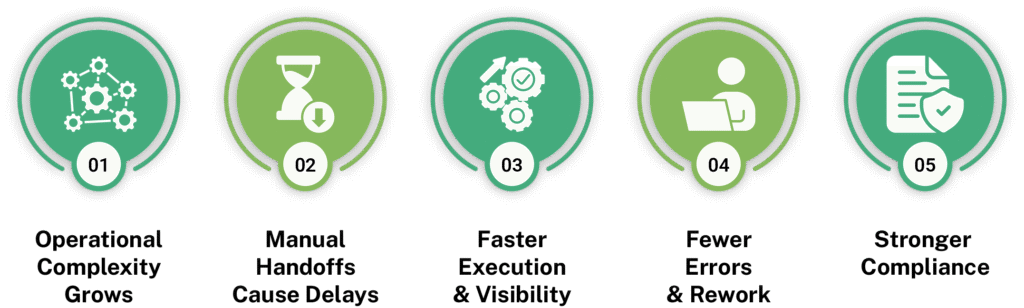
As organizations scale, automating business workflows helps maintain speed, accuracy, and coordination across teams and systems.
- PoC to Production Gap: Pilots often succeed in controlled settings, but production environments require stable data pipelines, monitoring, integration layers, and governance controls. Without these elements, AI remains isolated.
- Infrastructure Fragmentation: Enterprise data and applications are spread across multiple systems with inconsistent standards. This fragmentation slows integration and makes scaling more complex than expected.
- Legacy System Complexity: Older ERP and operational platforms were not designed for modern AI workloads. Limited APIs and rigid architectures create integration constraints.
- Security and Compliance Barriers: AI must align with privacy regulations, access controls, and audit requirements. Governance concerns frequently delay deployment approvals.
How AI Solutions for Enterprises Are Implemented?
Artificial Intelligence integration services follow a structured path that moves solutions from experimentation into controlled production environments.
How Workflow Automation Works?
Workflow automation follows a simple model where a trigger starts the process, work moves through predefined steps, and tasks execute automatically to automate repetitive business tasks.
Process Mapping and Workflow Design
Before any automation runs, the process has to be defined. Teams map out each step, decision point, and handoff, then translate that logic into the workflow tool. The clearer the process on paper, the more reliably it runs when automated.
Triggers That Initiate Workflows
Every workflow starts with a trigger, a form submission, an incoming email, a record update in a database, or a scheduled time. The trigger is the “if this happens” condition that sets everything in motion.
Task Routing and Approval Flows
Once triggered, the system assigns tasks to the right person or team based on predefined rules like role, region, or deal size. Approvals follow the same logic, moving sequentially or in parallel depending on what the process requires.
Automated Notifications and Status Updates
At each stage, the relevant parties are notified automatically. No manual follow-ups, no chasing for updates. Stakeholders get the right information at the right time, and the process keeps moving.
Integration with CRM, ERP, and Collaboration Tools
Workflow automation connects the tools teams already use. A completed approval in one system can update a record in the CRM, trigger a task in the project tool, or push data into the ERP, keeping every system in sync without manual data entry.
Types of Workflow Automation
Not all workflow automation works the same way. The right type depends on the complexity of the process, the systems involved, and how much judgment the workflow requires.
Rule-Based Automation
The most fundamental type. The system follows a fixed set of conditions, executing the next action only when specific criteria are met. It works well for processes that are predictable and consistent, such as assigning incoming tickets by category or sending a confirmation email after a form is submitted.
Integration-Driven Workflows
These workflows connect multiple systems and pass data between them automatically. When a deal closes in the CRM, the ERP gets updated. When a new employee is added to HR software, access is provisioned across relevant tools. The automation is driven by events happening across connected platforms.
AI-Assisted Workflow Automation
Here, machine learning or natural language processing is layered into the workflow to handle steps that require interpretation. The system can classify documents, extract data from unstructured inputs, flag anomalies, or make routing decisions based on patterns rather than rigid rules. This is particularly useful when inputs vary, and fixed conditions are not enough.
Document and Approval Automation
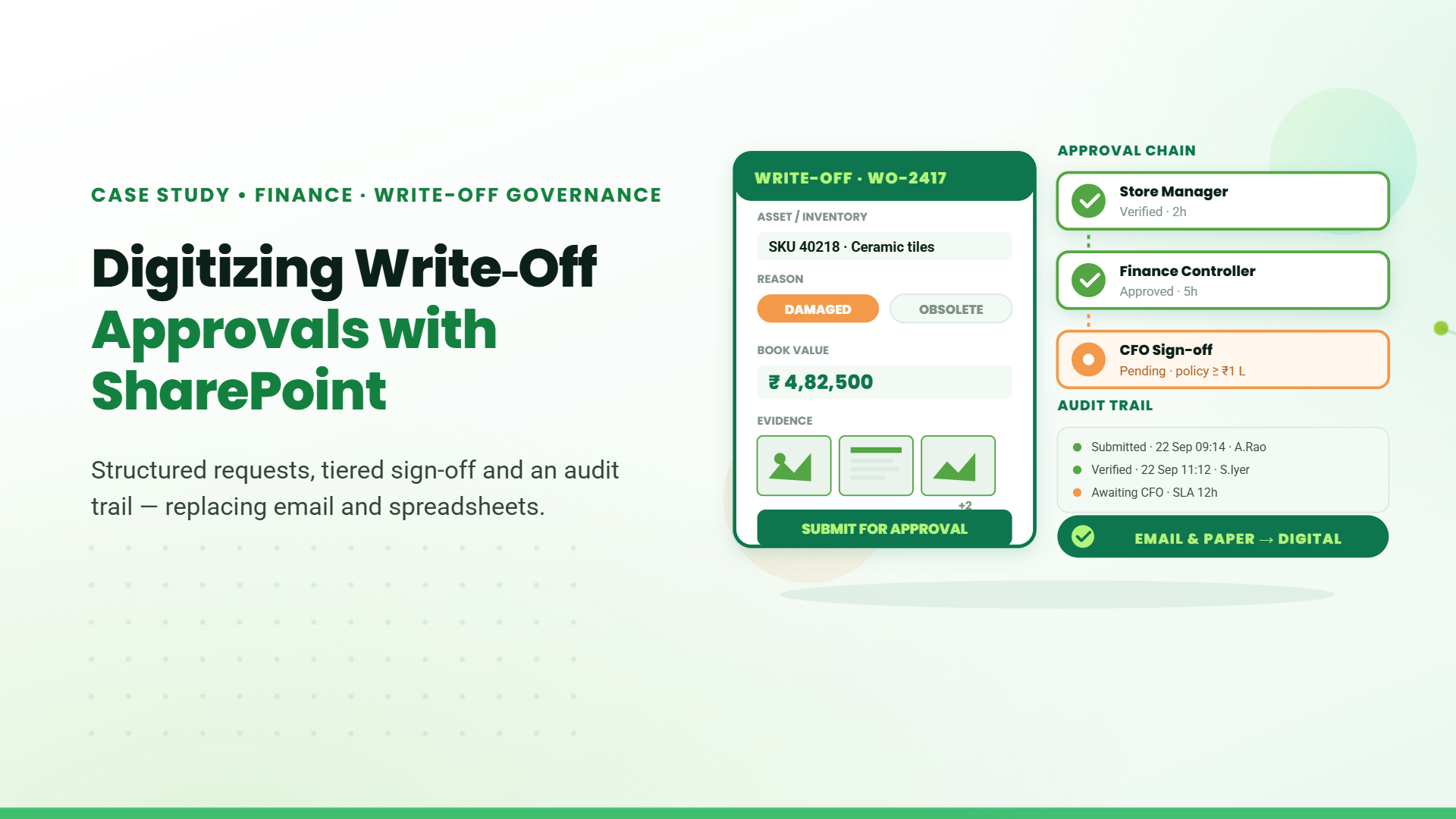
Focused specifically on document-heavy processes. Contracts, invoices, purchase orders, and compliance forms move through review and sign-off stages automatically. The right approvers are notified, deadlines are tracked, and every version and decision is logged for audit purposes.
Examples of Workflow Automation Across Departments
Not every department runs the same processes, but workflow automation applies broadly across functions, cutting out the manual steps that slow each one down.
- Sales: Leads are scored and routed to the right rep based on region, deal size, or industry. Follow-ups trigger automatically based on prospect activity, and CRM records update as deals move through the pipeline.
- HR: Offer acceptance triggers onboarding tasks across IT, finance, and hiring teams. Document collection, policy acknowledgments, and tool access are tracked automatically. Offboarding workflows manage access revocation, equipment returns, and exit documentation.
- Finance: Expense reports route to the correct approver based on the amount or department. Invoice workflows match purchase orders, flag discrepancies, and escalate exceptions. Month-end close tasks are assigned with automated reminders.
- IT: Service requests are categorized and assigned to the appropriate team automatically. High-priority tickets escalate based on response thresholds, and software access requests move through approval and provisioning.
- Operations: Project kickoffs trigger task assignments, timelines, and stakeholder notifications. Status updates are shared as milestones are completed, and delays automatically alert project owners and adjust dependent tasks.
Common Challenges in Automating Business Workflows
While automating business workflows delivers significant efficiency gains, implementation is rarely without friction. These are the most common challenges organizations run into.
- Poorly Structured Processes: If a process has gaps or unclear ownership before automation, those problems carry over. Processes need to be mapped and cleaned up first.
- Integration Complexity: Connecting multiple systems requires careful planning around data formats and API limitations, especially when legacy tools are involved.
- User Adoption and Change Management: Without proper training and communication, even well-built workflows go underused.
- Governance and Access Control: As workflows multiply, unclear ownership leads to overlapping automations that become difficult to manage or audit.
- Scalability and Maintenance: Workflows built for today’s rules and volumes may break as the business evolves, requiring regular review and dedicated ownership.
Workflow Automation Software for Businesses
Workflow automation uses digital workflow automation platforms that connect systems and coordinate processes across CRM, ERP, HR, and collaboration tools.
Organizations can use them to design and manage workflows more easily. They also help automate routine activities like approvals, notifications, record updates, and task assignments across teams.
How to Choose the Right Workflow Automation Platform
When selecting workflow automation software, organizations should evaluate several factors to ensure the platform fits their operational needs:
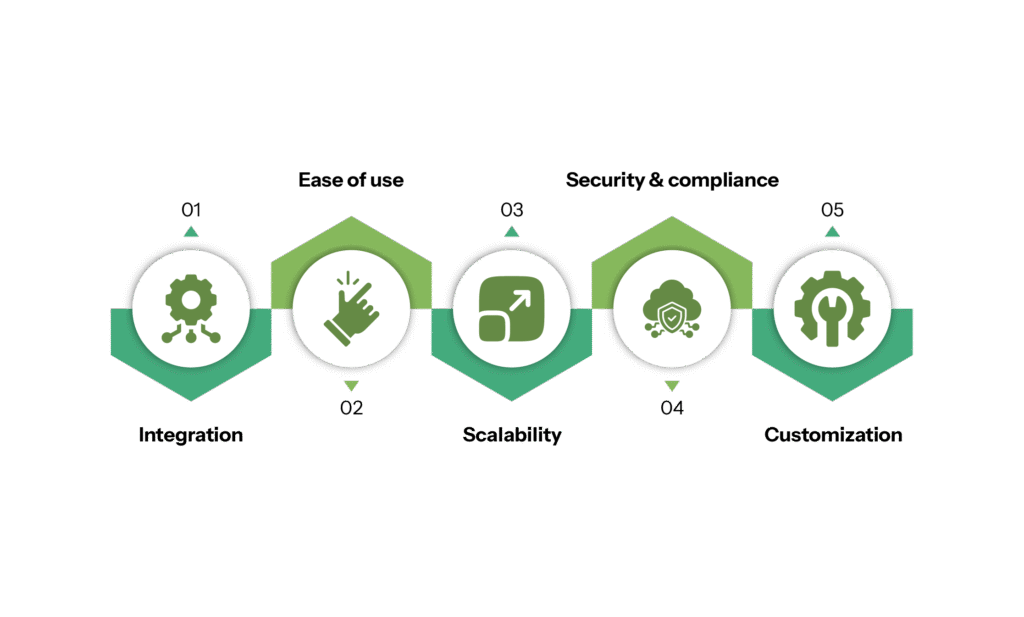
The goal is not just to automate individual tasks but to create a connected automation layer that keeps business processes running smoothly across systems and teams.
Table of Contents
- 1. Introduction
- 2. What Is Workflow Automation?
- 3. Why Businesses Are Automating Workflows?
- 4. How AI Solutions for Enterprises Are Implemented?
- 5. How Workflow Automation Works?
- 6. Types of Workflow Automation
- 7.Examples of Workflow Automation Across Departments
- 8. Common Challenges in Automating Business Workflows
- 9. Workflow Automation Software for Businesses
- 10. How to Choose the Right Workflow Automation Platform
- 11. Conclusion
- 12. FAQs
Talk to our Microsoft Expert Consultant
Conclusion
Workflow automation is now widely used by businesses to reduce manual work, improve process consistency, and scale operations. The starting point does not have to be complex. Identifying one repetitive, high-volume process and automating it well delivers measurable value and builds the foundation for broader automation across the organization.
Share this article

About the Author
Chandru is a technology professional experienced in business automation, Microsoft solutions, and digital transformation. Through practical insights, [he/she/they] helps businesses understand emerging technologies and achieve meaningful outcomes.
Frequently Asked Questions
Workflow automation uses predefined rules and integrations to automate repetitive business tasks like approvals, data transfers, and notifications, helping organizations reduce manual work, minimize errors, and streamline operations.
AI-powered workflow automation platforms use machine learning and automation tools to analyze inputs, route tasks intelligently, and optimize processes, helping organizations automate complex workflows and improve operational efficiency.